
Works great
Works great for my Mac and setting up multiple monitors Read more
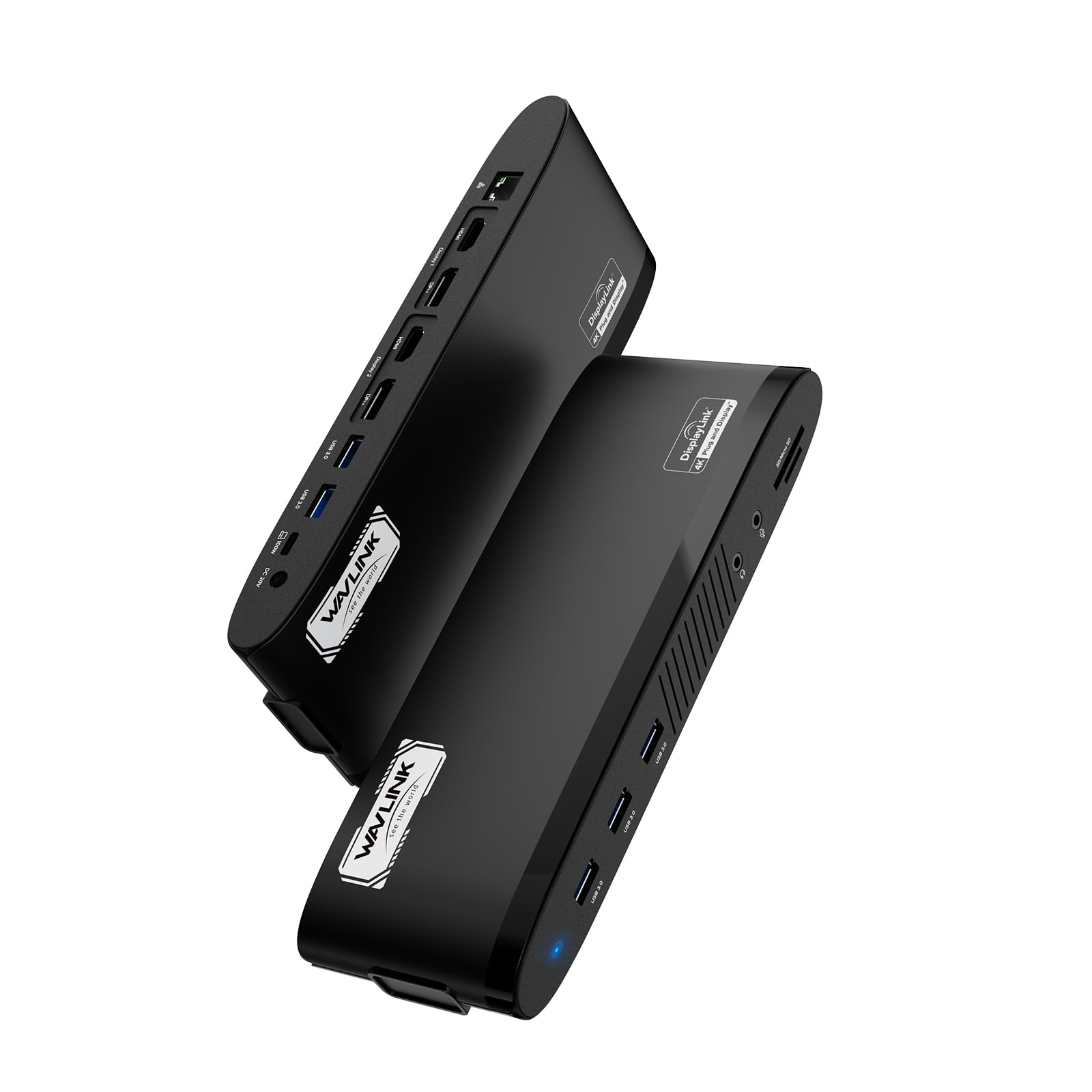
WAVLINK


Product video 1
Rated 4.5/5 across 41 reviews — highly regarded by customers.
Customer summary is not available yet.
Works great for my Mac and setting up multiple monitors Read more
I purchased this WAVLINK DisplayLink docking station because I needed a dependable, all in one solution to support a serious multi monitor workstation for daily productivity. I wanted something that could handle dual external displays, power my laptop, support wired networking, and manage multiple peripherals without instability. After extensive daily use, this dock has proven to be a powerful, reliable centerpiece for a full desktop style setup. Design, Build Quality, and Desk Integration: The dock has a professional, understated design that fits perfectly in a work environment. The matte black casing looks clean and modern, and the unit feels solid and well weighted in the hand. It does not feel hollow or cheaply constructed. Once placed on the desk, it stays put even with multiple thick cables connected. The ports are laid out logically, making it easy to plug and unplug devices without crowding or awkward angles. Venting is well designed, and the dock never feels excessively hot during long workdays. DisplayLink Technology and Dual Monitor Performance: This dock excels at driving multiple external displays. Using DisplayLink technology, it reliably supports dual monitors at 4K resolution, even on systems that normally have native display limitations. The image quality is sharp and clear, with stable output and no flickering, tearing, or random signal drops. Switching between applications across multiple screens feels smooth and responsive, making it ideal for multitasking, document heavy work, spreadsheets, coding, monitoring dashboards, or general productivity. The experience feels like a true desktop replacement rather than a compromise. Mac and Windows Compatibility in Real World Use: One of the strongest points of this dock is its flexibility across platforms. It works very well with both Mac M series laptops and Windows machines, which is a huge advantage if you use multiple systems or work in a mixed device environment. Once the DisplayLink software is installed, the dock integrates seamlessly. After initial setup, it becomes fully plug and play, recognizing displays and peripherals almost instantly when connected. Port Selection and Connectivity Versatility: The 14-in-1 port selection is genuinely useful rather than just marketing. Multiple USB ports allow you to keep a keyboard, mouse, webcam, external storage, and other accessories connected simultaneously without needing additional hubs. The SD and TF card readers are convenient for quick file transfers and eliminate the need for separate card readers. The Ethernet port provides a stable, fast wired connection, which is especially valuable for work that requires consistent network performance. The audio jack works cleanly with no static or interference. Power Delivery and Single Cable Convenience: The 100W power delivery is a standout feature. It reliably charges my laptop while simultaneously running dual monitors and all connected peripherals. There is no noticeable slowdown or power fluctuation, even during heavier workloads. Being able to power everything through a single USB-C connection dramatically simplifies desk cable management and makes docking and undocking effortless. Performance Stability and Daily Reliability: In daily use, this dock has been extremely stable. Displays connect consistently, peripherals are recognized immediately, and there are no random disconnects or freezes. This reliability is critical for a workstation that stays connected for hours at a time. It performs the same at the beginning of the day as it does after extended use, which speaks to solid internal design and power handling. Setup Experience and Ease of Use: Initial setup is straightforward and well worth the short configuration time. Once the DisplayLink driver is installed, the dock works seamlessly every time it is connected. From that point on, it becomes a true one cable solution. Plugging in instantly restores the full workstation setup without needing to manually reconnect anything. Thermal Management and Long Term Operation: Even under continuous use with multiple displays and peripherals attached, the dock manages heat very well. It becomes warm but never hot, and performance remains consistent throughout the day. This makes it suitable for long work sessions without concern for overheating or throttling. Productivity Impact and Workstation Value: This docking station significantly improves workflow efficiency. It reduces desk clutter, eliminates adapter juggling, and makes transitioning between mobile and desk work effortless. For anyone running a multi monitor setup, it feels less like an accessory and more like essential infrastructure. Overall Value and Investment Justification: While the price reflects its professional grade capabilities, the value becomes clear once you factor in how many adapters and hubs it replaces. It delivers strong performance, broad compatibility, and long term reliability, making it a worthwhile investment for serious work setups. Final Thoughts: This WAVLINK DisplayLink docking station is a robust, dependable solution for anyone who wants to turn a laptop into a full desktop workstation with minimal hassle. It offers excellent display support, strong power delivery, extensive connectivity, and rock solid stability for daily use. I highly recommend it !!!! Read more


The WAVLINK 14-in-1 docking station expands your laptop’s connectivity with 2 DisplayPort, 2 HDMI, 5 USB-A (5Gbps), RJ45 Ethernet, dedicated 3.5mm earphone and mic jacks, plus SD/TF card readers. It supports dual 5K or dual 4K displays for clear, vibrant visuals—ideal for multitasking and productivity. Note, only one video port per display can be used, and it’s not designed for gaming or graphics-intensive work. Compatible with Windows 10/11, Mac OS 11.x-15.x, Chrome OS, Ubuntu, Android, and HarmonyOS, the docking station works well with many popular laptops, including M1-M4 MacBooks and ASUS models. It requires DisplayLink driver installation and does not support Linux, Unix, iOS, or iPadOS. A 130W adapter powers the USB-C host port, delivering up to 100W for your laptop. Data transfers are fast with 5 USB-A ports (up to 5Gbps) and SD/Micro SD v4.0 readers (up to 312MB/s). The RJ45 Ethernet provides stable 1000Mbps networking, and separate audio jacks enhance media experiences. Overall, this docking station offers versatile connectivity, reliable power, and quality display support for modern workspaces. Read more
Pros: Very well made Solid construction Compact size Very good connectivity Great versatility Great functionality It uses the DisplayLink driver Works equally well with Microsoft Windows and Apple macOS Should be a long lasting and durable You can add two extra 5K monitors to your set up Plenty of ports that cover everything I need A great value for the price Cons: None so far Read more
This WAVLINK Dual 5K Display Docking Station (WL-UG69PD11) is a powerful productivity hub that transforms a single USB-C connection into a full multi-monitor workstation—ideal for remote work, office setups, video editing, education/training, or everyday multitasking. Functionality is impressive with its 14-in-1 port array: it delivers dual 5K (5120×1440@60Hz) or equivalent high-res displays using the 2 HDMI and 2 DP ports (note: use only one video port per display—either DP or HDMI—not both on the same monitor for dual-output stability). This provides super-clear, vivid detail for spreadsheets, coding, design work, or content creation. It includes 5 high-speed USB-A ports (up to 5Gbps), Gigabit Ethernet (1000Mbps), SD/MicroSD card readers (up to 312MB/s), and a 3.5mm audio/mic combo jack for headsets—everything you need for a clean, cable-managed desk. USB 100W power delivery (upstream charging) keeps your laptop powered and charged during long sessions without needing a separate charger. Overall build quality feels solid and premium: sturdy metal/plastic construction with a sleek, low-profile design that's stable on the desk and doesn't feel cheap. Ease of setup and use is good once drivers are installed—connect via USB-C, plug in peripherals, and go. It's straightforward for daily use, though not plug-and-play: it requires the latest DisplayLink driver (download from DisplayLink or WAVLINK site) for video output. This applies especially on Mac (macOS 11+), Windows 10/11, and limited support on Chrome OS/Ubuntu—but not compatible with Linux/Unix, iOS, or iPadOS in full video mode. Weight is reasonable (not featherlight but portable enough for home/office moves), adding to its desk-friendly feel without being bulky. At around $170 (as of January 1, 2026), it's on the expensive side for a DisplayLink-based dock, but reasonable for what it offers: true dual high-res 5K support, generous ports, 100W PD, and reliable expansion for productivity-focused users. Important note: This is not suitable for gaming or intensive GPU-heavy tasks (e.g., 3D rendering, high-FPS gaming)—DisplayLink tech compresses video over USB, so expect some latency or reduced performance in demanding applications. It's best for office/productivity, browsing, coding, document work, or light media consumption. If you're building a clean dual-monitor workspace for work or creative tasks (and don't need gaming-level performance), this dock delivers excellent value and versatility. Highly recommended for the right use case! Read more


Laptop Docking Station 12 in 1 Triple Display USB C Hub for Windows with Dual DP HDMI 100W
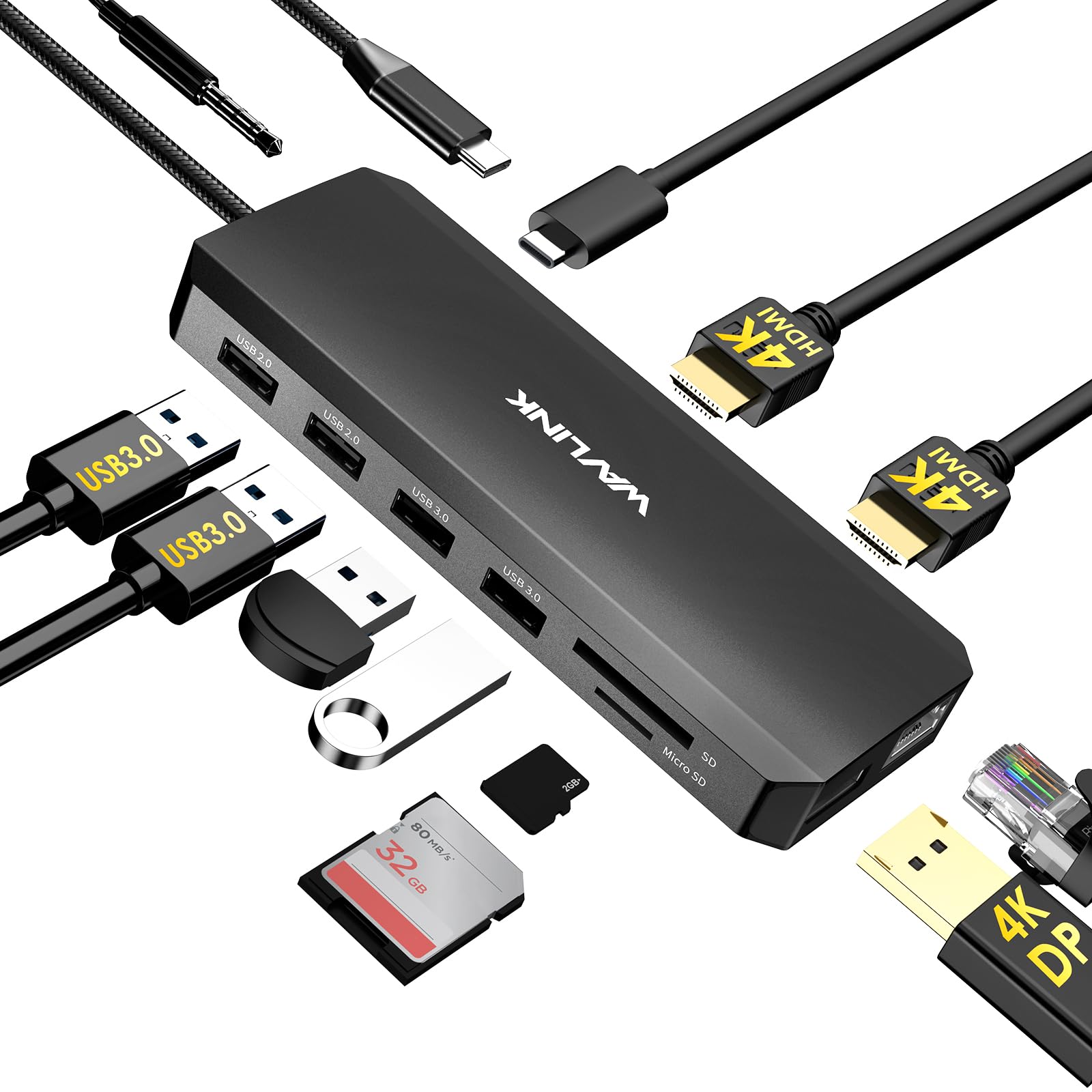
WAVLINK Laptop Docking Station Dual Monitor Triple Display for Windows OS USB C Hub with 2 HDMI DisplayPort
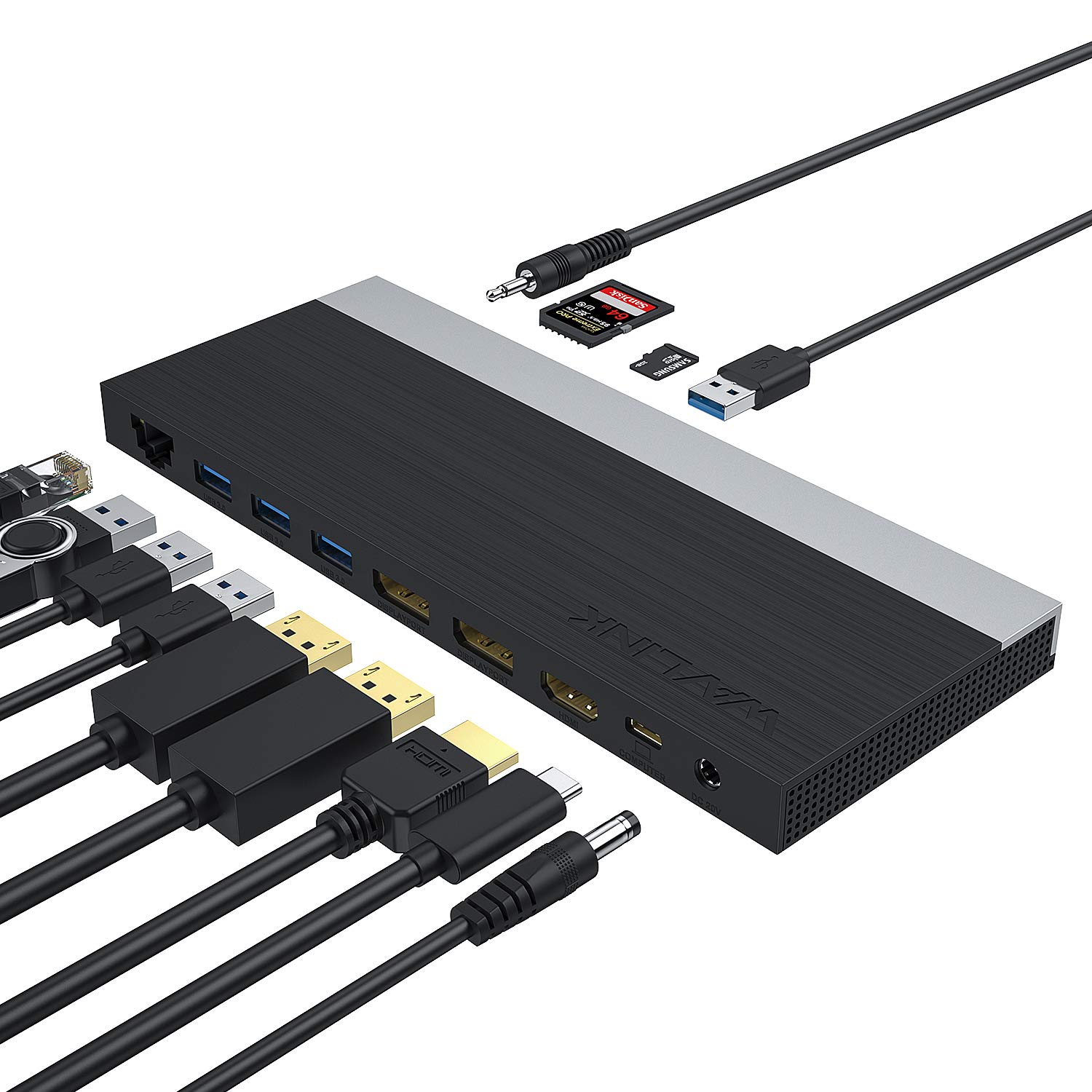
WAVLINK USB C Docking Station 13-in-1 Triple Display Type C Hub Adapter with HDMI 2 DisplayPort Ethernet 4

Belkin Connect Thunderbolt 4 Docking Station 5-in-1 USB-C Multiport Core Hub w 96W Power Delivery for Mac Windows
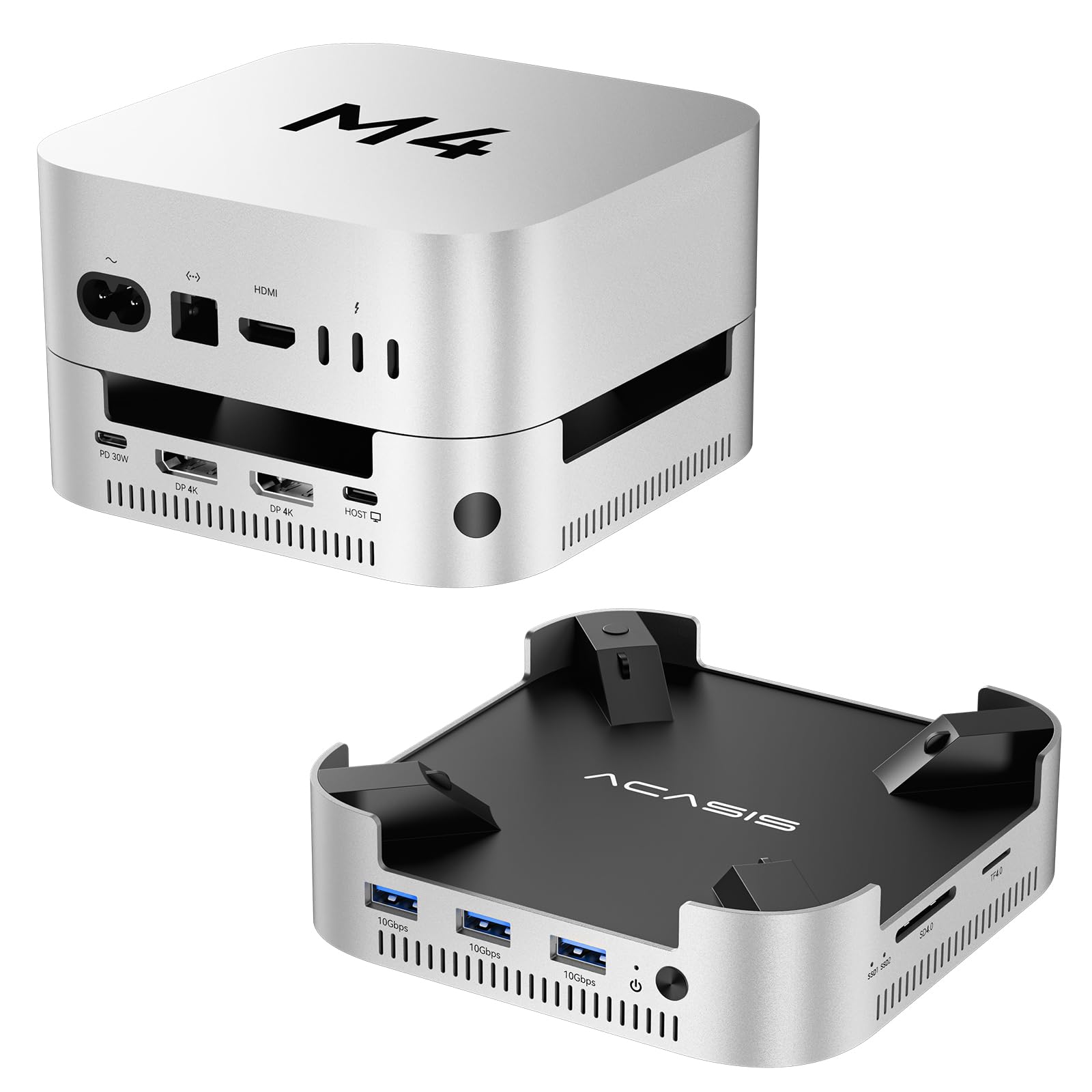
ACASIS 40Gbps Mac mini M4 Dock Stand with Dual-Bay NVMe SSD Enclosure Aluminum DP Hub for Mac mini
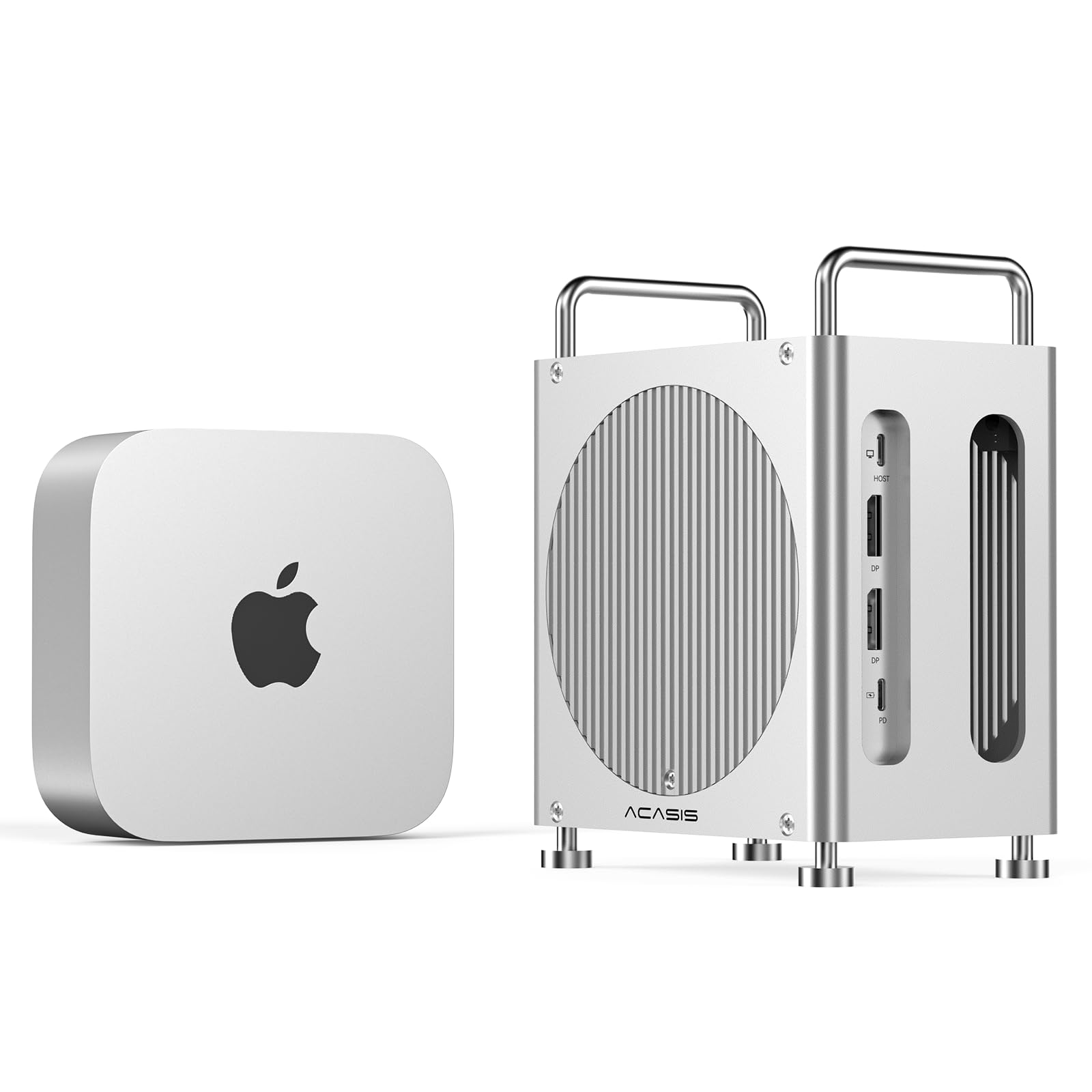
ACASIS 40Gbps Mac mini M4 Dock Ultra-Fast Transmission Mac mini M4 Hub with Signle ssd Enclosure Support Up
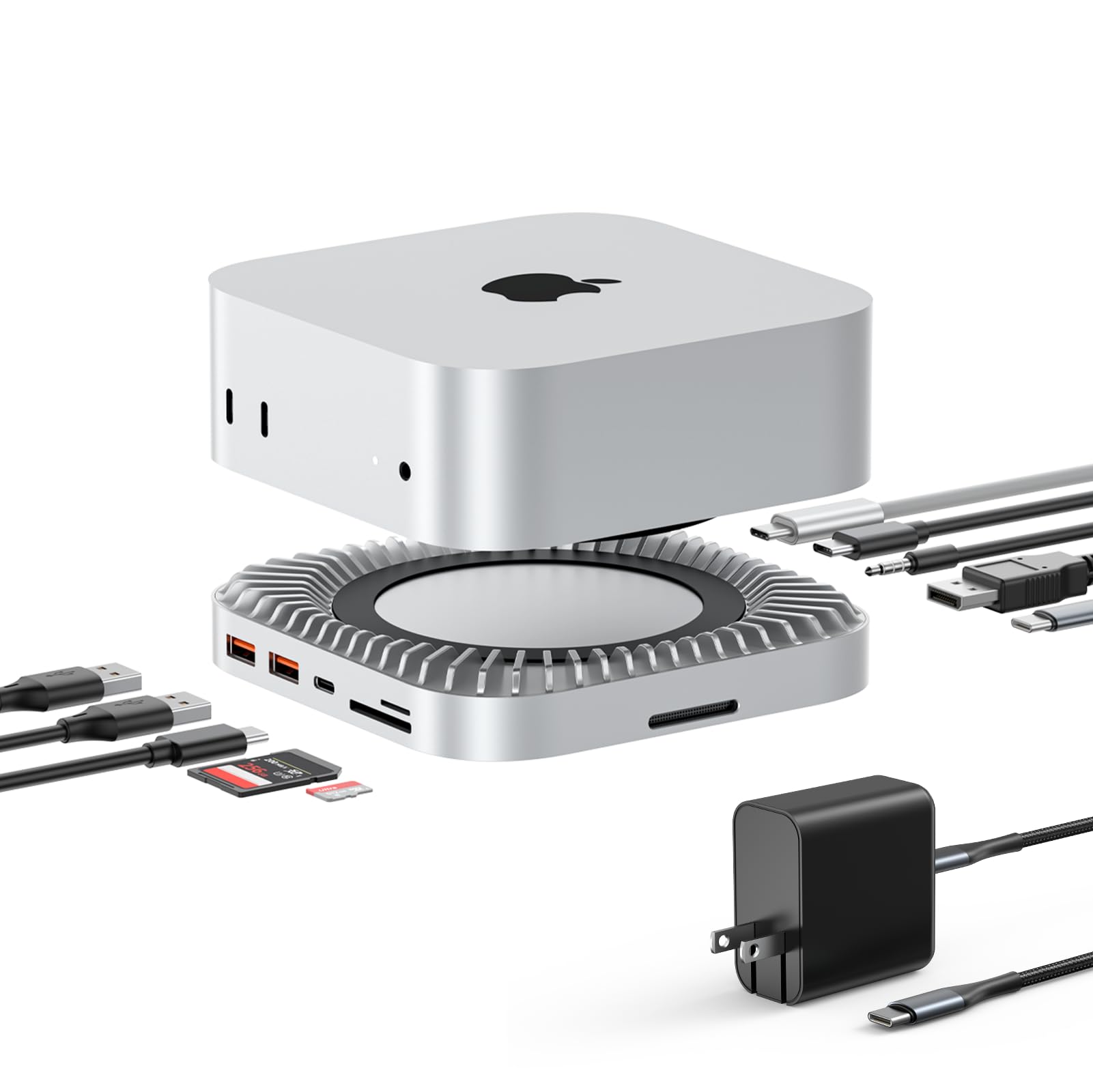
RayCue 40G Mac mini M4 Dock Stand with 8T NVMe SSD Enclosure 2X USB-A 3 2 10Gbps USB-C
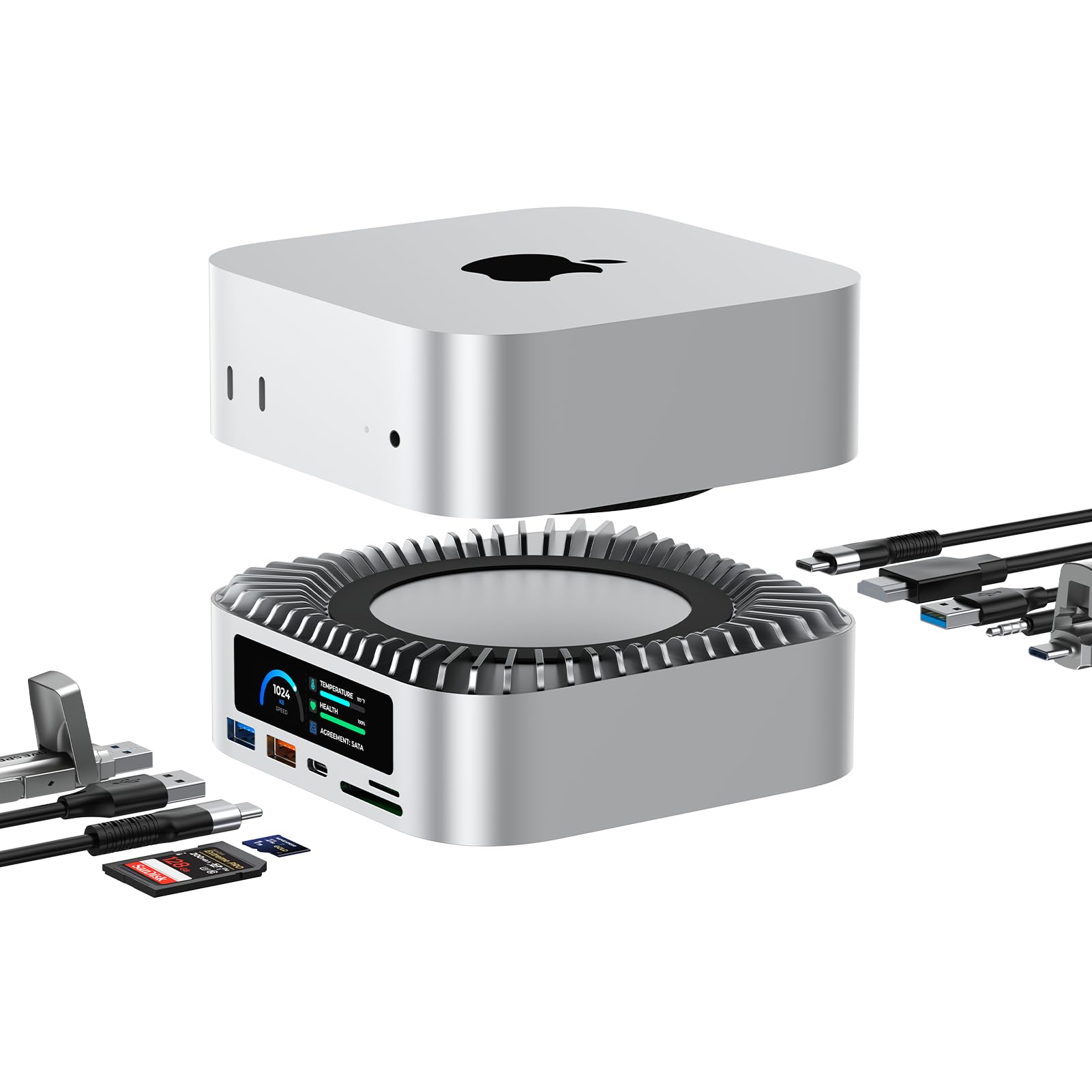
RayCue All-in-One Dock for Mac mini M4 with Smart Displays NVMe SATA SSD Enclosure 4K60Hz HDMI 10G USB-A
We use optional analytics cookies to understand how visitors use Ventari and improve the experience. This banner controls analytics measurement only. See our Cookie Policy.