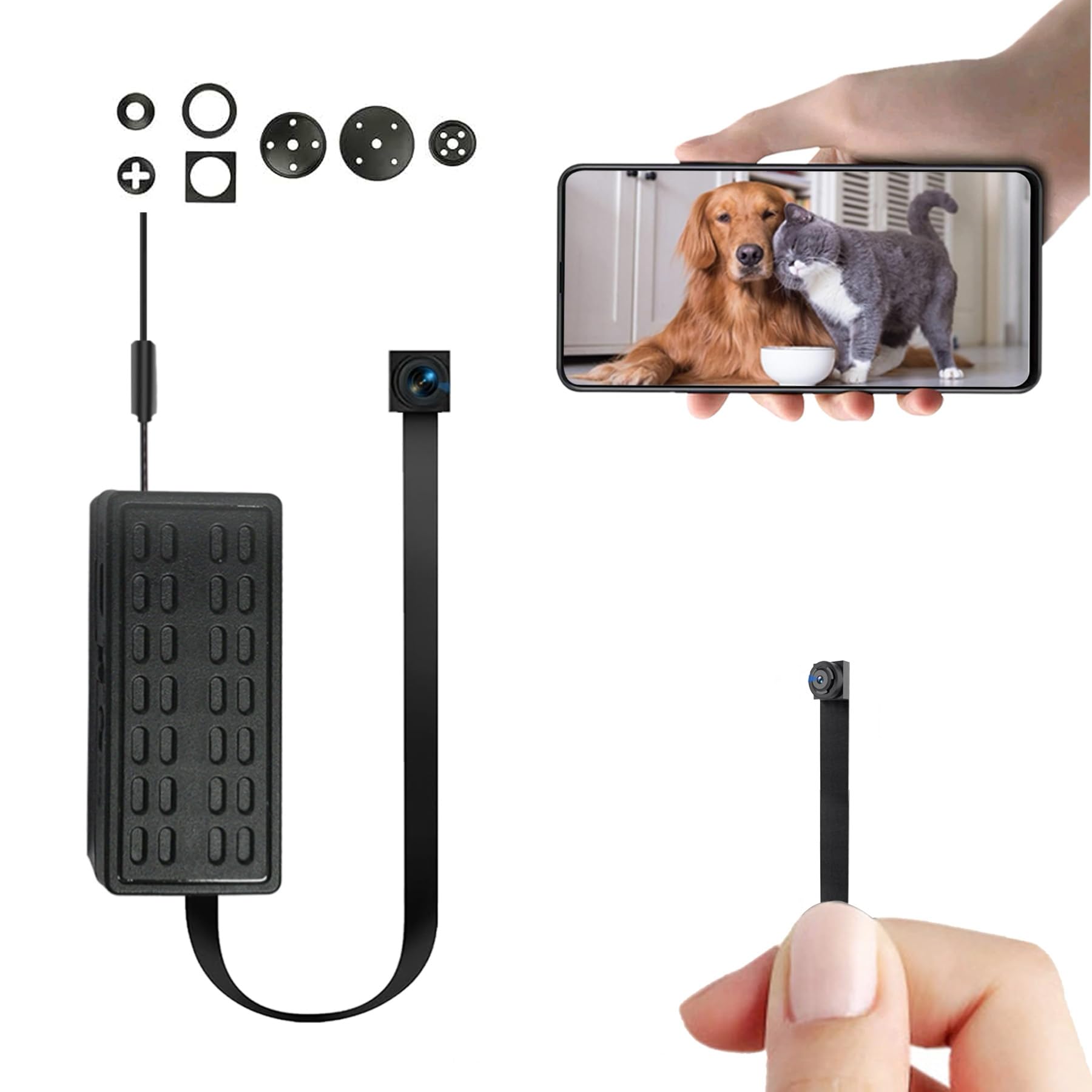
Follow the setup instructions
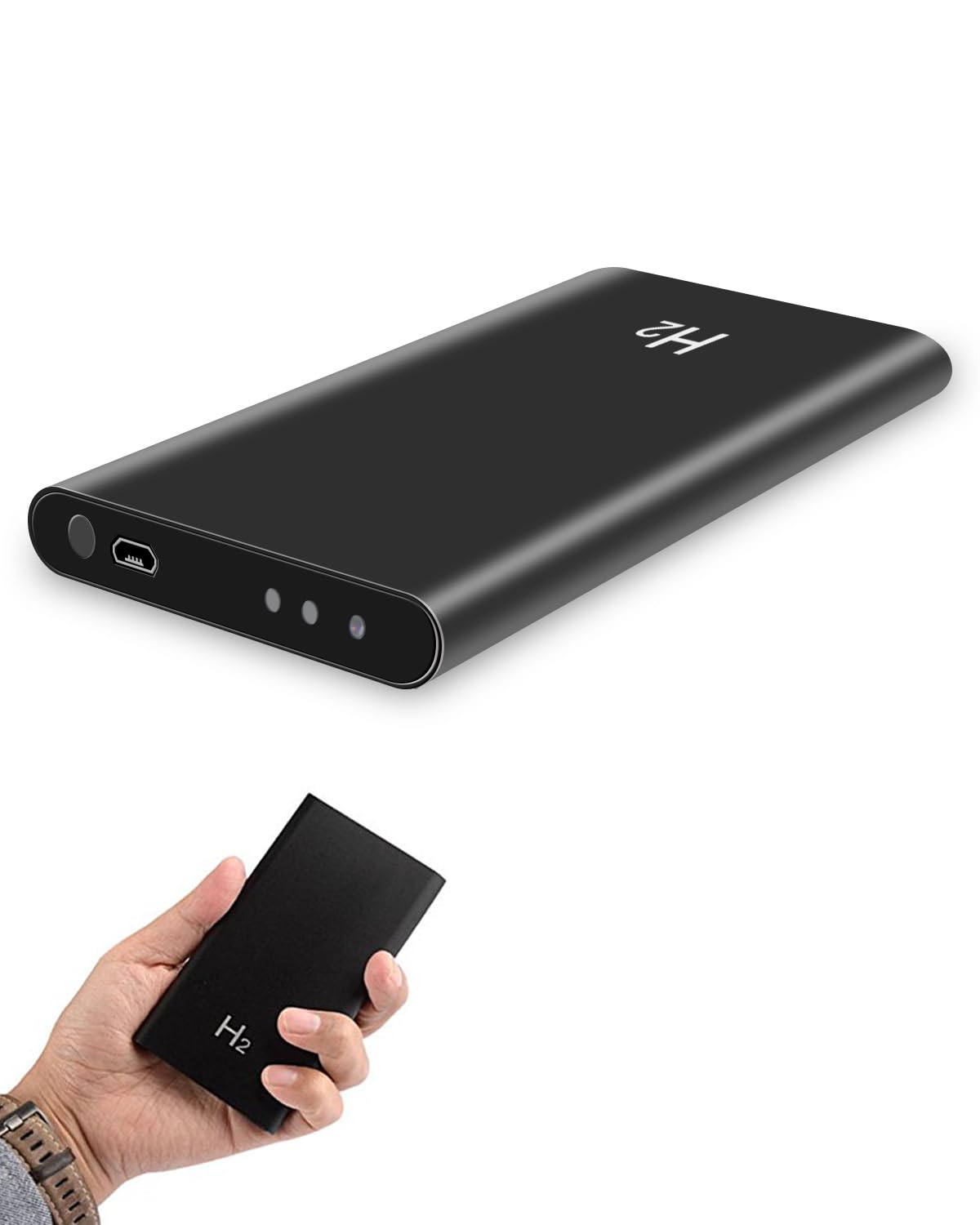
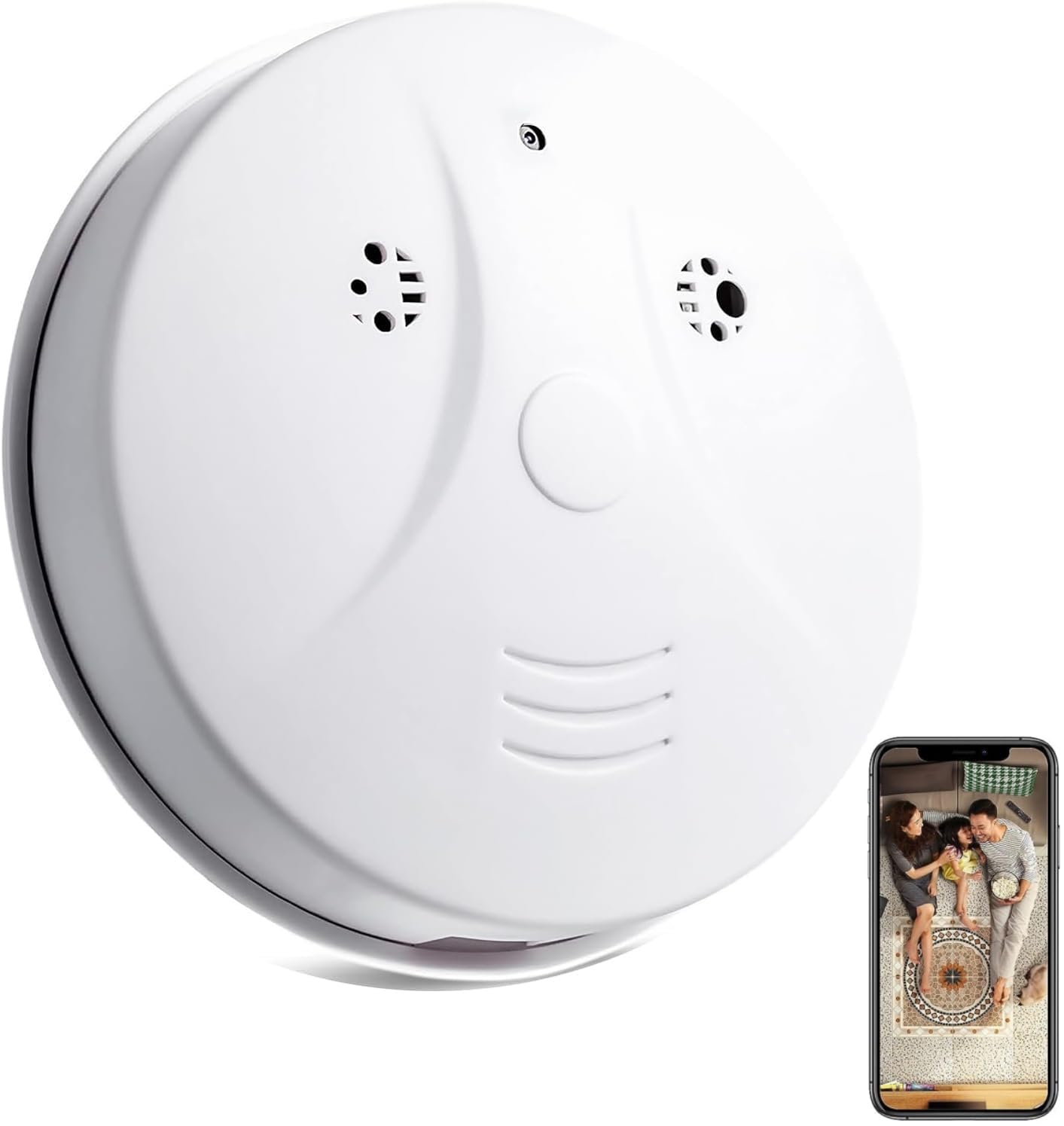
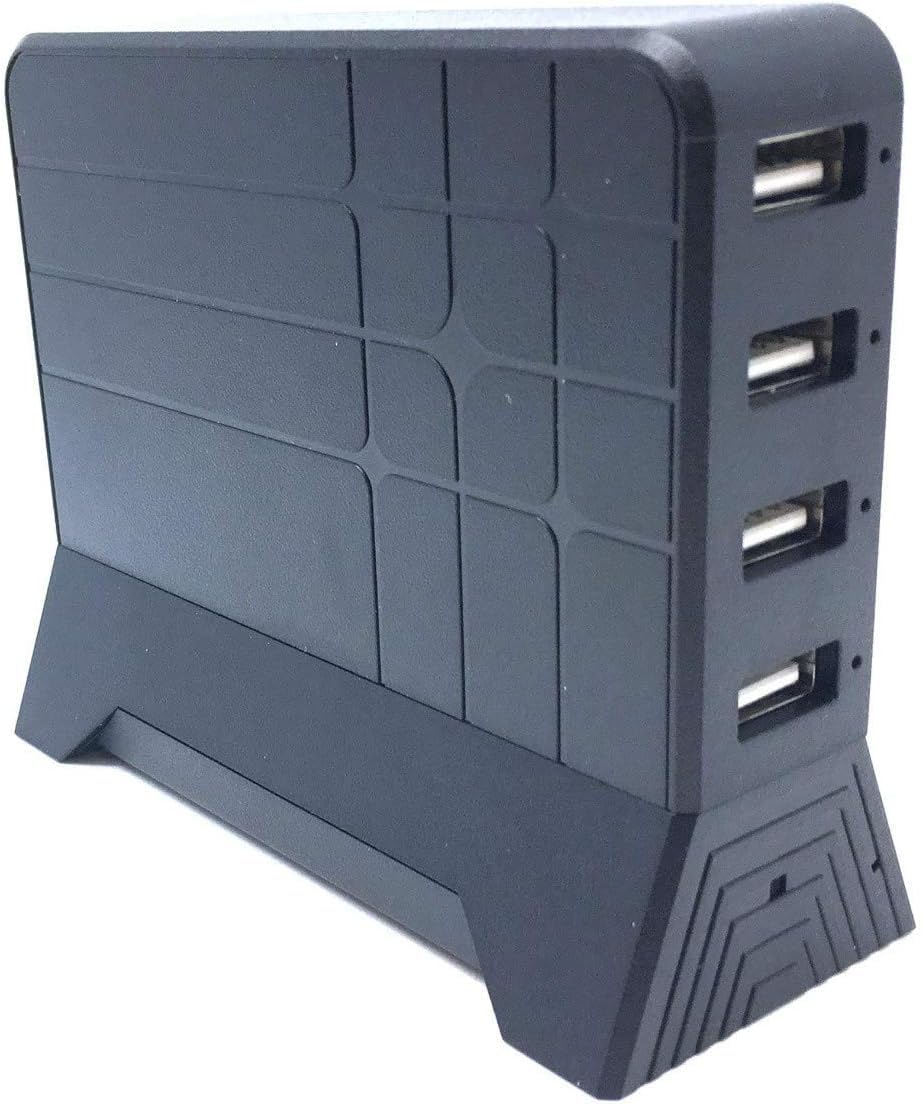
PLEASE READ THIS FOR SETUP INSTRUCTIONS! 1) Remove the plastic tab from the battery 2) Charge the unit for 4+ hours using the included USB cable to avoid issues (or just use this with a cable connected) 3) Download either Tuya or Smart Life from your app store. I prefer Smart Life. Create a free account 4) Switch your camera to the ON position. You should hear it announce READY TO PAIR (hold the reset button on the unit if you do not hear that) 5) In the app click on the +, select Add Device, scroll down to Camera & Lock. Select the Smart Camera (2.4 & 5ghz). Be sure to select that unit and not the WiFi unit 6) Go through the prompts and enter your current WiFi password 7) On the next screen, it shows a QR code. Point your PHONE at the spy camera! That is how it initiates pairing. The spy camera is going to scan the QR code. 8) The camera makes a small sound to indicate a connection has been made. Then select "I heard a prompt" on your screen 9) The unit will now pair with the Tuya or Smart Life app To turn off the display. Enter the camera via the app. Tap on the 3 dots at the top right. Select "Basic Function Settings" - toggle Status Indicator if you want the clock display on or off To configure motion detection. Enter the camera via the app. Tap on the 3 dots at the top right. Select "Recording Settings". Make sure Local Recording is enabled. Change Recording mode to Event Recording. - Note that while in the app and looking at the live video, those options there, which include Motion Detection, are session only. Meaning if you were to simply tap on Motion Detection in THIS menu and then restart the device, Motion Detection would not remain enabled - as these are per session options - aside from "Working Mode", which changes the clock time between 12hr/24hr Adjust the settings as you want once you connect in, but I recommend enabling motion detection, disabling IR Night vision, and keeping this connected via a USB cable at all times if possible. If you ARE going to keep this connected with a cable, then I highly recommend that you remove the battery beforehand. I have used 7 of these units (multiple variations). Use the menus to adjust the time format. Turn the clock face on/off and a slew of other features. You can also live record videos to be saved to your phone without using an SD card, very neat. The unit is good quality and the video quality is fantastic. The battery life is also very good and typically lasts me 8 hours. In most situations, I have these connected to USB at all times though. If you follow my clear instructions, you will have no issues with this unit out of the box. Some other reviewers got upset since they could not get this to work correctly. Be patient. Follow the instructions. The unit works without issue and is worth the cost! Read more