R. HOLMES—July 3, 2020✓ Verified purchase
10 minutes to install and test the system. My original low voltage landscape lighting unit is "ole school" dial timer switch. Each season I would painstakingly remove the timer pegs to align with the new dusk/dawn (sunrise-sunfall). Most times it was miss instead of hit. I would play with these pegs and finally get it right-so lights come on just at night fall. Just as I got it timed right, it is time to change seasons(daylight savings central time-zone USA). 1.Installed the free app. 2. Plugged the WiON directly in electrical outlet where landscape light box was previously plugged 3. Plugged light box into Wion 4. In App setup the "on & off" times according to local sunset-sunrise data. 5 Sit back enjoy hands- free control of landscape lights. First attempt in getting this item to function was highly successful. Also noticed that I could manually control the lights with my smartphone through the free APP. This coming Fall season, I can simply see what time it gets dark and go to the app and set that time for each day of the week. Awesome function, convenience & price for automating my exterior lighting! Read more
Mac—January 14, 2018✓ Verified purchase
I bought this outlet to plug in a utility tractor snowblower block heater at a vacation home so I could turn it on before I arrived and heat the tractor up so I wouldn't have to wait for it for two hours to heat up before starting. Initially the item worked fine for about a month, but now each time I go to turn it on it is not being found on the app and the error to check the Wi-Fi signal shows. The signal is strong and reaches well beyond the device so it is not out of range. When I physically check the device, it is flashing and I manually need to turn it on and then it will sync back up and show up for about a day and then it reverts back to not showing up despite nothing changing. Not sure if it is the cold or if that is irrelevant as it seems many other reviews have the problem. I would not purchase this item again. Read more
BackYardMechanic—November 14, 2024✓ Verified purchase
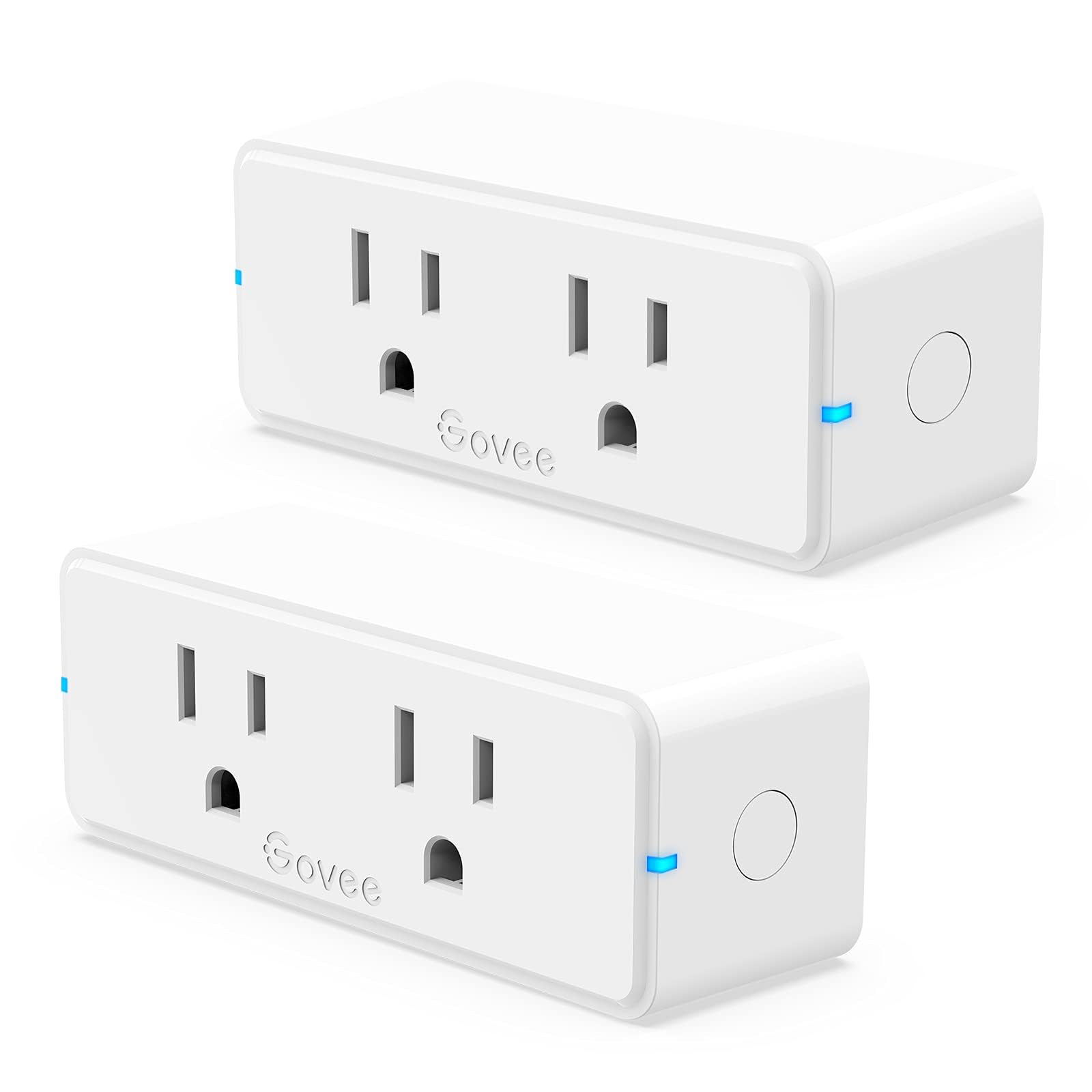
First, this is to help anyone who has recently (2024) purchased one of the Woods Wion products and can't find the Woods Wion control app in the Play store. They have re-branded/renamed it to the "ECO Plugs" app. It functions and does the same thing that the old app did, it just has a slightly different color scheme now. They've gone from green/grey to a black/white/gray look now. I suspect that they will be re-branding the various outlets that they sell in the near future, so now might be a good time to stock up on the Wion branded ones, since they will probably take the opportunity to raise prices when they swap out the branding. The outlet itself is great. I have ten of them set up in my disabled brother's house to control his space heaters, AC units and out of the way lights. He has mobility and poor hand motor control issues, so these have allowed him to maintain a little independence at home ,without worrying about falling when getting up trying to turn things on or off. With these, he can do it all from the comfort of his chair or bed. Construction is pretty robust; the space heaters are pulling roughly 12 amps on high and we have not had any internal relay contact failures yet and they don't get hot. However, his house is wired up with commercial grade 15 amp receptacles, so the prongs fit nice and tight in the duplex outlet, which helps a lot in preventing high resistance heating in the plugs. If you've got worn, loose fitting outlets I would recommend replacing them first before using one of these outlets in a similar application. These only have a manual override switch and two small LED lights. One indicates whether the connected device is on (blue = off, red = on) and the other shows if the WiFi signal is connected to your router (solid=connected, blinking = not connected). Also, unlike some of the other outlets (USB Outlet, Power Strip), these do not show power usage in the app. So if that is important, select one of the other mentioned outlets. The control app is just okay. The use of a rotary selector to choose which outlet to adjust in the settings is a little clunky, especially if you are using close to the maximum (12) number of outlets like my brother is. To adjust things like the outlet name, or to set a daily timer for a given outlet, requires you to rotate the desired outlet's name until it appears in the lower left of the rotary selector. When positioned correctly, its name will change color from white to green in the old Woods Wion app, and from white to yellow in the new ECO Plugs app. Then you can rename it, see its power usage - if the outlet supports that feature, or input a timer schedule. A simple list would be better, so you could just click on the desired outlet to adjust it. Switching an outlet is simple - just click on its button. You don't have to put it in any particular position on the rotary selector, just click on it if it is visible anywhere on the screen, which is nice. One other thing to note is that these outlets can be set for either expressly local control, which is limited to the router that these are connected to, or they can be set up to be controlled through Woods' cloud. Local means that any phone or tablet with the control app installed and connected to your WiFi router will be able to see and control any connected outlets. No prior registration is needed; just open the app and the outlets connected to that router will be visible. Cloud use, on the other hand, lets you control the outlets when you are out and about, away from home. You can set up an account when you first run the app, but from my own experience, it does not appear to be a necessity. I was recently able to see and control my brothers WiOn outlets from a hospital's open WiFi network while using his phone, without any kind of sign in needed. The only requirement seems to be that the phone has to have connected to the outlets previously; it then remembers the network info in order to connect to the outlets. I don't know if that is a bug or if it's the intended mode of operation. Definitely not the most secure way to do things, I can say that. This switch can also be controlled with Alexa and Google Assistant, but I can't speak to that, since I haven't felt the need to try it. Read more
Dennis G—April 13, 2023✓ Verified purchase
This this is an unbelievable deal-I have an in-wall wired WION for many years – It has always worked good but here it is for a little over five bucks- I thought that this must be a trimmed down version without all of the features --but it's the same as my wired up in wall one – full featured -controlled by the same I phone application -dirt cheap wall cube that's programmable that you can get to from your iPhone even across the Internet the price is insane--Best feature of this box is that you can set a start time and end time and it will randomly turn lights on and off to make it look like you're home during that time Read more
Sterling L. Robertson—February 2, 2020✓ Verified purchase
If you need anything to be controlled by your phone this plug is awesome. I love these things. I have several wion products and lover everyone of them. The app is easy to use too. You can even setup various types of timers from the app letting you program any type of electrical device from your phone. You can even manually turn the plug on or off with a simple push of the button on your phone from anywhere in the world. I used this one for Christmas lights. Just set it and forget it. LOVE THESE SOOOOOOO MUCH!!!!! Read more
J. M. Cope—January 11, 2026✓ Verified purchase
DO NOT BUY! Well you can but you’ll be putting it in the dumpster.. These do not work, they will not pair to anything.., you may see reviews that like them but .. I requested a refund which was issued instantly, plus they dont even want it back.. Read more