The Van Andels—January 19, 2026✓ Verified purchase
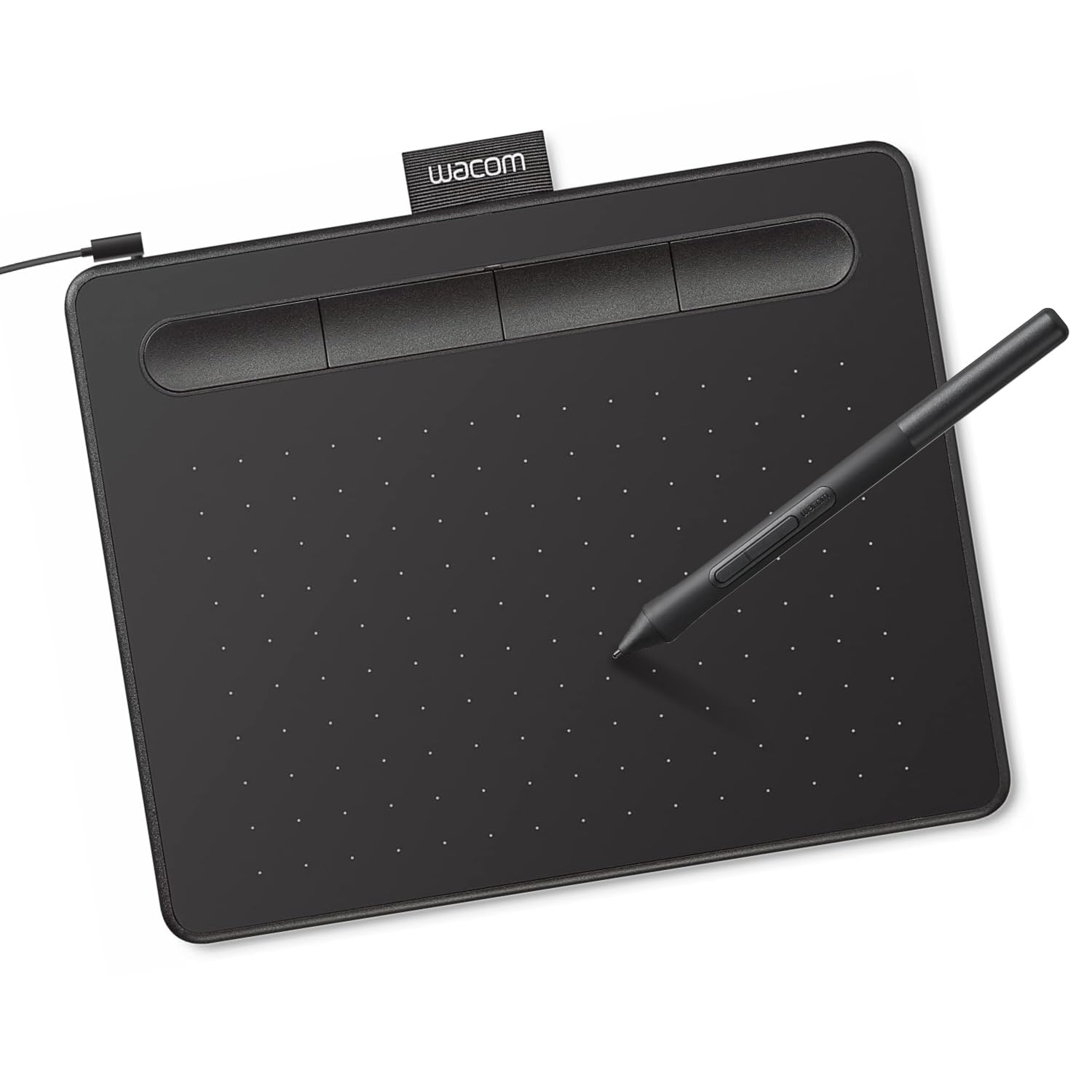
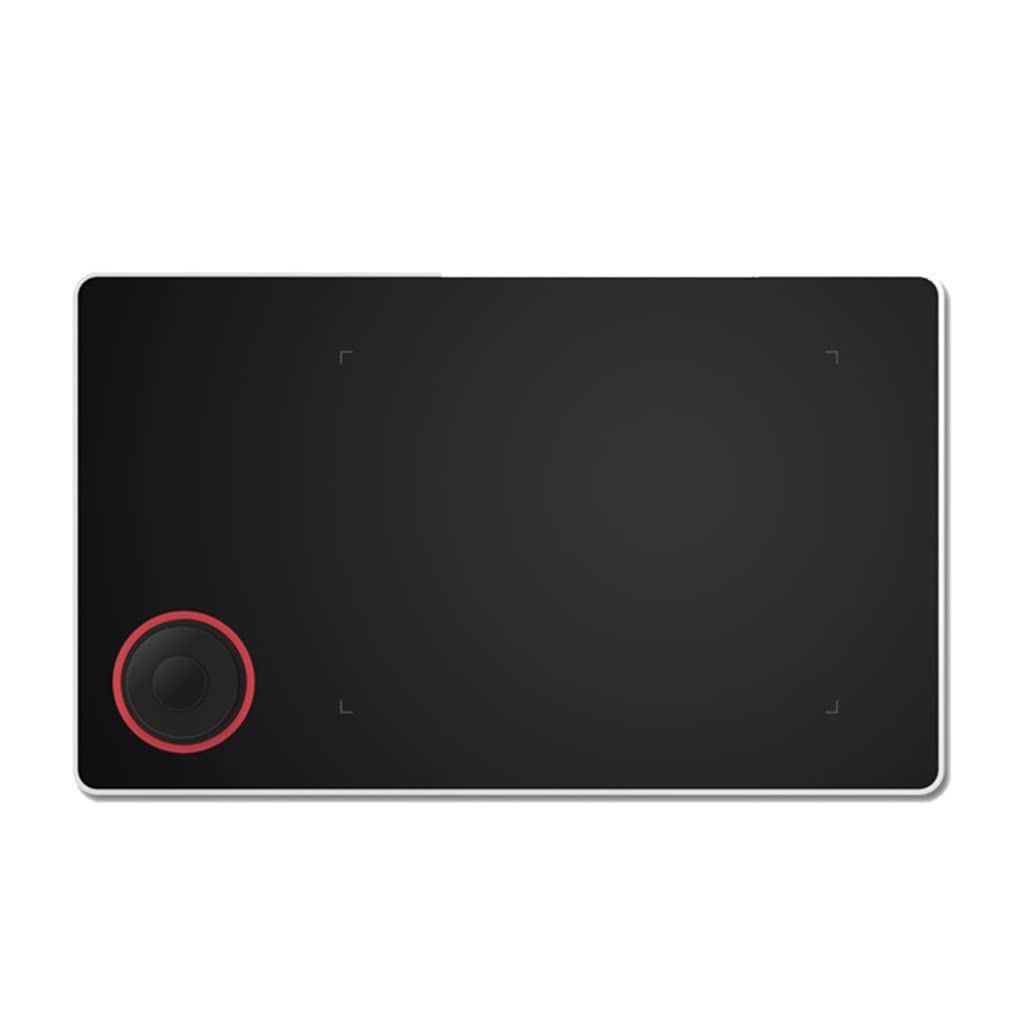
For the price, this is a fantastic entry-level tablet. I've tried it on both Mac and Linux and I can confirm that the Linux support is excellent, with drivers available for every major distro family. Bravo to XPPen for treating Linux like the first-class citizen it is! I've tried it on both Fedora and Arch and it works great. It even has a handy GUI configuration tool that works quite well for various settings, including the shortcut buttons. I've tested in a variety of software including Blender, Krita, Affinity, and Nomad and it works well in all of them. It's very slim and sturdy and I'd be very comfortable tossing this in a backpack with a laptop. If I have one complaint, it's that the tip has a lot of "wiggle" and feels quite squishy. It's been years since I last used a tablet, but I prefer a more stiff, reliable tip, like a pen or pencil. Given how much cheaper this is versus a Wacom, I can live with that! If you need a starter tablet for drawing, drafting, or sculpting this is a good choice. Read more
Diego sensei—March 31, 2022✓ Verified purchase
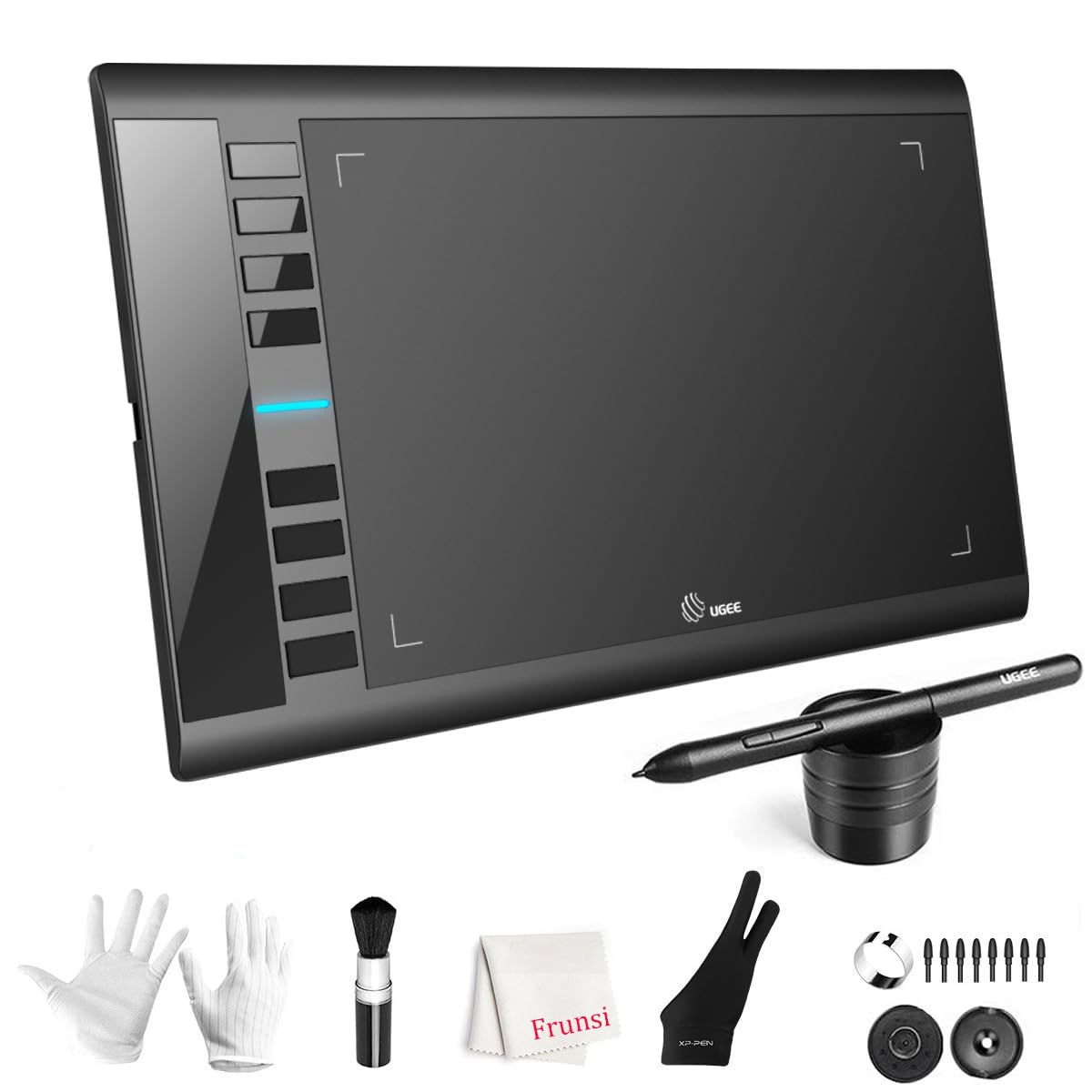
For reference, i upgraded from the standard intuos tablet. I also refunded a screen tablet a couple days ago and got this one instead. I refunded the screen tablet, which was much more expensive, because my monitor screen has MUCH better picture/color, (and i can not afford one with good picture.) This tablet is perfect. first, it's only 1 wire, and comes with anddroid/type c adapters. it also comes with an artist glove (its a little tight on my hand, i have big hands.) and an optional screen to go over the tablet. it makes the tablet feel more like paper. (as a side note, scratches on a tablet is normal, I play osu, I notice every difference in my consistency, i say this because people worry about scratching tooo much, the scratches are much too small to effect consistency, it happens when the pen nib gets sharp, just replace your nibs.) (also, I put a very very small amount of synthetic lubricant on a cloth and applied a very (VERY) thin layer to my tablet, it makes the surface extremely soft/smooth. and prolongs the life span of the plastic, (dry plastic cracks yo!) synthetic lubricant is used for moving parts, which is why it allows the pen to glide better, without making things tooo slippery. I get off topic..heh. this tablet is plug and play, but do yourself a favor and just get the drivers, takes just a second, it will allow you to customize the buttons. 10 buttons altogether. including the 2 pen buttons. much better than intuos 6 buttons. the sensitivity/pressure is much more consistent than my intuos. the wide drawing area made my work soo much easier. there isnt really much else to say about the tablet itself, other than it works very consistently. the main point of this tablet is, its bigger and easier. (people complaining about bigger arm movements need to excercise!! lol...i dont get tired at all but im also incredibly athletic) i feel more free with a bigger tablet being able to use my whole arm instead of just my wrist. the elbow is important for drawing smoother lines. the price is phenomenal. 60$ for an UPGRADE from a more expensive wacom tablet ?!??!?!?! wat. The other reviews had issues of theirs breaking, but, you can easily get a non faulty one to replace it for free. it happens with tech manufacturing so dont worry. mine didnt break, and i will update if something happens. Read more
molly—August 26, 2023✓ Verified purchase
I bought a used $40 XP pen tablet and it's been very good so far. I don't use it all the time, but when I do, it works pretty good. One star missing because I've experience a lot of connection issues (with the wire). Can't tell if it's the wire, or driver or tablet, but it randomly disconnects about 1/6 of the time that I use it. Otherwise, durable nibs on pen, wire can be messy, pressure sensitivity is great, option of left handers (turns upside down so buttons aren't in way), hot keys on pen and tablet (don't use very often bc my nondom hand is on keyboard, very lightweight, nice pen holder, easy- user friendly interface program. If you're serious about long-term drawing, would suggest investing in a better tablet (I'm also looking for a new one). If you're new and want to experiment with digital drawing and you're on a budget, perfect choice. If you're intermediate, still probably invest in a wacom tablet instead. But still, I'm happy with my purchase. Read more
Bridget—February 5, 2026✓ Verified purchase
Awesome product for anyone who enjoys drawing and design work. I use it for re-draw orders as a designer and it works very well. Makes it much easier than using shapes, lines and a mouse to re-draw things. Read more