James Bond—February 22, 2026
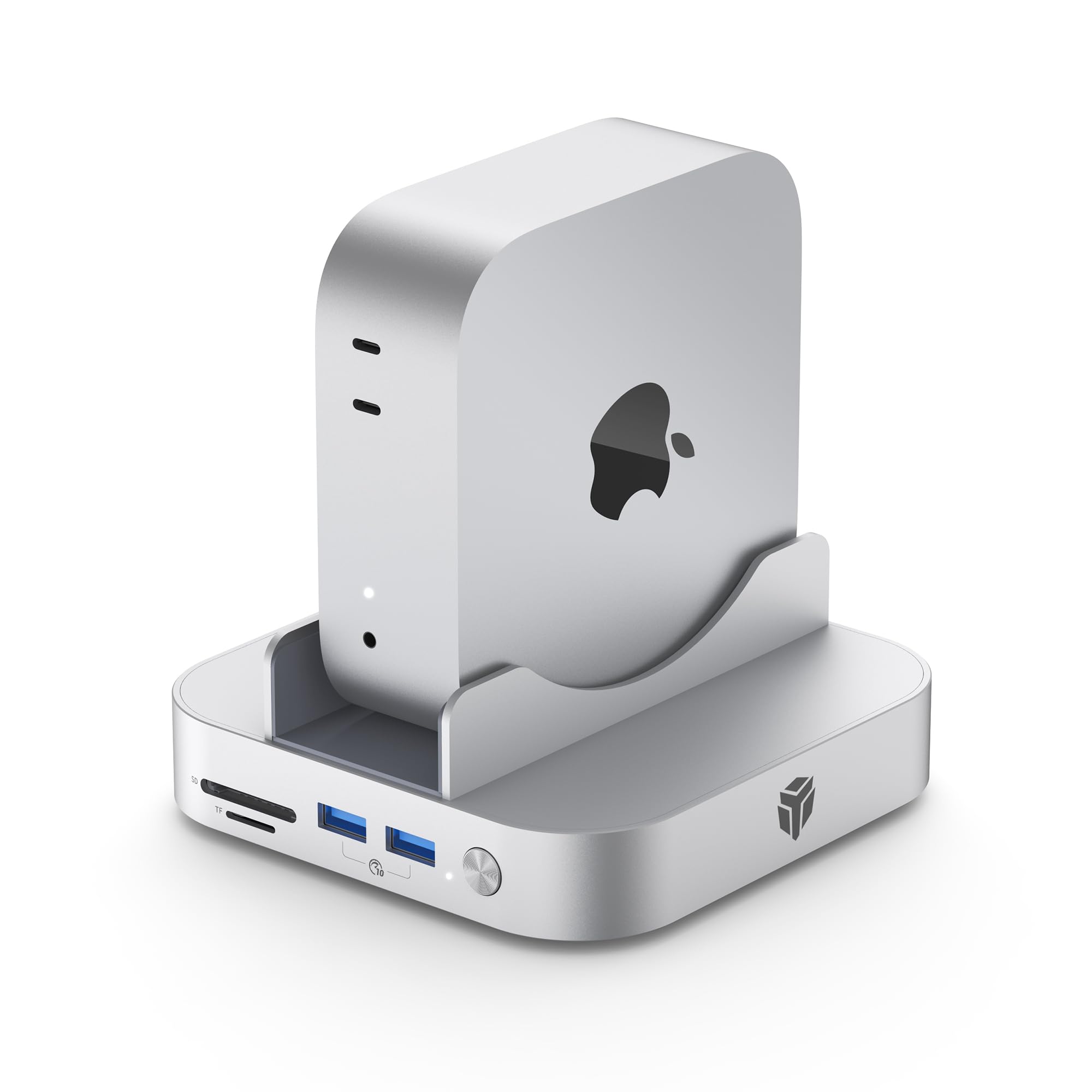
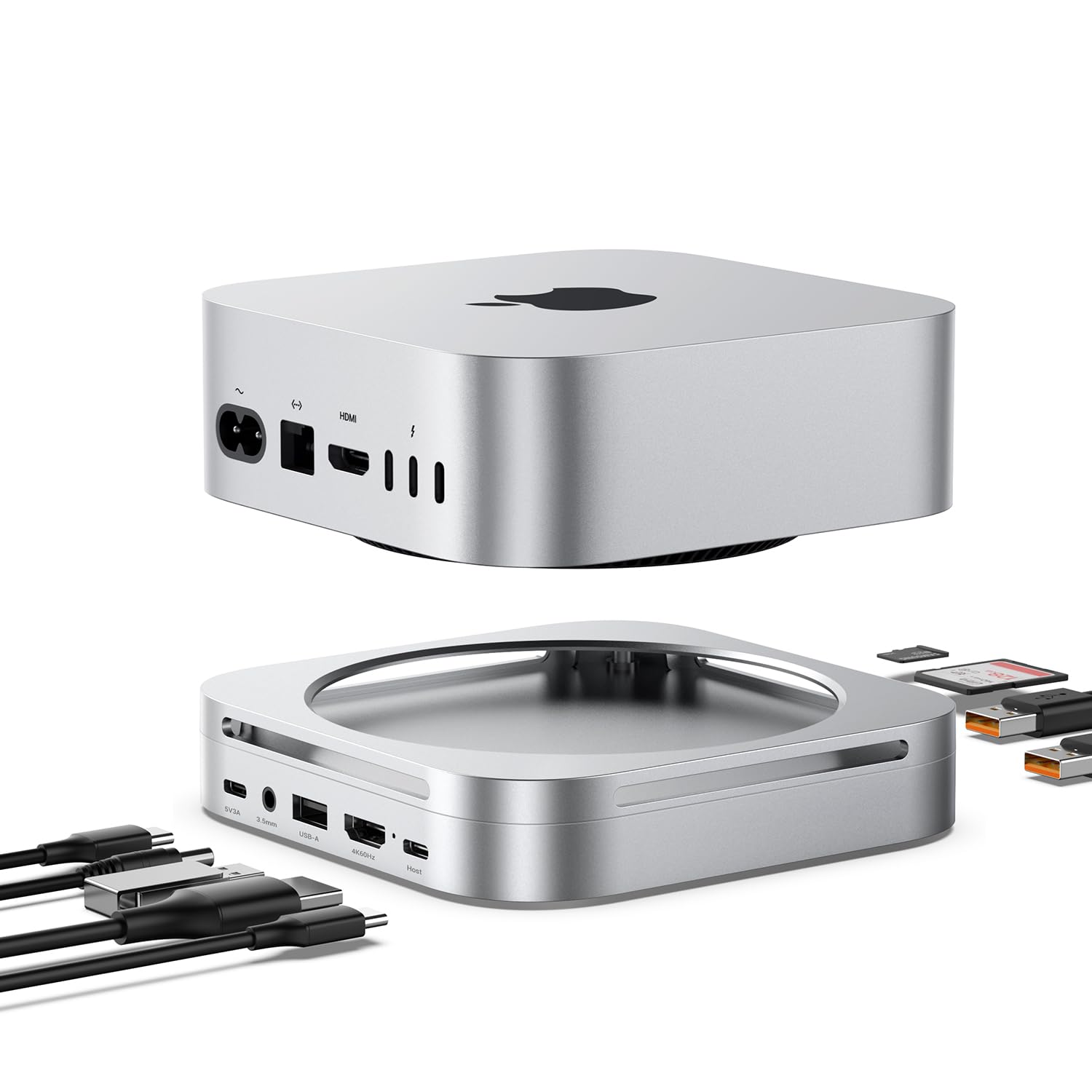
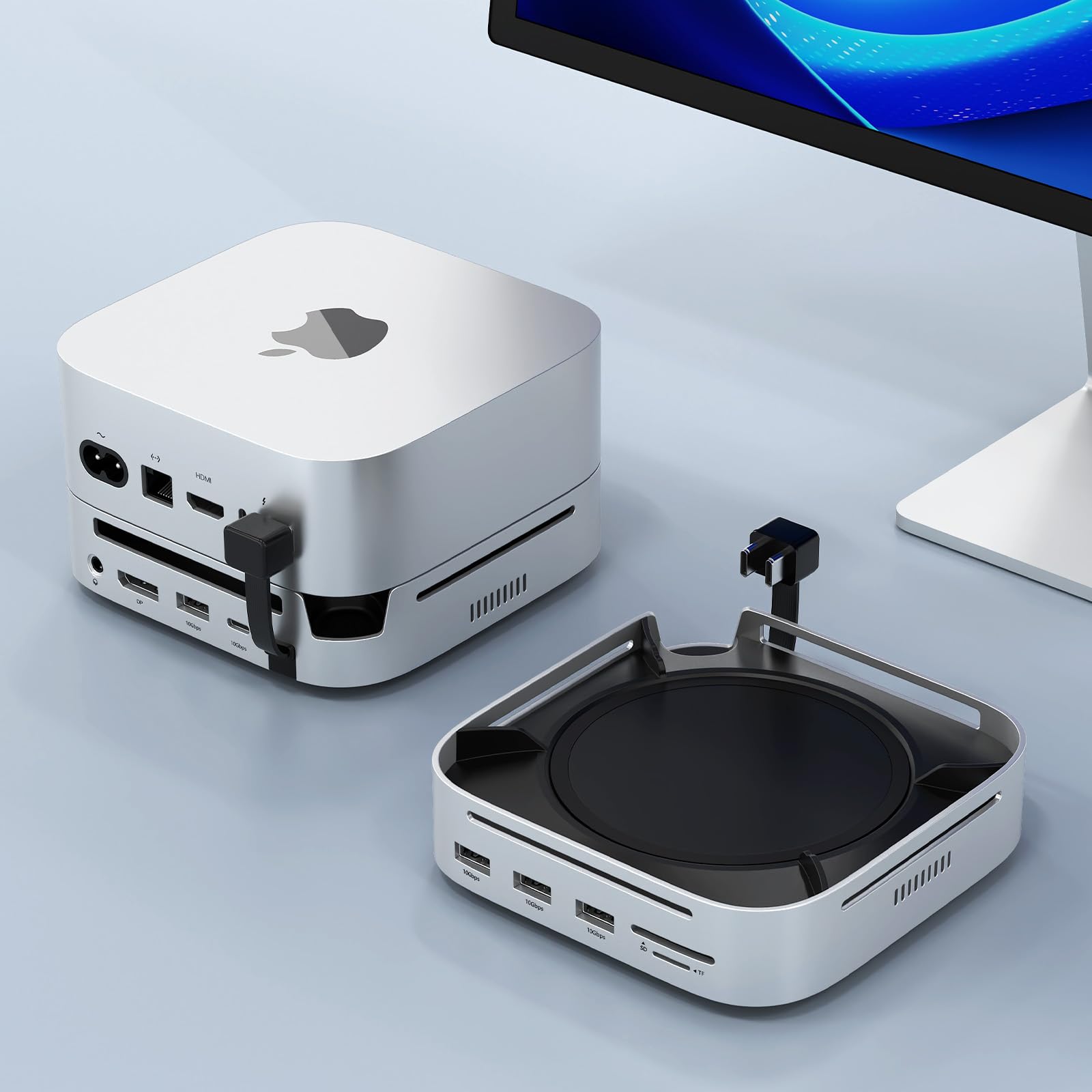
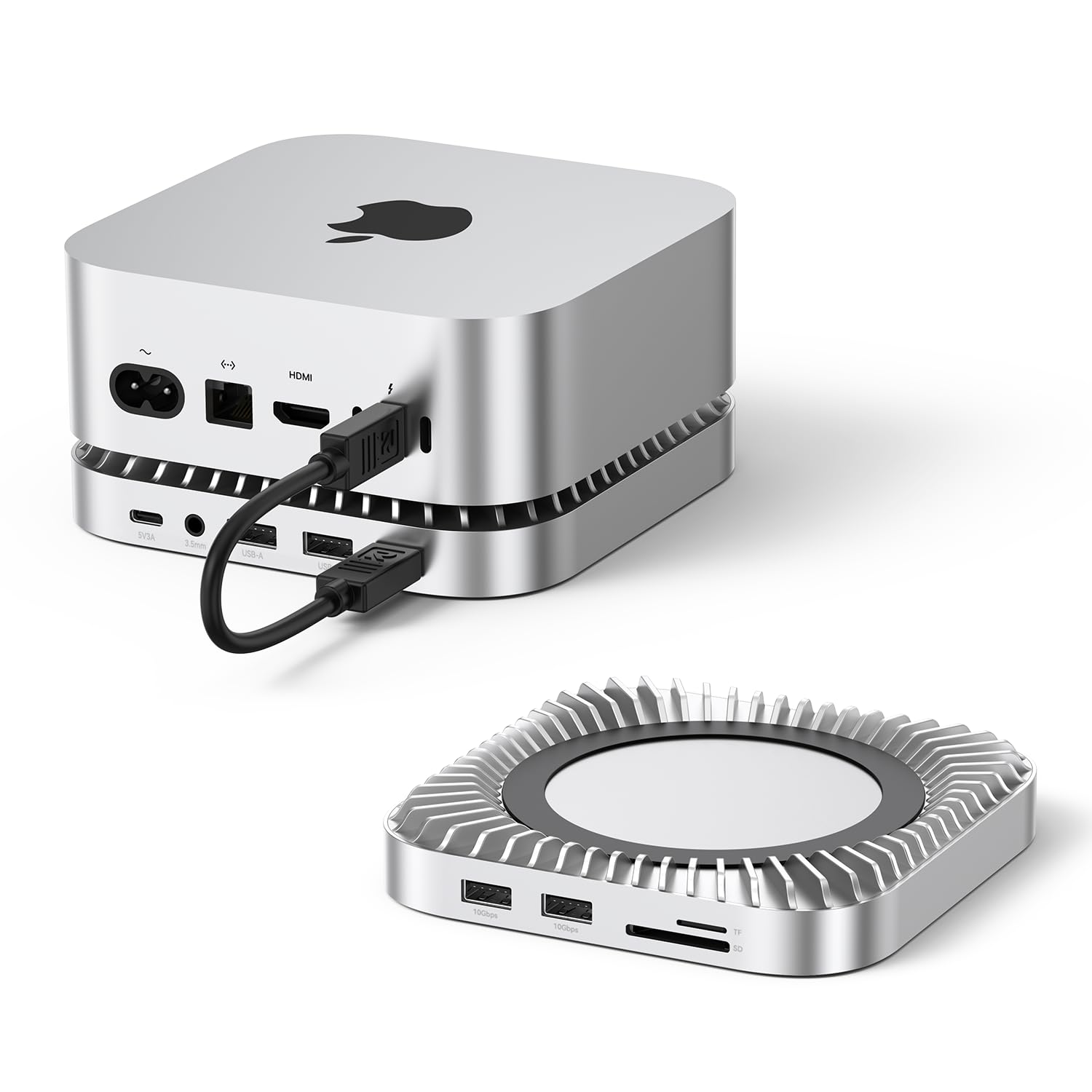
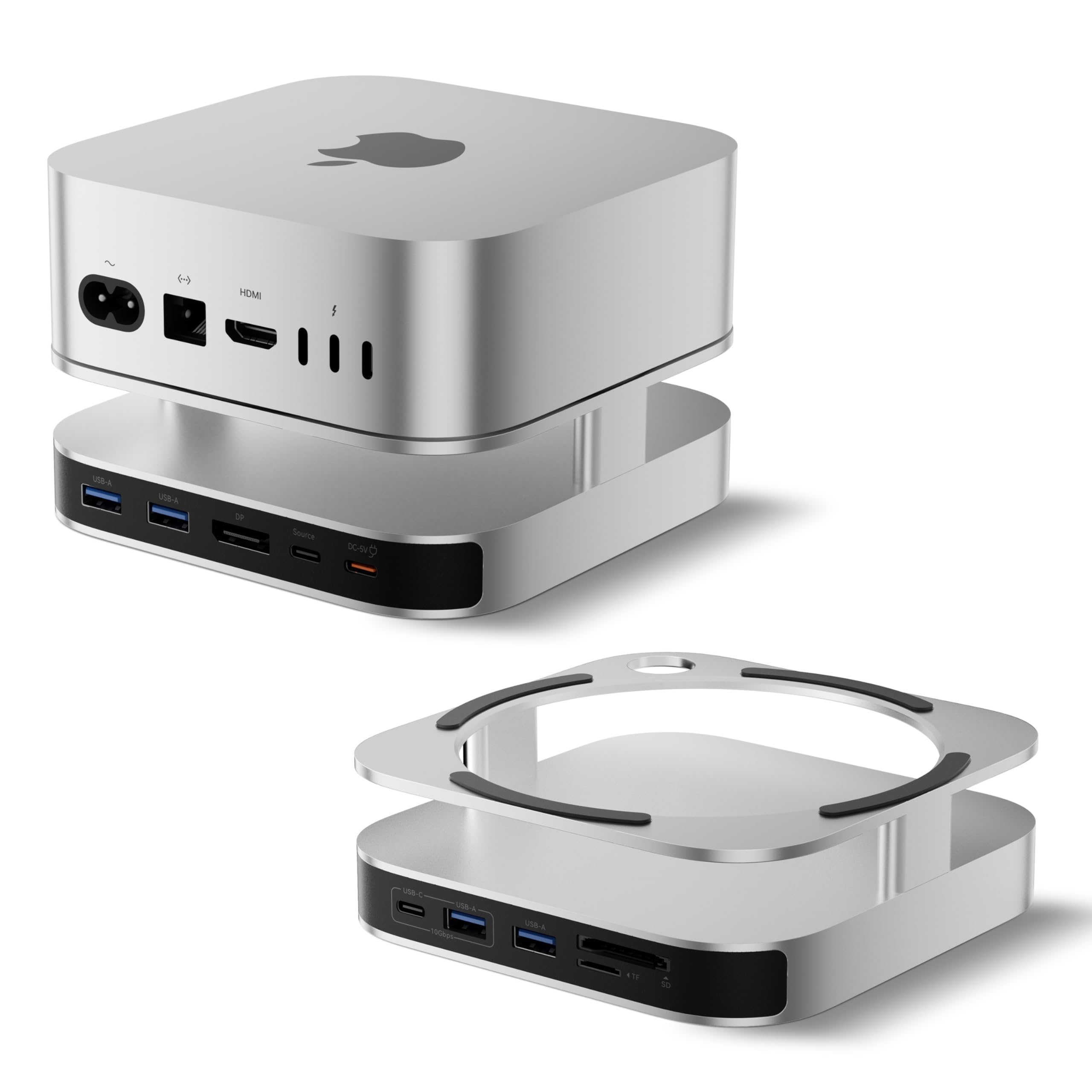
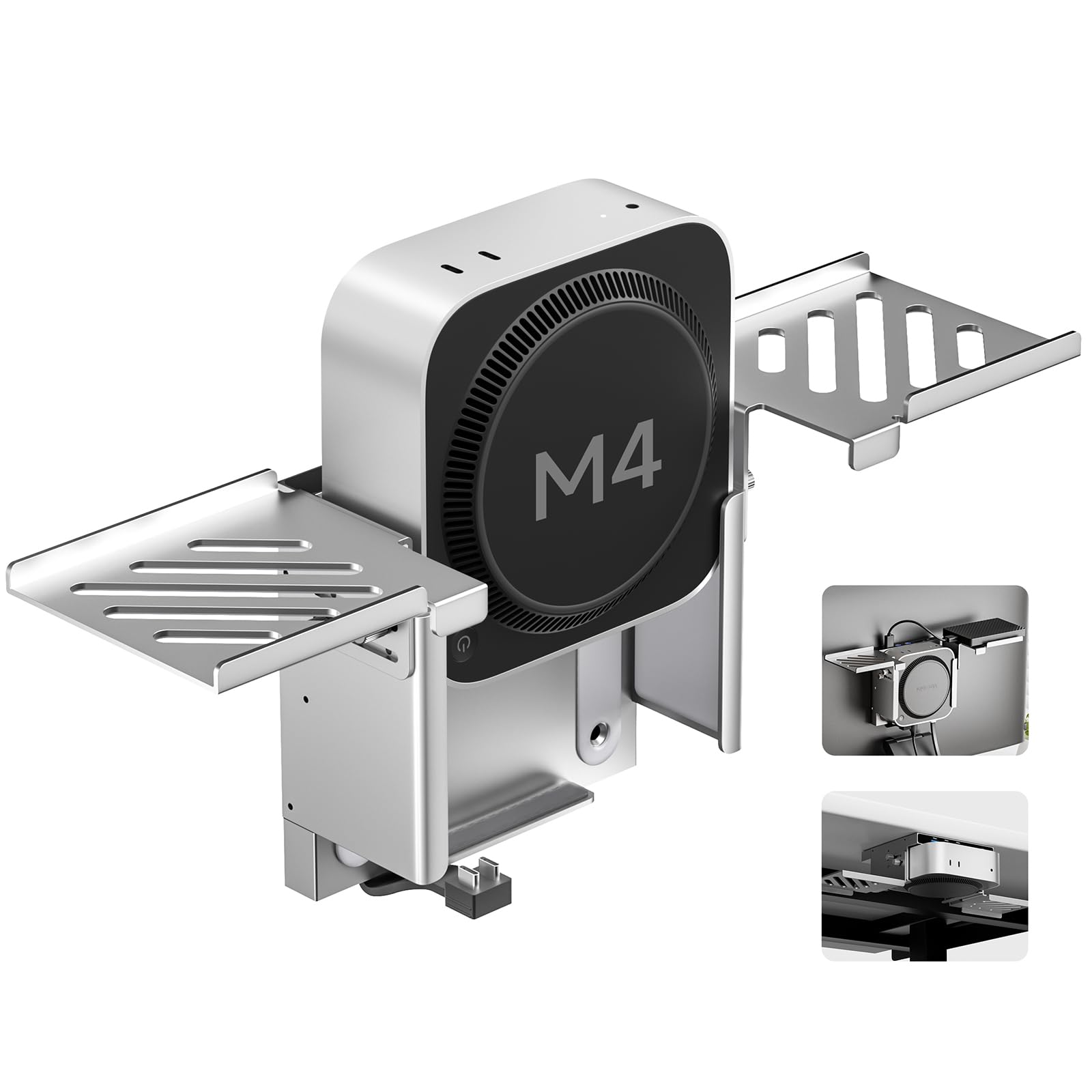
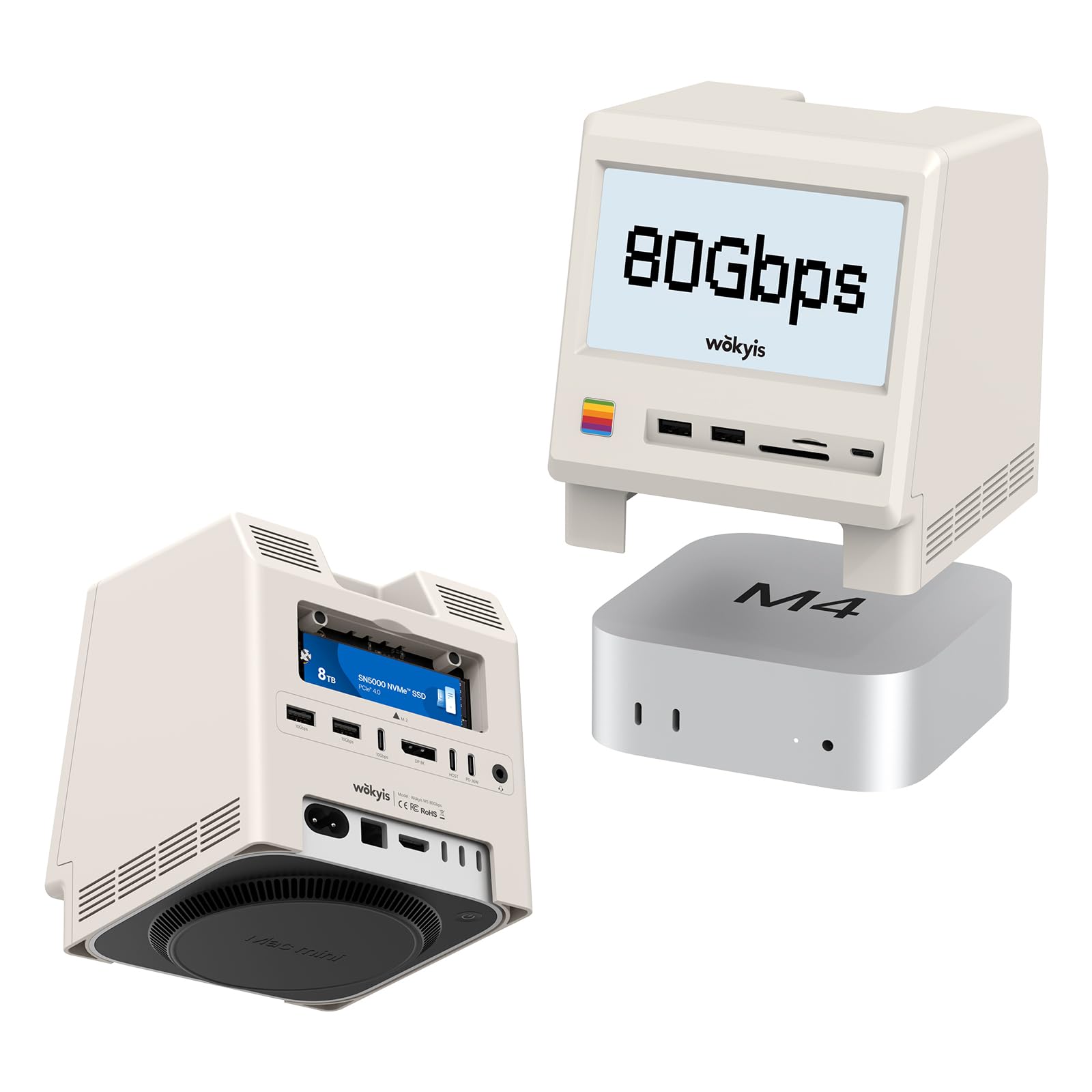
The Yottamaster 9 in 1 Mac Mini M4 Dock has a 10Gbps and NVMe SSD enclosure, making this a possible good fit for your desktop. In my case, I purchased an M4 and found immediately to be needing not only extra ports, but also a way to control all the cables that get connected to an M4. The case is well made with metal made to look like the Apple finish. Another interesting feature I was drawn to was how this sits vertically in a cradle seemingly solving some of that cable management and some cooling issues. The dock upon closer inspection fails for me in several areas. One, it has a power button that requires it to be plugged into the wall, adding another power source. With the computer on sideways, there is no need for this. Another design issue is that all the ports are USB-A - I recently got another dock that has all usb-c and that works a bit better with my set up. To be clear, this is a dock that accept up to 8TB SSD Stick in it, but that is not included and at $1000 dollars for that stick, this is not the dock I would put it in. I connected the Yottamaster and the dock seems like it's out of date before I could finish the install. All USB-A ports, a very weak magnetic backing that pops off frequently when touched and an additional power brick to have to connect are detractors for me and my personal use case. If you don't mind these issues, you still have to contend with the price point, which ultimately is what nailed it for me. The doc I use which is better in that it has more ports, faster connections and stacks under my computer was cheaper by far than this unit. I don't find any problem with the functionality of these items and their ports, it's just not how I have my own computer set up and that for me is a hard pass. This base station may very well solve problems for you with connectivity. The absence of additional Thunderbolt or usb-c connectivity is what ultimately killed it for me. Read more
Ruben—January 25, 2026
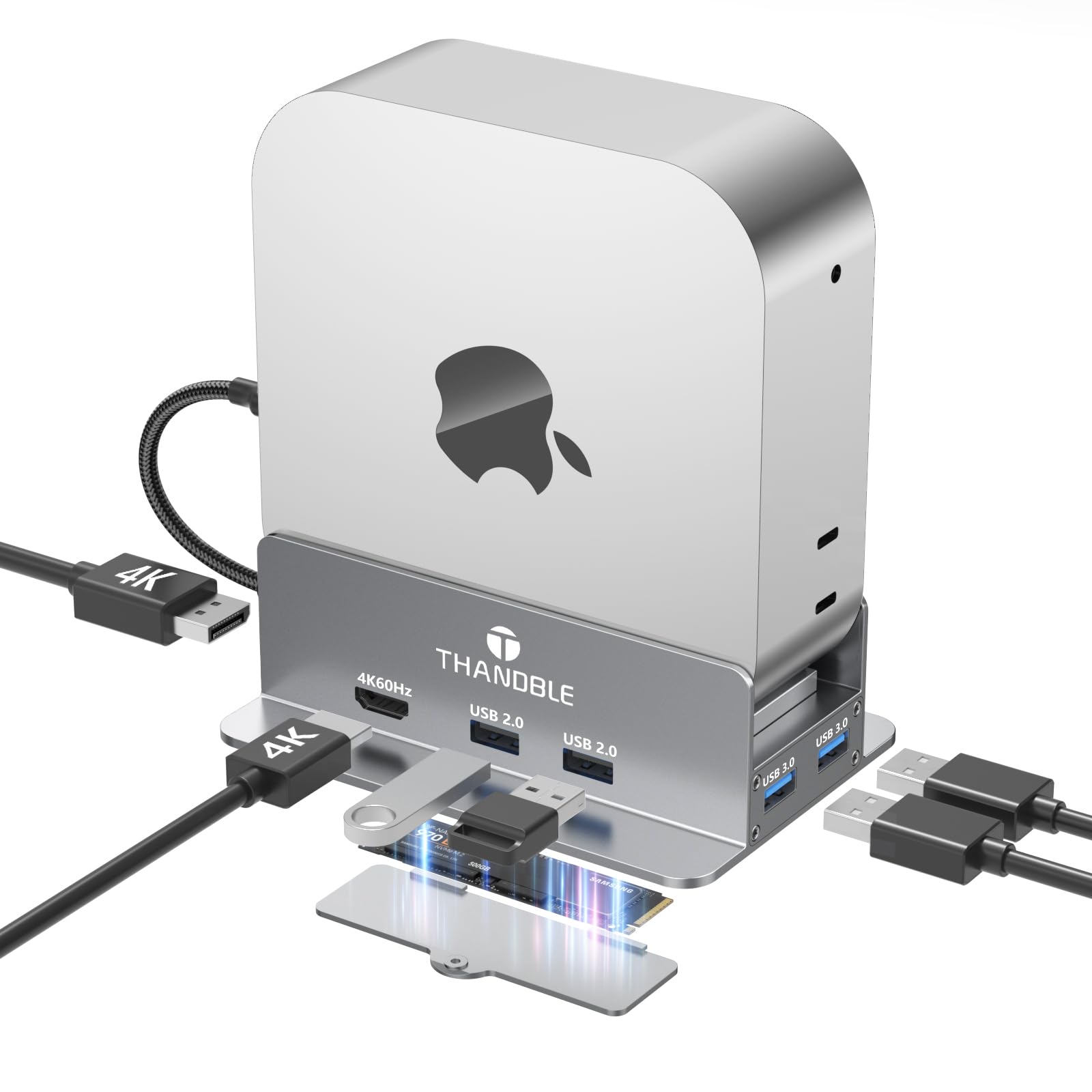
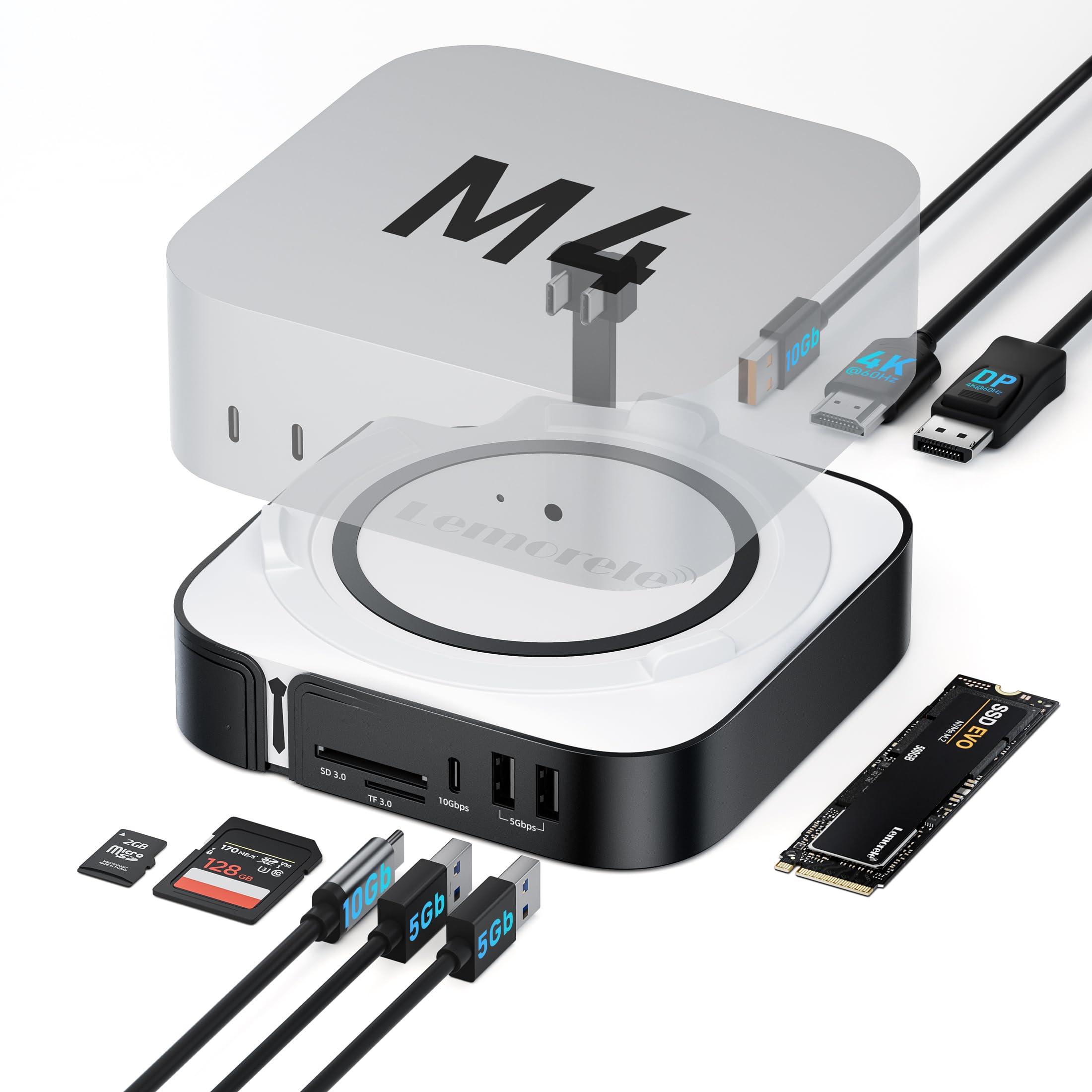
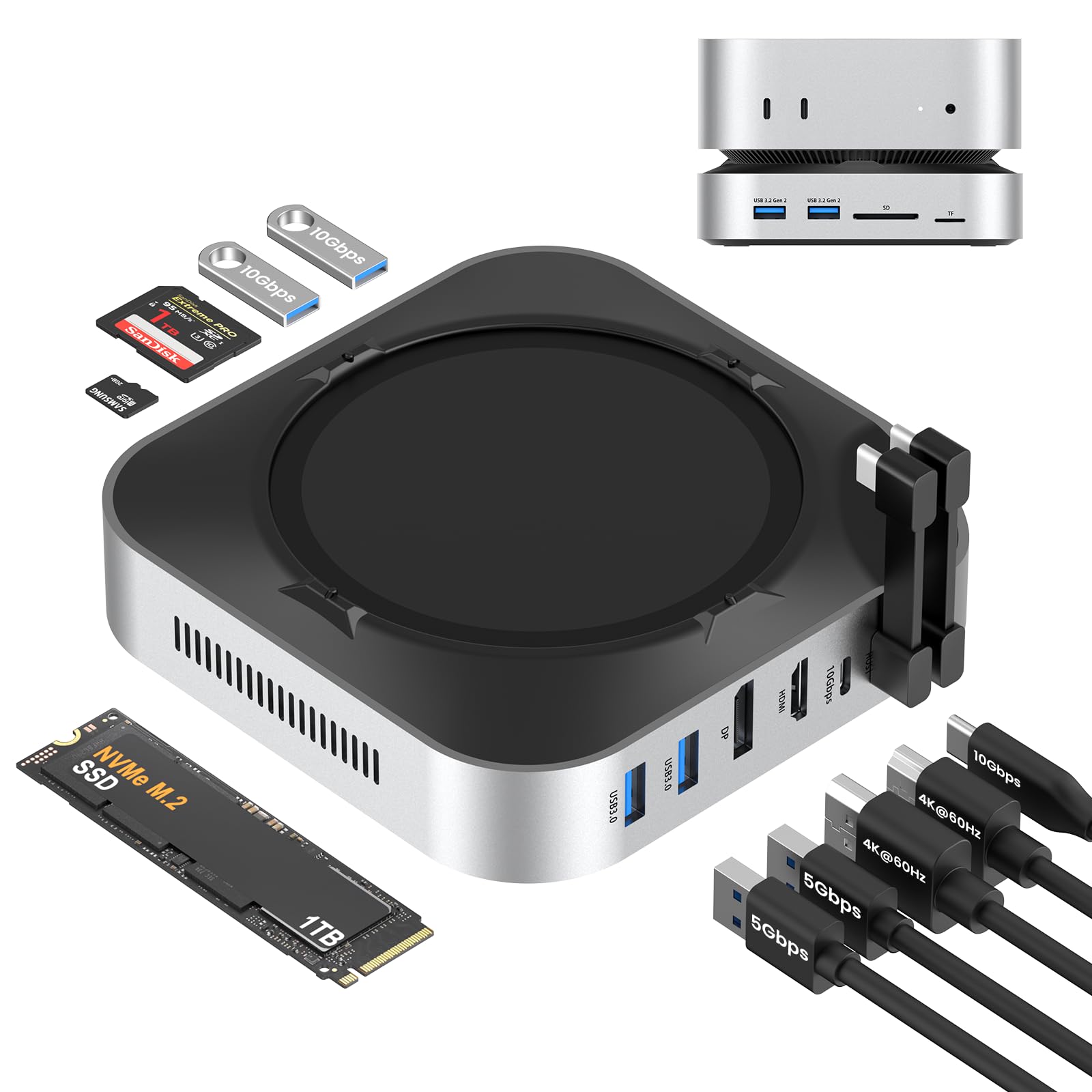
A good all-around USB hub dock that although is designed for a Mac Mini can most definitely be used with other small form factor mini PCs. This USB hub adds a lot of expandability to what a consider usually quite limited Mini PC IO. On the listing of course this dock is made and designed to fit in with a Mac Mini, but after a bit of tinkering I had no problem getting it to work with any other Mini PC I owned some of which fit perfectly in the little slot that the Mac Mini is meant to go into. The only real requirement for this dock to work is a USB 3.2 10 GB port on the PC in question as pretty much any system plugged into the back will function perfectly with this USB hub. For IO the front Type A USB 10 GB ports should be plenty fast enough for all, but the most demanding external ssds. Alongside the two USB ports there is a MicroSD and SD card slot which can reach relatively high speeds, but did fail to reach the max speeds of my microSD cards in my testing. On the rear you got two USB 2.0 ports mainly meant for peripherals such as mice and keyboards along with a barrel Jack to plug in the included power brick, next to which are is a headphone and microphone jack, with the final port on the back being a USB C port that is meant to be used to plug into your Mini PC. Of course the killer feature of this dock is the built-in m.2 SSD slot which can be really handy in expanding to storage of both the Mac Mini which is legendary difficult to upgrade the storage on and any other Mini PC that needs another drive to be connected permanently. If you don't want to you don't need to use the m.2 slots as if nothing is plugged in it'll just show up as a blank disc in the system and doesn't cause any issues. The one thing that I want to point out is that the included heat sink that you are meant to put over the m.2 ssd is a very bad design as your ssd simply slides into it very loosely and doesn't actually make contact with the aluminum heat sink which means all you're doing is putting a sleeve over your m.2 SSD which in the long run because more of an issue than anything else. Honestly I don't believe you need to use the heatsink as all since even though it is not very advertised this hub does have a built-in fan which it does a pretty good job of keeping the internal SSD nice and cool. Using the hub is quite simple you plug in the included power adapter, than you plug in the included type C cable into your pc, after which all you have to do is turn on the PC and press the power button on the dock itself which honestly kind of baffles me since I really don't see the point of having the dock being powered separately rather than just turning on with the PC, but it works nonetheless. As I said before I tested all the USB ports and the m.2 slot, and all of them had no problem reaching their claim speeds do note that you have to turn the dock on separately as if you don't none of the devices connected to the dock will show up on your computer alongside that do note that the USB ports on the back of the dock are far slower than the ones in the front so I'd highly recommend using the rear usb ports for peripherals as if you use it for say a high speed SSD it'll be limited to USB 2.0 speeds. Overall I believe this is a really nice looking dock and although it looks like it's fully made of aluminum and blends in quite well with the Mac Mini aesthetic only the top portion is actually made of aluminum as the bottom portion is made out of silver painted plastic, but overall it still has a good build quality. If you're worried about your Mini PC or Mac Mini being scratched by this dock you don't need to be as on each of the arms that hold the Mini PC in place there are silicone pads to make sure it doesn't scratch up the computer. Overall if you're looking to expand the capabilities of your Mini PC then this is solid choice. Although it has some weird design choices at the end of the day it delivers what it promised and I have no complaints in the actual functionality. Read more
J.—February 2, 2026
I recently upgraded to a Mac mini M4, and the Yottamaster 9-in-1 dock has been a fantastic addition, significantly expanding its functionality. I was initially hesitant about the price, but the build quality and included features have more than earned their worth. The aluminum stand is surprisingly sturdy and looks great – it elevates the Mac mini nicely and provides a stable base. The dock itself feels premium, with a solid aluminum shell and well-built connectors. The 10Gbps USB-C port is a welcome addition, offering fast data transfer speeds. The inclusion of the 8TB NVMe SSD enclosure is a brilliant move. It's a fantastic way to expand the storage capacity of the Mac mini, and the SSD runs incredibly fast – noticeable improvements in boot times and file transfer speeds. The built-in fan is also surprisingly quiet and effectively keeps the dock cool under heavy use. I appreciate the variety of ports offered – the USB-A ports are useful for older peripherals, while the TF/SD card reader is a handy addition for photographers. The 3.5mm audio port allows for seamless connectivity to my audio equipment. There are a couple of minor points to note. The aluminum finish can show fingerprints easily, and the connectors could be slightly more robust. However, these are minor drawbacks considering the overall quality and functionality of the dock. Overall, the Yottamaster 9-in-1 dock is a highly recommended accessory for Mac mini M4 users. It's a well-designed, feature-rich, and reliable dock that significantly enhances the Mac mini’s capabilities. It’s a worthwhile investment for anyone looking to expand their Mac mini’s connectivity and storage options. Read more