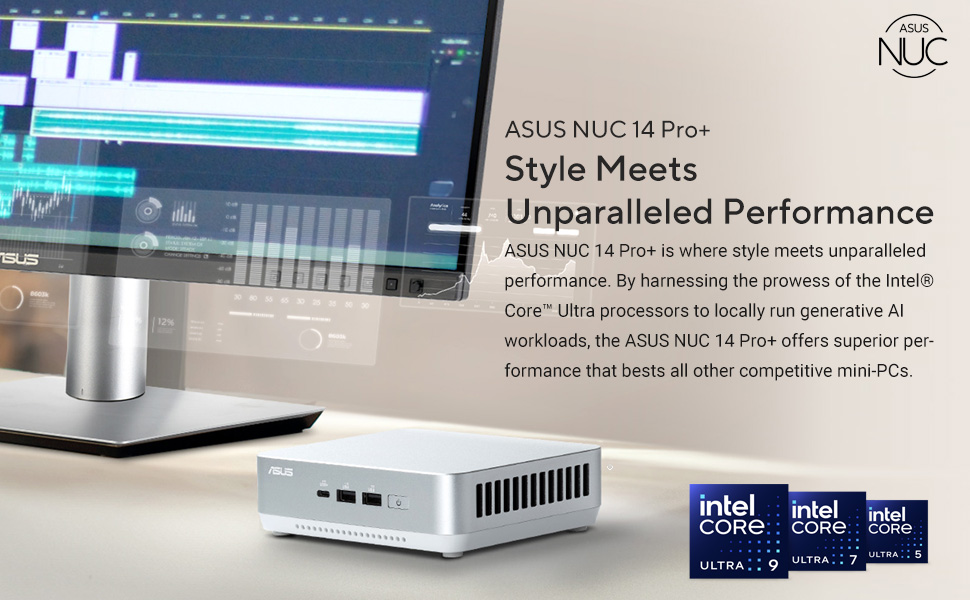
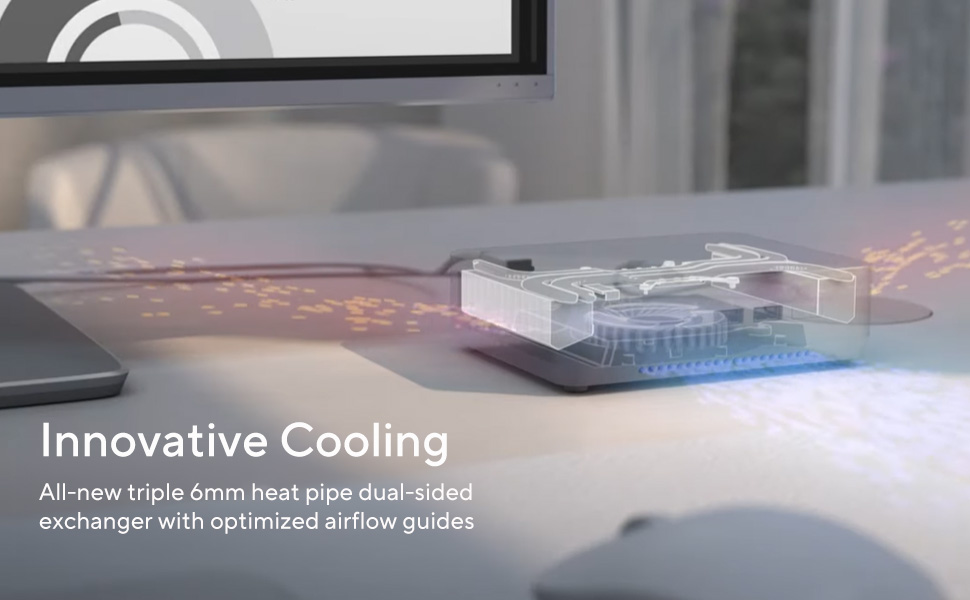
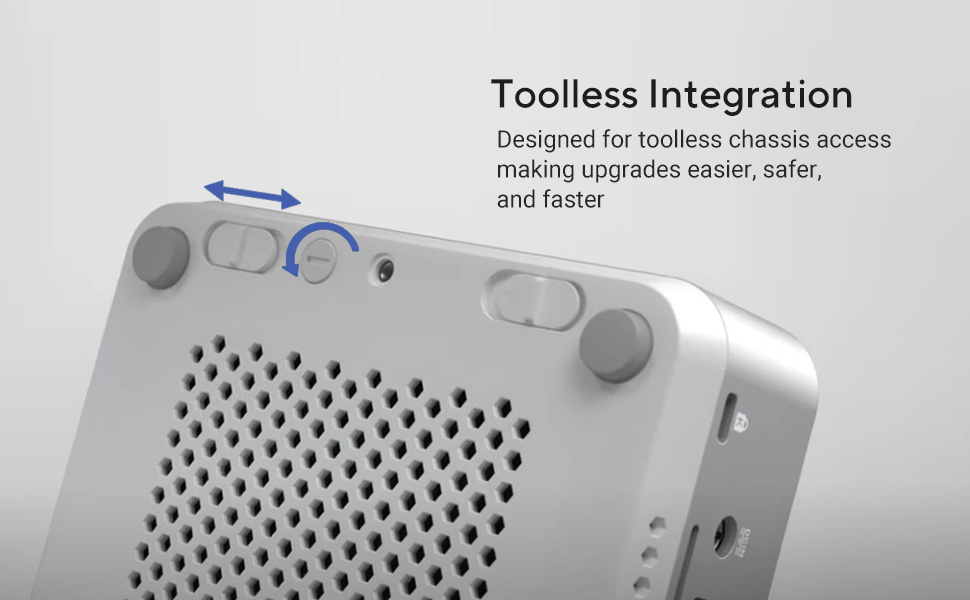
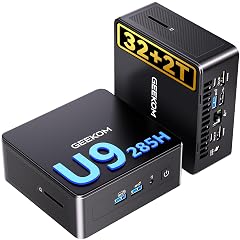
Great computer. Runs intensive programs well. Super easy to install. Does sound a bit like a leafblower sometimes when it's working really hard but overall it's not too loud. Fits super easily on a desktop. Great size for the power! Read more
I upgraded from a Beelink SER5 (Ryzen 7 5800H). While that was a solid machine, it simply couldn't handle my ThinkorSwim setup across three monitors. I chose the ASUS NUC 14 Pro+ specifically because its advertised support for triple-monitor setups surpassed what Beelink offered at the time. Two months in, the performance is excellent, but the initial setup to get the machine going....bumpy! I picked up this ASUS NUC 14 Pro+ (Intel Core Ultra 7, 32GB RAM, 1TB SSD) during Black Friday in November 2025 for $779. I'm not sure if that was an exceptional deal, but I desperately needed an upgrade from my Beelink SER5 (AMD Ryzen 7 5800H, 32GB DDR4, Windows 11 Pro). The Beelink couldn't handle my ThinkorSwim trading setup across three monitors without struggling, and at the time, the ASUS advertised stronger multi-monitor support (including Thunderbolt 4) than comparable Beelinks. Two months in, zero complaints about performance, and my monitor setup with ThinkorSwim is working smoothly. However, setup was far from plug-and-play. Right out of the box, the Thunderbolt 4 ports weren't working properly. I got the error: "RV0050. This device cannot start (Code 10). Firmware update was unsuccessful." The usual Device Manager tricks (uninstall/reinstall) did nothing. I turned to Copilot (AI) for help, which suggested a BIOS update. After rebooting, I saw a message: "You must upgrade to BIOS revision 0046 before you can update to 0050." Heading to the ASUS site, I searched for my model (sticker said NUC14RVS) but couldn't find matching BIOS files. I screenshot the available updates, fed it to Copilot, and it instantly identified the correct page: "Your NUC matches the ASUS NUC 14 Pro AI+ Mini PC (NUC14LNS). ✔️ This is the right support page... RVS = board ID, LNS = retail model family. ASUS only publishes BIOS under the retail family name." Thanks to AI, I got everything running smoothly within a couple of hours. Honestly, this reminded me of building couple of my PCs in the early 2000s when I would spend hours, if not days troubleshooting/fixing issues and the only help then were forums. So far the biggest downside? Noise. My Beelink SER5 is dead silent, even under load, it makes zero noise. This ASUS sounds like a jet engine spooling up, especially during intensive tasks. The fan kicks in with a high-pitched whine that's genuinely noticeable. And this is coming from someone who's hard of hearing. Overall, I'm keeping it for the performance gains, but the setup and noise were bigger hurdles than expected. Read more
I ONLY buy Asus monitors and motherboards and won't consider anything other brands, but this NUC is the first and last Asus computer I will ever buy. If I turn on a computer for the first time and it REQUIRES (not getting out of it) 60 to 90 minutes of mandatory updates before using, your computer was not ready to ship out the door in the first place. I bought my first computer in 1990, 35 years ago, and I have never had anything require so many updates prior to using. After about 45 minutes of updates, a message appeared on the screen that said "You're 100% there. Please keep your computer on." After 10 minutes of looking at that message, I'm wondering why it isn't rebooting or whatever it needs to do, but that message was on the screen for 30 minutes, I was 100% there for 30 minutes before it finally disappeared and I could use the device. At one point of looking at that message, I assumed something was wrong and came very close to putting it back in the box and returning it to Amazon or Asus. Do not buy this computer unless you are going on vacation and can wait 60 to 90 minutes to do its thing. Read more
Perfect for me, in my studio apartment and minimalist mindset. Though I paid just over a grand just before Thanksgiving, I didn't set it up until just after Christmas. It goes great with the ViewSonic VP2756A-2K 27 Inch IPS QHD 1440p Monitor that I bought a month prior, and the Lexar 2TB ES5 Magnetic External SSD, so I could do disk image backups and set it up for daily backups with the EaseUS Todo backup app. It's super fast compared to my Asus laptop Gen 13, I3 that I bought 10 years earlier. I mainly just use my computer for Youtube and Real Player video player and video downloader, or shopping Amazon or Ebay, but well worth the added speed and efficiency. The only frustration is that I didn't realize that it didn't come with a a 3.5mm jack for audio, so I ordered an Anker USB C to 3.5mm Audio Adapter, Male to Female, and plugged it into the Thunderbolt 4 USB C port and to my $250 Corsair Gaming Audio Series SP2500 High-Power 2.1 PC Speaker System that I bought 12 years earlier, for the perfect computer setup. Read more
Underpowered and loud. DisplayPort is hit and miss as to whether they will work with linux or the cables you have on hand. Do not expect to run any games on this thing. The fans kick into high gear at the slightest hint of a workload. Very loud. Unpleasant. Replaced with a framework desktop. I'll find another use for this somewhere. Disappointing for $1k. Read more
it’s genuinely fast, compact, and silent. Mini PCs have come a long way, and this one actually rivals full-sized desktops without the noise and bulk. Read more
I have had this computer for about 6 weeks and am generally very pleased with it. I really like the compact size and the speed works for me. I got the Core Ultra 9 with 32 GB of Ram and have not done any modifications. I have the video hooked up to an LG 34 inch monitor via HDMI and it works great. For audio I bought an external DAC / AMP combo and some nice bookshelf speakers and connect to the computer via USB-C. The sound is great. My one complaint is the noise of the unit. I was aware of the complaint when I bought the computer, but it is real. The computer has an intermittent high pitched whine (a fan maybe, I'm really not sure). If you plan to do any recording (podcasting, music, etc.) the sound will likely impact it. When the whine is not happening the computer is perfectly silent, but it does happen quite often. Read more
UNTIL NOW GOOD NUC TIME WILL SAY BUT SHIPSET AND MICRO ARE POWER ENOUGH NO OVER HEATING ISSUE RAM BIG AND DECENT GRAPHICS Read more