Contour

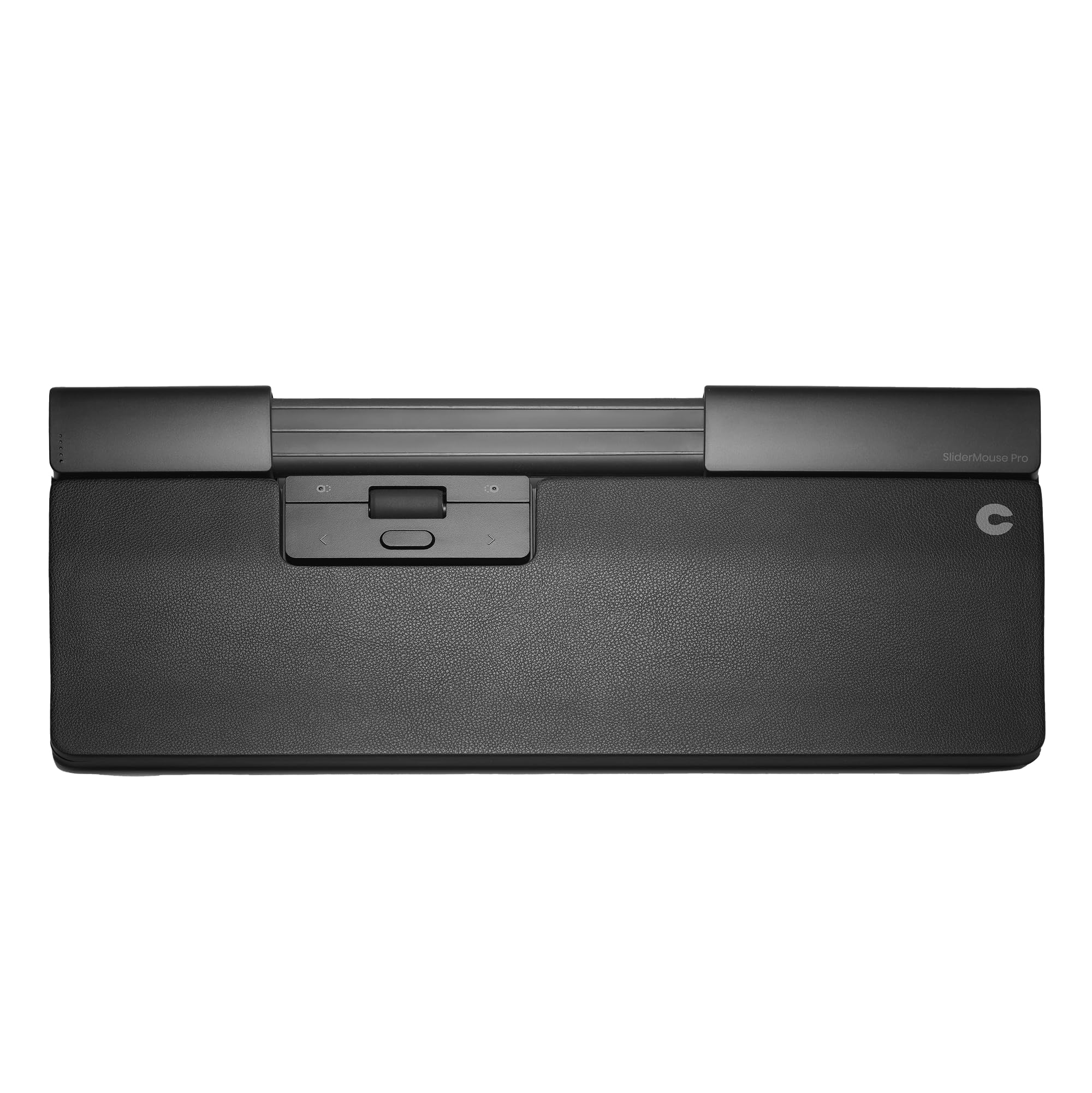
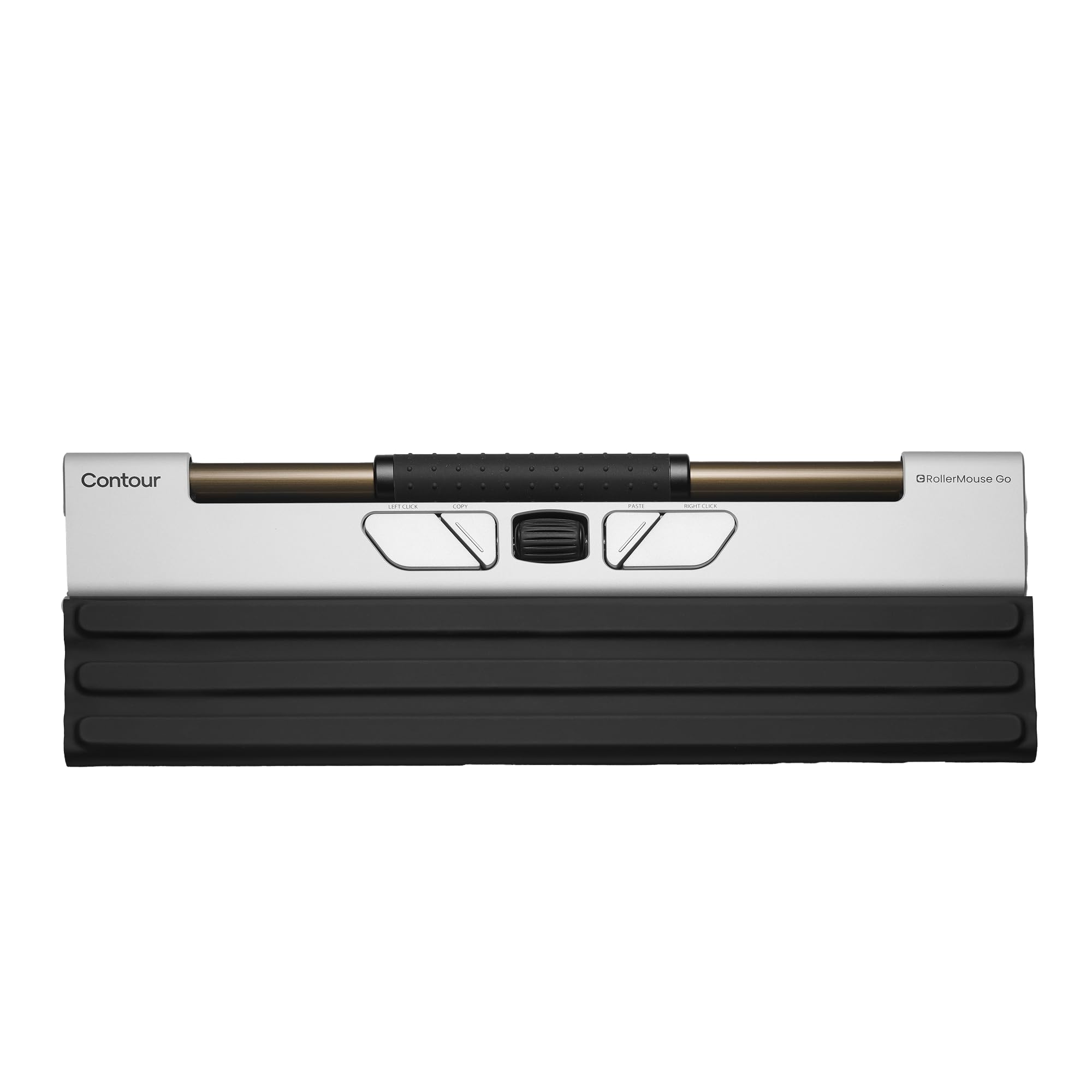
Contour Design Rollermouse Go - Portable Wireless Roller Mouse for Carpal Tunnel Relief Compact Mouse with Bluetooth USB

4.4(9)

303+ bought in the past month

$269.00

About this item

  • CUSTOMIZABLE 5-BUTTON CONTROL: Five programmable buttons and an intuitive scroll wheel put productivity shortcuts at your fingertips. You can change the settings to copy/paste or switch apps with a click and adjust cursor speed between 600 to 4000 DPI for precise design tasks or faster navigation when you need it.
  • AMBIDEXTROUS CENTERED DESIGN: Symmetrical layout works for left- or right-handed users and promotes alternating hands when in use. The centered design encourages you to use your fingertips with light movements to control the cursor – reducing repetitive strain and fatigue over long hours.
  • COMPACT TRAVEL-FRIENDLY MOUSE: The slim, lightweight aluminum build fits easily in any bag, making it perfect for remote work and travel. The included cover folds into a wrist rest for support and protects the mouse on the go, so you have ergonomic comfort anywhere you need.
  • VERSATILE WIRELESS CONNECTIVITY: Enjoy plug-and-play use on both Mac and PC, with no drivers needed – ideal for hybrid work environments and moving between laptop and desktop.
  • EXTENDED BATTERY LIFE: Rechargeable battery lasts up to 3 months per charge, so you can work wirelessly without frequent recharging. Go from office to travel without worrying if your mouse can keep up; quickly recharge via USB-C cable for convenience. Ensuring you work in comfort no matter where you’re working from.
  • ECO-FRIENDLY & DURABLE BUILD: Built with 29% recycled aluminum and post-consumer recycled plastic, the RollerMouse Go is a sustainable choice for eco-conscious professionals. High-quality construction ensures longevity, reducing electronic waste while providing a reliable ergonomic tool for the long term.
$269.00

In Stock

DeliveryEstimated 3–5 business days · Final delivery speed and cost are confirmed at checkout
Easy Returns · 30-day window
This order is a gift

In Stock

Secure Checkout
Free Returns
30-Day Guarantee
Secure checkoutAll transactions are SSL-encrypted. Your payment info is never stored.
Free returnsReturn or replace within 30 days
Fast deliveryOrders ship within 1 business day and arrive in 4–8 days.
Buyer protectionIf your order arrives damaged or doesn't show up, we'll make it right.
24/7 supportOur team is here to help. Reach us anytime by email or chat.
Ships fromOur Warehouse
Sold byContour Design
Returns
Easy Returns30-day return window
PaymentsSecure transaction
Currently unavailable
Easy Returns · 30-day window

Product details

BrandContour Design
ColorBlack
Connectivity TechnologyBluetooth, USB
Special FeatureErgonomic Design, Foldable, Lightweight, Portable, Programmable Buttons
Movement Detection TechnologyRollerbar

Technical specifications

product_dimensions12 x 2.6 x 0.1 inches
item_weight10.2 ounces
item_model_numberCDRMGO10000
batteries2 Lithium Ion batteries required.
best_sellers_rank#1,767 in Computer Mice
date_first_availableMay 29, 2024
manufacturerContour Design

From the brand

Product detail
Product detailProduct detailProduct detailProduct detailProduct detailProduct detailProduct detailProduct detailProduct detailProduct detailProduct detail

Product videos

Product video 1

Customer reviews

4.49 ratings
★★★★★

Excellent, compact alternative pointing device, comfortable, portable, high quality

RobbsterAugust 16, 2025

The Contour roller mouse Go is an excellent alternative to a traditional mouse! Due to some forearm pain I have been testing out a lot of different pointing devices, everything from trackballs to touch pads to left and right handed ergonomic mice. Many of these have improved my ability to mouse with limited discomfort, however, the Contour roller mouse go seems to be the best so far. I think this is because none of the fine motions when using the Contour are the same as traditional mice. This then uses different muscle groups which avoids irritating those already irritated by traditional mouse movements. To avoid to avoid irritation with the contour I'm simultaneously using a left handed ergonomic mouse The contour device and a right handed large ergonomic track ball. Constantly switching between these devices minimizes discomfort. key positives: * Fluid accurate mouse movement * Intuitive buttons * smooth scrolling * Excellent selection of resolutions * very compact * Very sturdy aluminum build * All three key connection options - Bluetooth, dongle, Wired * Ambidextrous use The only downside I see is the cost however high quality ergonomic pointing devices are expensive. This one seems worth the money. I'm testing it out on my desktop now and if the results are favorable with longer term use I plan to put this in my laptop bag and use it when I'm traveling. It seems like the most compact ergonomic pointing device that I can find that works for situation. Recommended Read more

★★★★☆

Good but Could Be Better

Crafty JanSeptember 20, 2025

I am a big fan of Contour’s Rollermouse Products. I wanted to try this because my keyboard and RMW 3 take up a lot of real estate on my desk. I was going for a shorter Apple keyboard and wanted the slimmer RM to match so I bought it to try it out. I knew there’d be a learning curve so I used it full time for 2 weeks as I work from home. Overall, it performs well. Some things to keep in mind: 1) this size is for a laptop and I was using this with a 24” monitor. It wouldn’t always slide the cursor sideways as well as it’s larger counterpart 2) the most annoying thing was that the left and rt click buttons were too short. It was awkward to press the button and then try to slide the roller bar out to the screen edges at the same time. Those two outer rt and lt-click buttons should be at least an inch longer to alleviate this hand strain. 3) at times the cursor would just float from mid- screen to the right or left of the monitor randomly without me touching it. I don’t know if this was a software issue, OS issue or what? It was funny til it wasn’t anymore. So, mostly due to the awkwardness using it on a 24” monitor, I returned it and went back to my RM Wireless 3. More productive and have to worry less where my hand is on the mouse in relationship to my screen. It didn’t work for me but it might work for you. Read more

★★★★★

A bar mouse and a brand that are worth every penny.

Elle DuBoisAugust 12, 2025

I've had a full shoulder reconstruction over a decade ago and I cannot stand using a normal mouse after. This brand has been a life/job saver for me and it's very sturdy, quality, and my old one lasted several years. I cleaned the bar occasionally with alcohol wipes. I recently started traveling for work and I decided an upgrade was essential from the laptop touchpad. I love the wrap around travel case on this, the keyboard risers make it convenient for my setup, and the shorter length of this mouse makes it super functional for travel; fits nicely in my laptop bag. The clicks with the bar are quiet, and this is so incredibly comfortable for me to use. I like that you can use the dongle or connect via Bluetooth. It charged with USB-C in no time! Read more

Review image 1
Recently Viewed