
Five Stars
Brilliant! Read more
Dell
$413.99
Have a question about this product?

Product video 1
Customer summary is not available yet.
Brilliant! Read more
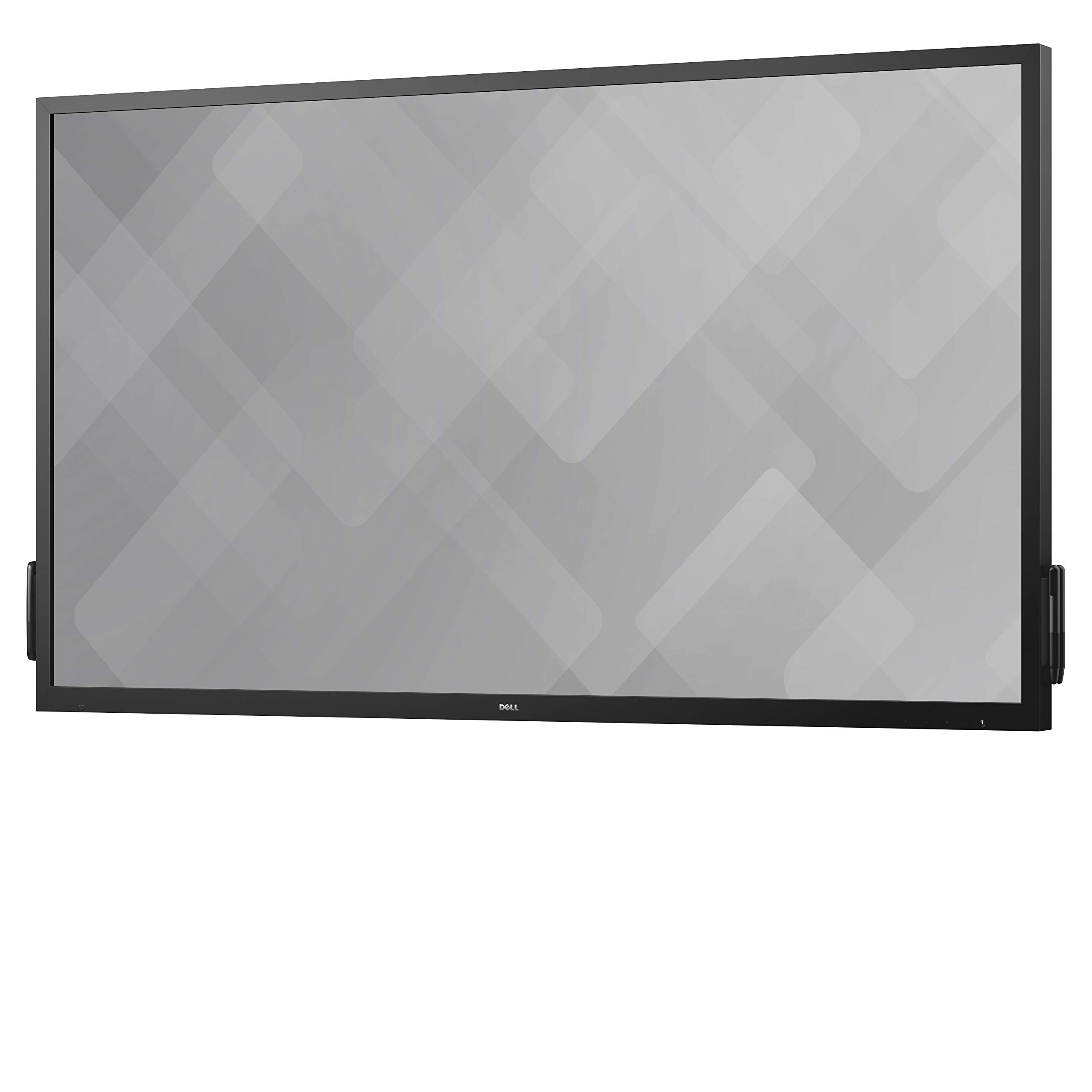
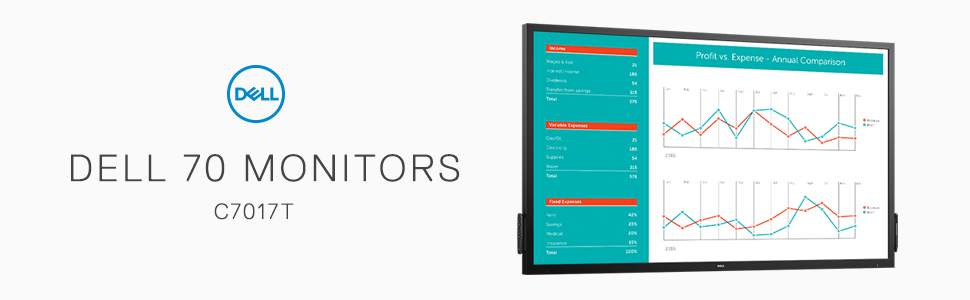
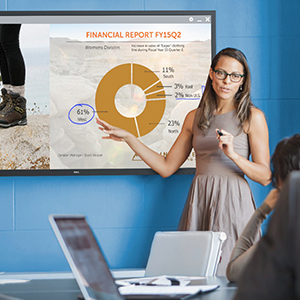
First of all, this Dell C7017T is heavy (122.4lb). It's made of solid metal frame and durable glass (I wonder if it is the Gorilla Glass) as the top layer. It's meant to be wall mounted and used as a permanent fixture in a class room or a conference room. It takes two men to lift it. The packaging has easy to remove clips to open the box and the padding inside is very secure. But still, the XPO shipping company managed to deliver it with the box torn. I wanted to mount it on a cart so that I can move it from room to room. Due to the weight, it's very hard to find a cart that can handle this weight because most TV today are light weight and, as a result, carts are no longer made of heavy metal. But I happen to have an old steel cart that is strong enough to mount this monitor on. The instruction fails to mention that you must connect the USB 3 A to B cable (included) to make the touch screen to work with your Windows computer. It took us a long time to figure out why the touch screen was not working, until I remember I used to have a touch screen monitor that required a USB 3 A to B cable to get it working. Other than that, the setup is easy. The color is brilliant, the screen is anti-glare, and the viewing angle is very good (not great). The color begins to wash out as you move toward the sides, but, since this is a presentation monitor, it's unlikely to have people sitting too far out to the sides because the presenter would create a space between the monitor and the audience. The touch screen is quite responsive, almost like the touch screen of your smartphone or tablet, but I still need to get use to it. I installed a Lenovo mini computer on the back of this monitor. I am sure the processor power of the mini computer has to do with the response speed of the touch screen. I would recommend at least an i5 computer to enjoy to smooth touch screen. Writing on it with the pens that come with it works very well. I use Microsoft OneNote, and it turns out to be a perfect combination as OneNote has great handwriting features. The package also comes with a license key for the DisplayNote software which allows you the share your screen live with remote participants. In most cases this monitor will be professionally installed for use in classrooms, churches, or conference rooms. If you plan to invest in a solid piece of equipment for teaching and presentation, this monitor is definitely built to last. I recommend it! Read more


We purchased 4 of these screens for work. On one of them, the screen just suddenly shattered whilst no one was using it. After a period of time of use, we noticed the back light starting to fail on a second screen. This deteriorated to the level where half the screen is now black and it is unusable and had to be removed. The backlight has now started to fail on the third screen and inevitable we now expect its probably going to start failing on the 4th screen. There is clearly a manufacturing fault with these screens. The screens are very large, very heavy making shipping them anywhere for repairs unpractical. Best to stay away from them unless your looking for something heavy to use as boat anchor. Read more
I REALLY want to give this monitor 5 stars. The price point is the only reason it didn't get that 5th one. Ok, that aside... I'm going to start with mounting. The wall mount brackets are hands down THE easiest I've ever had to deal with. Screw the monitor side attachments in, attach the bars to the wall... (get a friend to help because this beast is HEAVY, at 120-ish pounds) hook the the top hooks from the monitor to the top bar, pull down the bottom latches and hook onto the lower wall mounted bars. Neat little addition are the holes to run padlock shackles through the lower end so the pull latches cannot open to remove the monitor. I think that's a slick way to secure your investment. The image is nice and crisp. No, it's not 4k, but it is 1080p and I haven't noticed any motion blur... no matter whether I have my cpu hooked up running standard programs or playing games. Same goes for running my ps3... games or movies. I'd noticed comments about the picture being bright. It is. There are far fewer display settings on this monitor than on my Asus monitors. BUT! It's also no big deal to take 5 or so minutes to adjust display settings on your pc. The screen does come with a filter that dampens glare. It doesn't remove glare, but it softens it so that more of the screen is viewable. This monitor does seem to be more focused on conference rooms and business. The reason I say that is while the touch screen ability (and cool digital whiteboard program that comes, downloadable, with the monitor) is nice. But it's really wasted it not being used for presentations and meetings. The metal border of the screen is nice because of the magnetic remote. Yes, it comes with a remote. Stylus are also available for this monitor that are also magnetic so you can leave them on the monitor to keep track of them. Overall, this is a great monitor (on the pricey side) with a nice crisp image and the novelty of being touchscreen. Read more

Dell 24 Monitor S2421HS - 60 45cm 23 8 24 S2421HS 0DELL-S2421HS 60 45cm 23 8 24 S2421HS

Dell 27 Gaming Monitor - G2724D - 68 47cm W128815330 68 47cm

Dell 27 Plus 4K Monitor - S2725QS - 27-inch 4K 3840 x 2160 120Hz 16 9 Display IPS

Dell Chromebook 11 3180 83C80 11 6-Inch Traditional Laptop Black

Dell Dual Monitor Arm - MDA20

Dell Latitude 3510 Business Laptop 15 6 HD Screen 10th Gen Intel Core i5-10210U Processor 16GB RAM 512GB

Dell Latitude E6540 Core i5-4300M 15 6 Notebook PC - 462-3238 Black

Dell P2722H Monitor Bundle 27 Inch Full HD IPS Display Height Adjustable Stand HDMI DisplayPort USB Hub Office
We use optional analytics and advertising cookies to understand how visitors use Ventari, measure ads, and improve the experience. You can accept all optional cookies, allow analytics only, or decline them. See our Cookie Policy.