
Best buggeg
Great quality, connected immediately, does not drop connection and amazing price Read more
DIERYA
$59.98
Have a question about this product?


Product video 1
Rated 4.5/5 across 8 reviews — highly regarded by customers.
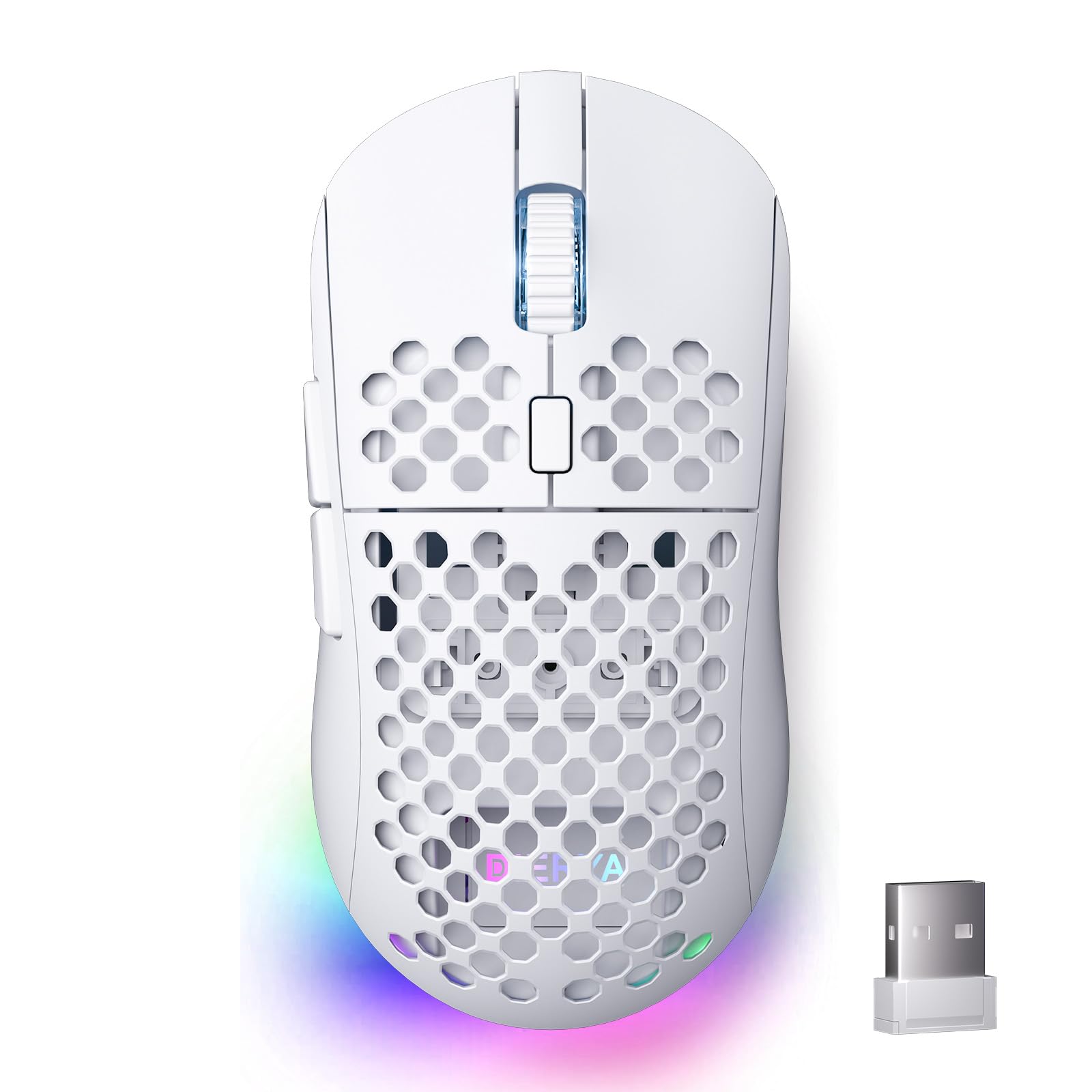
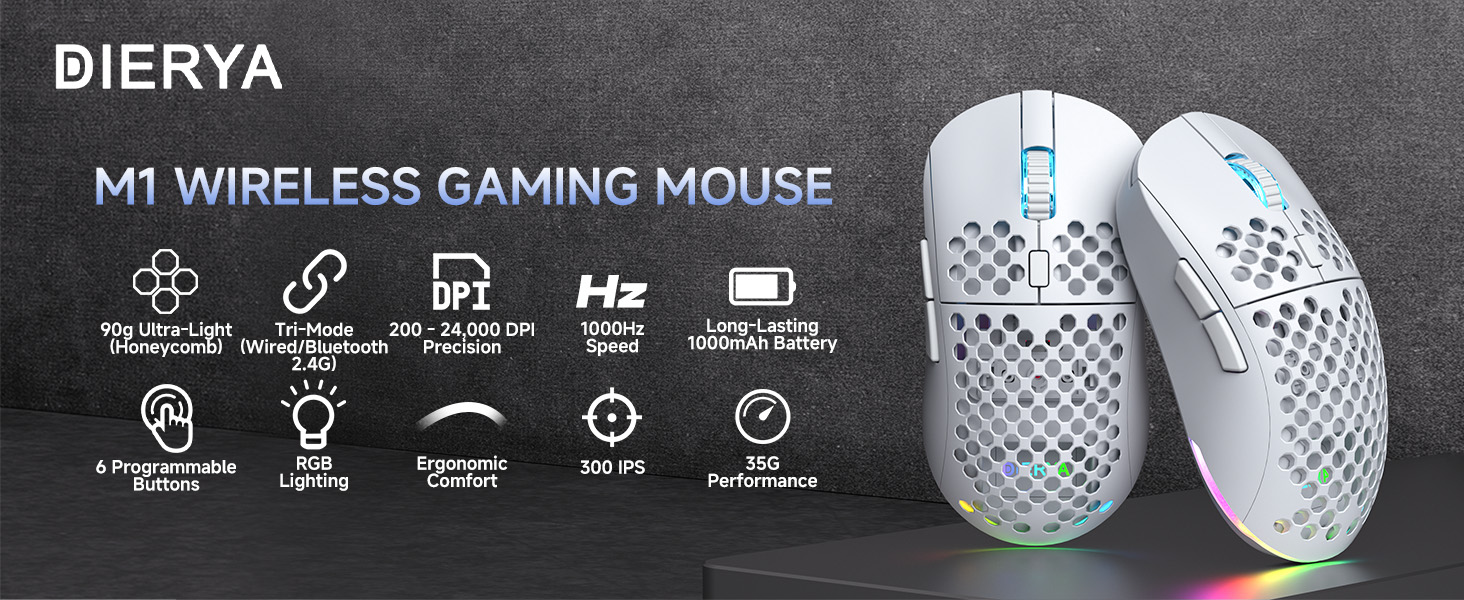
Customers find the gaming mouse to be of excellent quality and consider it worth the price.
Generated from the text of customer reviews
Great quality, connected immediately, does not drop connection and amazing price Read more
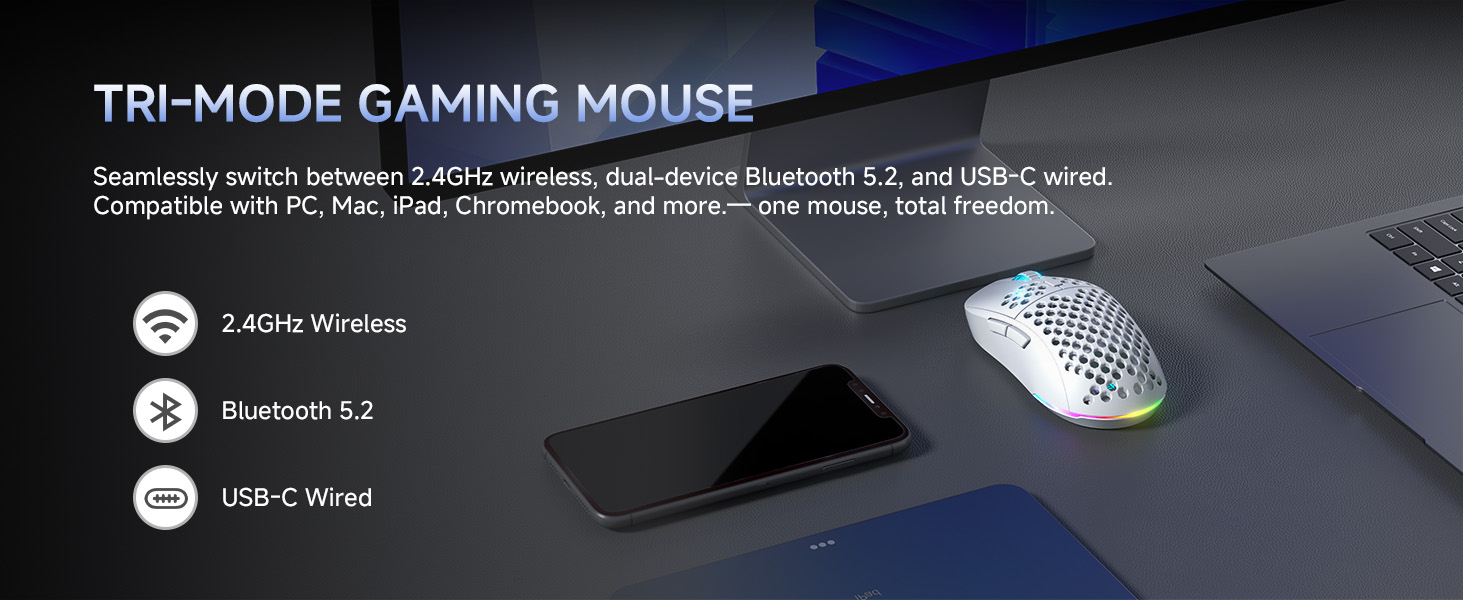
This DIERYA M1 mouse works really well — fast, smooth, and easy to use. The battery lasts a long time, and I love that it can connect by Bluetooth, USB, or wireless. It’s light, looks cool with RGB lights, and feels great for both work and gaming. Totally worth the price! Read more
Pretty good for if your on a budget Read more
Excellent product Read more
I have the matching keyboard that goes with this mouse and they pair so well together! The look and feel of this mouse is second to none. It is light weight and the RGB looks nice and bright! It has 3 modes of connectivity which I think is a major plus. Having 3 modes gives everyone a chance to connect the mouse the way they’d prefer! Overall, great product, 100% recommend! Read more

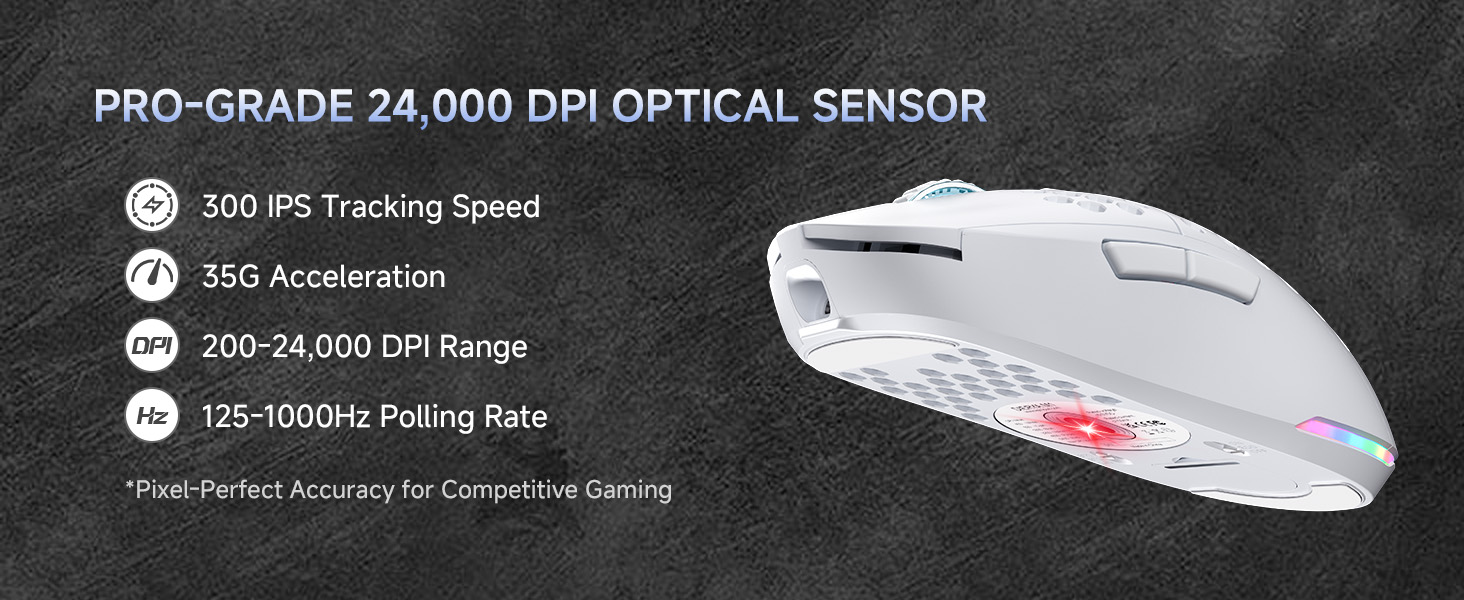
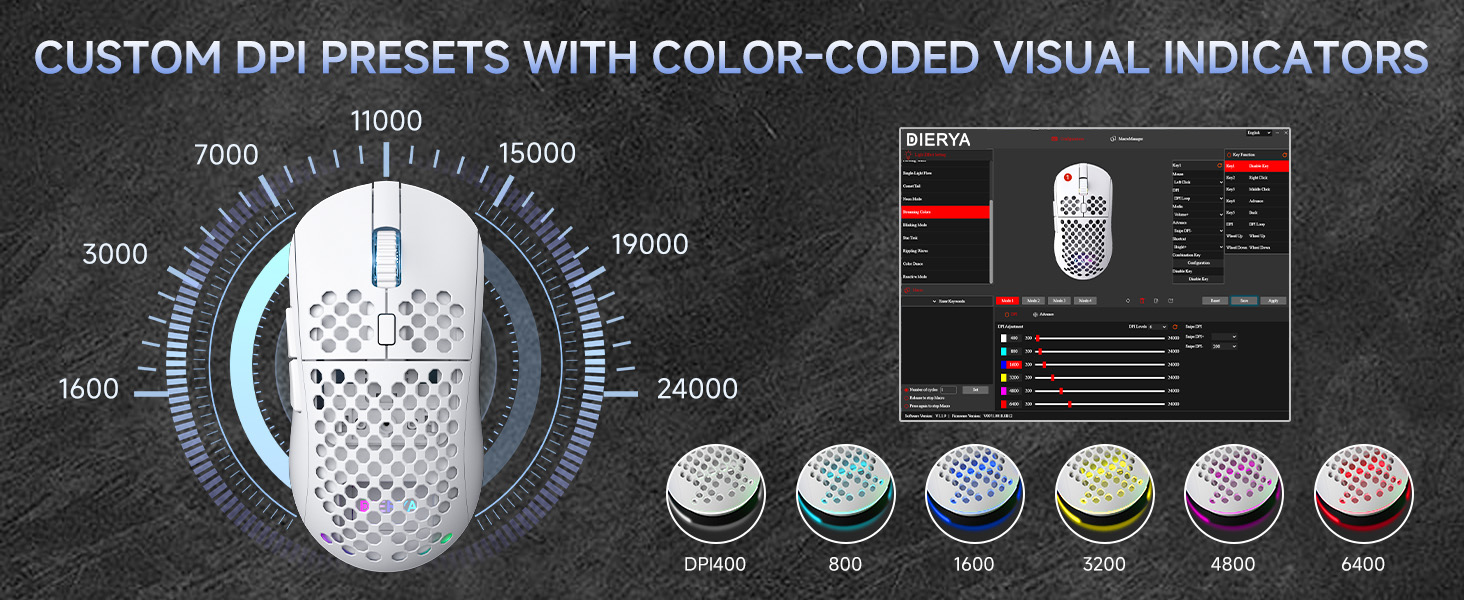
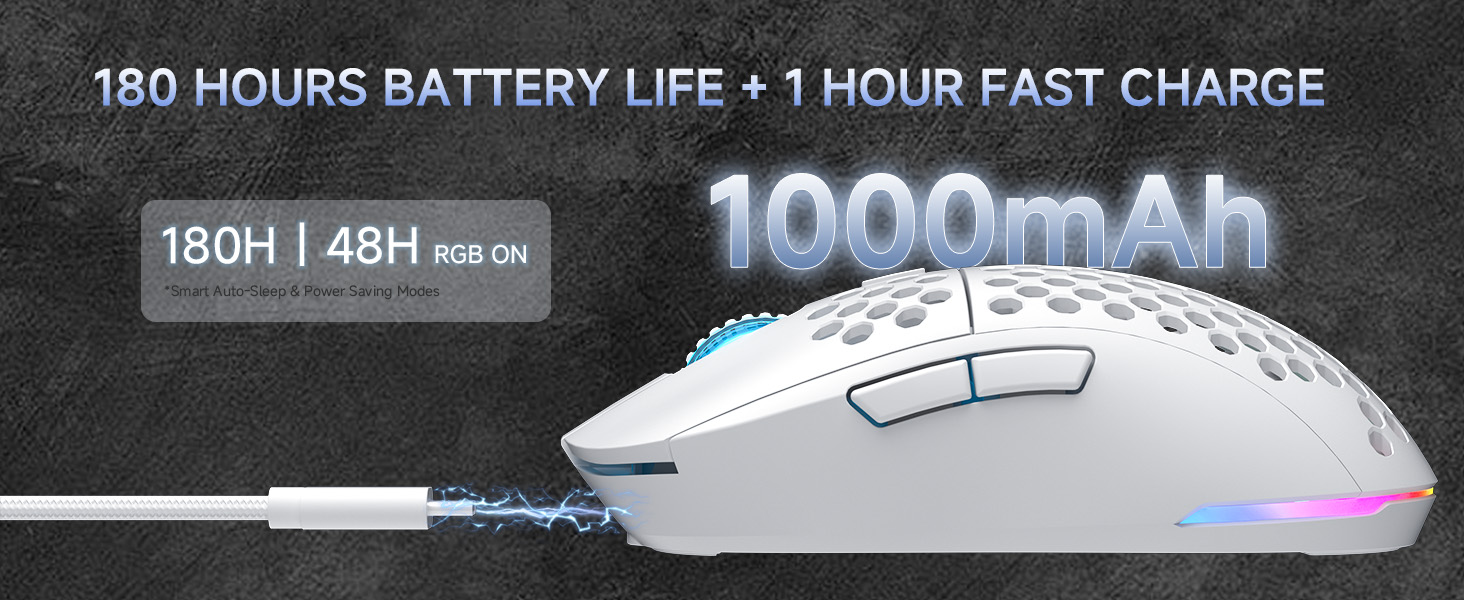
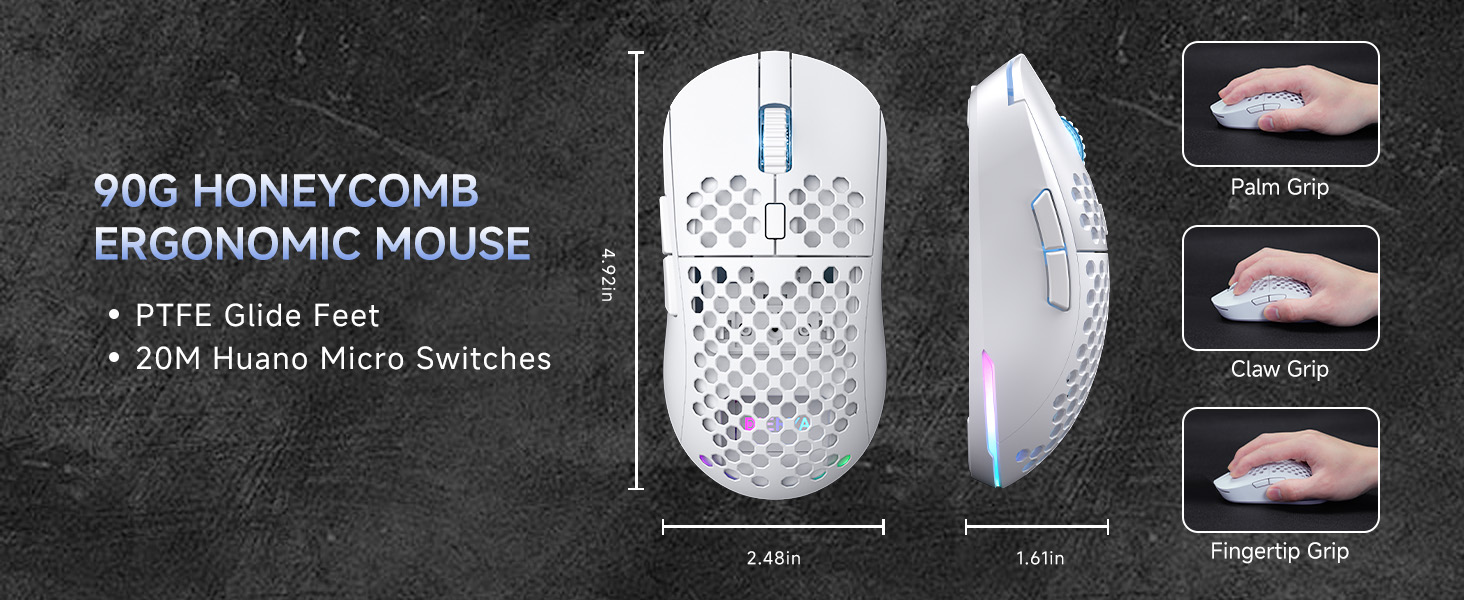
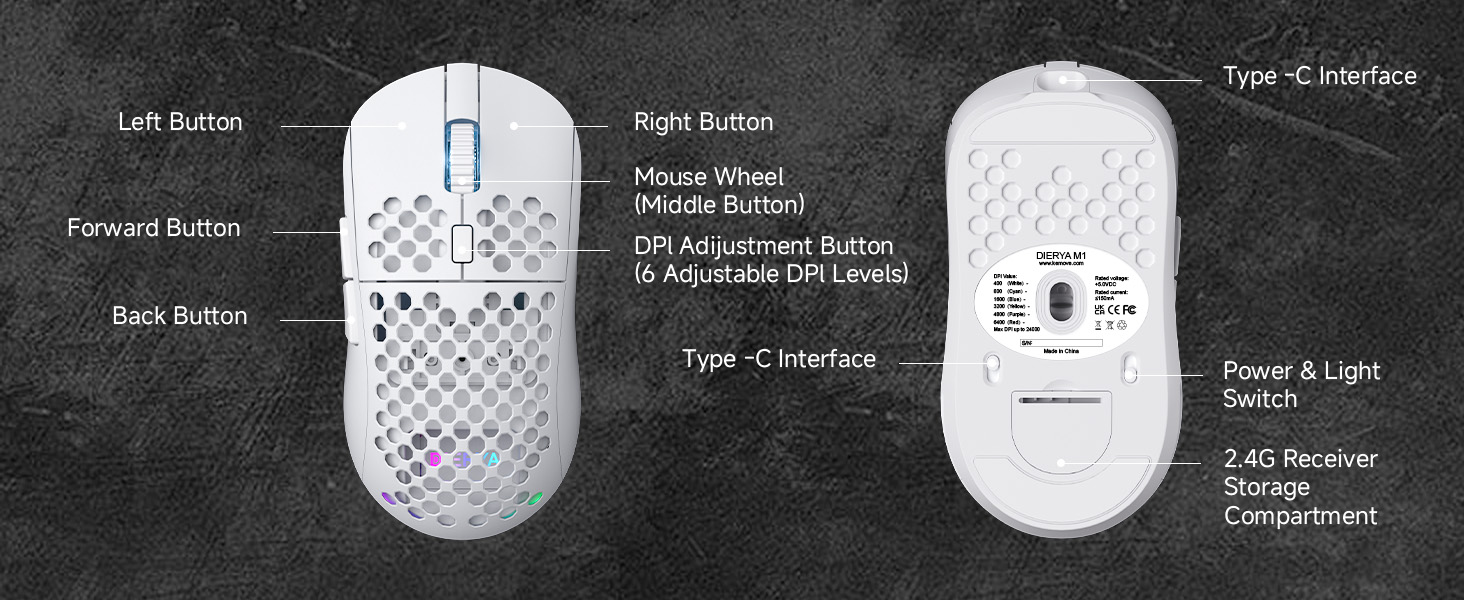
I never really understood today’s hype around gaming in general — especially the need for all the high-speed, vented and specialized gear. I grew up playing arcade games in the '80s, and I even made a couple of simple video games later on that were controlled by the keyboard. So I didn’t think DPI on a mouse really mattered. Plus, with older systems capped at 60Hz refresh rates, high DPI didn’t seem all that useful. And there was only one game I remember that used bit-by-bit collision detection. Anyway, out of curiosity — and because I could use an extra wireless mouse — I picked this one up. It looked cool, and I thought, why not? I don’t have a modern game to test it with. I’ve just been using it for typical Windows applications. When you press the middle button, it cycles through different DPI settings — the mouse flashes a different color for each one. As far as I can tell, it just changes the cursor speed. I imagine it might sample more precisely if you're using something like a graphics editor that supports it. What I do like: It connects three ways: 2.4GHz USB dongle, Bluetooth, and wired USB I’m using the 2.4GHz dongle, and it works great It’s a cool-looking mouse, with customizable lights that turn on when in use (which you can turn off with a switch) It has a rechargeable battery — just plug it into a USB port to charge The USB dongle stores inside the mouse, which is great for travel It has forward and back buttons, which my old Logitech mouse doesn’t It feels comfortable, though a bit larger than what I'm used to Does it replace my Logitech? Not yet — I’m still using the old one for everyday stuff. But next time I travel, I might bring this one. It’s stylish, functional, and the dongle is safely stored inside. Read more
It's cute, but my goodness, it lags so much. I really like the size of the mouse and all of the colors, but the center toggle needs a bit of reprogramming, like the side buttons do. I mostly got the mouse because it matches my keyboard perfectly, and the LED rainbow lights are super cute, but scrolling around while I'm working takes forever because moving the mouse for 6 inches barely lets me move the cursor halfway down the page. Read more
UPDATE: Continue working with customer support - these guys seem to genuinely care about customer satisfaction. I have continued evaluating this mouse and now I can say it is my current favorite mouse. The recent software update addressed some issues and now it works as it should have from the beginning but hey, at least we got there right? I could whole heartedly recommend this mouse now that the issues have been addressed. The software still takes a bit of figuring out, but once you understand what it can and can't do, it works pretty well. UPDATE: Customer Support Helped — Mouse Now Working I was contacted by customer support, who were polite and genuinely helpful. They provided me with what seems to be updated software, and after installing it (and re-reading the manual to be sure I hadn’t missed anything), the mouse was finally detected. It was a miracle! While I’m not thrilled with the software — it’s clunky, lacks tooltips, and isn’t very intuitive — it did eventually allow me to assign a macro to a button. And it worked! I finally achieved what I bought this mouse to do: create a basic auto-fire function to reduce repetitive clicking and give my arthritic thumbs a break. That said, I still encounter odd behavior. For example, the left mouse button randomly stopped working during use — again. I’ve never had another mouse behave like this, and I’m still trying to understand the cause. Original Frustration (for context): This mouse seemed promising and might be fine for basic PC use. But during a gaming session, the left click stopped working mid-event, leaving me without a fire button while under attack. The software couldn't detect the mouse at all. I had to swap it out just to get back to normal functionality. At that point, I couldn’t recommend it for anything beyond general desktop use. Final Verdict: With customer support's help and some trial and error, I got the mouse to work — including the custom macro I wanted. It was a rocky road, but at least now it's mostly doing what it promised. Read more


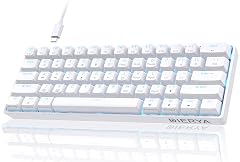
DIERYA 60 Mechanical Keyboard DK61se Wired Gaming Keyboard with Blue Switches LED Backlit Ultra-Compact 61 Keys Mini Office
DIERYA 60 Mechanical Keyboard DK61se Wired Gaming Keyboard with Red Switches LED Backlit Ultra-Compact 61 Keys Mini Office

DIERYA DK68-C 60 Gaming HE Keyboard Magnetic Switch Hot Swappable Rapid Trigger Adjustable Actuation 8000Hz Polling Rate RGB

DIERYA T68SE 60 Gaming Mechanical Keyboard Ultra Compact Mini 68 Key with Red Switches Wired Keyboard Anti-Ghosting Keys

DIERYA DK63 60 Wireless Mechanical Gaming Keyboard Bluetooth 2 4G Wired Keyboard RGB Backlit Compact 63 Keys Mini
DIERYA DK63 60 Wireless Mechanical Gaming Keyboard Bluetooth 2 4G Wired RGB Backlit Anti-Ghosting Compact 63-Keys Mini Keyboard

DIERYA DK68 Wireless Mechanical Keyboard 60 Gaming Keyboard with Red Switch Triple Mode 2 4GHz USB-C BT5 0

DIERYA DK81E 75 Mechanical Gaming Keyboard Hot-Swappable Pre-Lubed Linear Switches Gasket-Mount 6-Layer Dampening Foam Programmable Volume Knob RGB
We use optional analytics and advertising cookies to understand how visitors use Ventari, measure ads, and improve the experience. You can accept all optional cookies, allow analytics only, or decline them. See our Cookie Policy.