Free shipping over $35 · 60-day returns · Price-watch guarantee

Ventari

ECOWITT

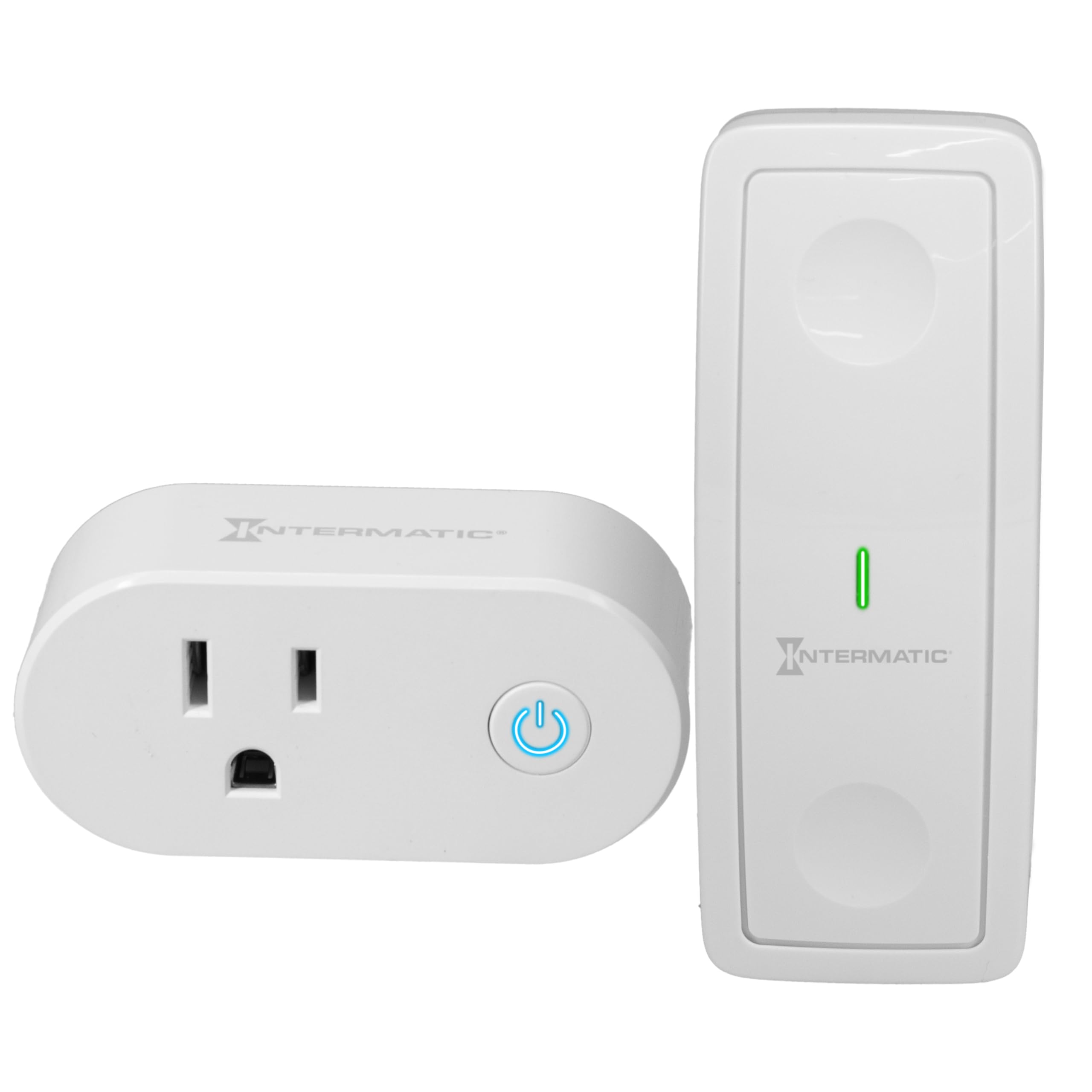
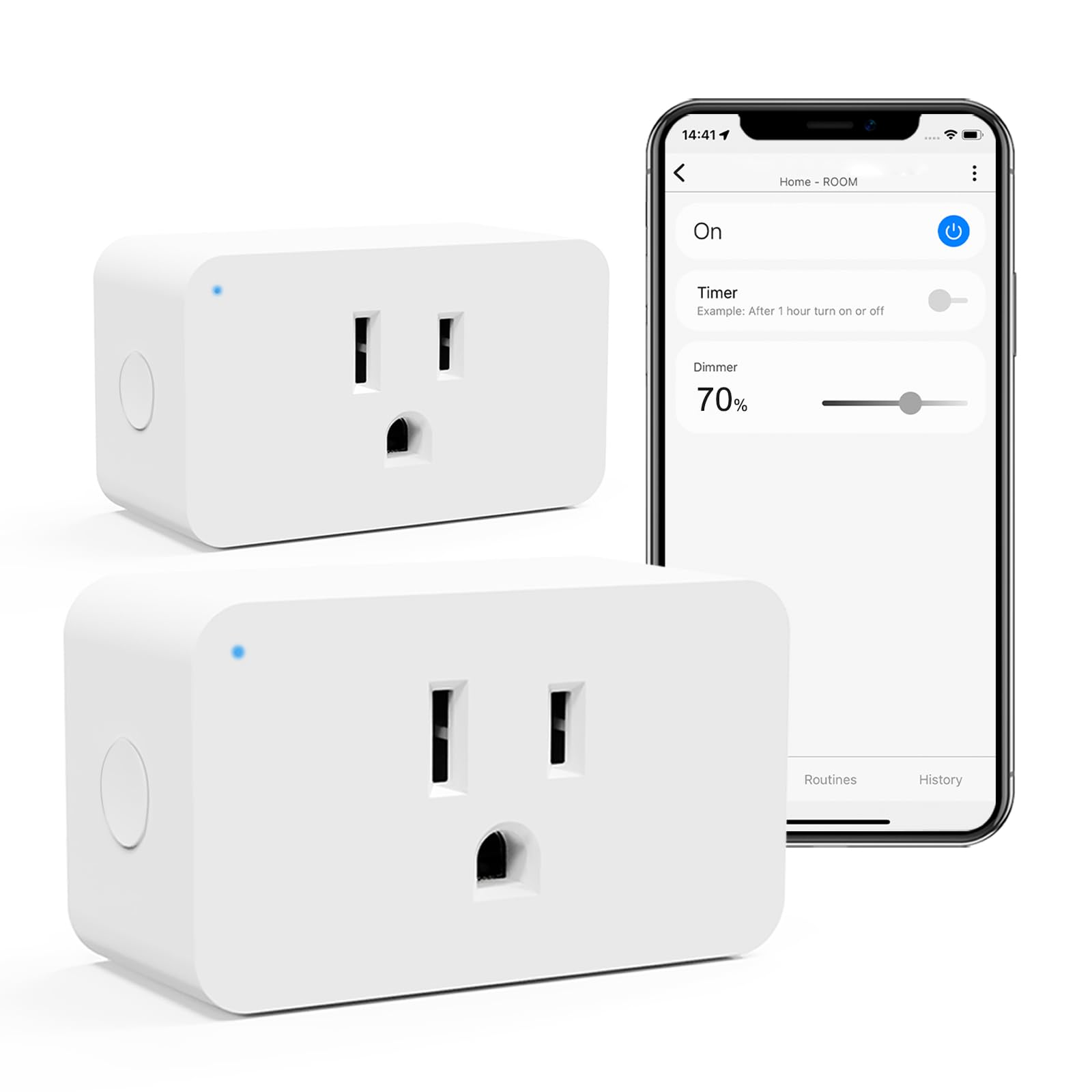
ECOWITT WittSwitch AC1100 Smart Outlet Switch Need to Pair with IoT Wi-Fi Gateway GW2000 GW1200 4 Operation Modes

5.0(3)
$45.99$149.99

212+ bought in the past month

Sobre este artículo

  • 【Join in ECOWITT IoT System】Only after pairing with the Ecowitt IOT Wi-Fi gateways, such as GW2000/GW1200(gateways sold separately), could the AC1100 outlet switch join in the Ecowitt IoT system. Otherwise, it is an ordinary outlet switch. Note: WS3800/WS3900/WN1980/WN1920/WN1820/WN1821 display consoles could be IoT gateways to pair with the AC1100 outlet switch, but they could not display the data of AC1100 or control the AC1100.
  • 【Easy to Use】Before using it, you need to own an Ecowitt IoT gateway(Sold Separately) and download an Ecowitt APP. Plug the AC1100 into a power outlet, and press and hold the button for more than 5 seconds, the blue light flashes and enters the pairing mode and automatically pairs with the gateway. The quick start manual of the gateway would walk through the whole Wi-Fi configuration process of the gateway in detail. Please refer to the Quick Start of IoT gateways.
  • 【4 APP Operation Modes】The operation mode includes Button mode, Manual mode, Plan mode, and Smart mode. Each mode trigger will be interrupted by each other, and the operation generated by the most recent trigger will take effect.
  • 【Manual Mode】Execute immediately after setting the power consumption mode on the APP. In the initial state, clicking the switch button on the Ecowitt APP allows you to choose between 'By Duration' and 'Always On.' In the 'By Duration' mode, you can also select the on and off states for the cycle mode. Cycle Mode ON & OFF range: 5seconds~3600seconds.
  • 【Button Mode】Short press the button on the Ecowitt APP and Execute Quick Run or terminate the current program. Quick Run refers to the execution actions set in the last Manual Mode.
  • 【Plan Mode】After successfully setting up the plan, it will be saved on the AC1100. Even if the AC1100 is disconnected from the gateway, it can still execute the plan as scheduled. 1. Select "Plan" to enter the plan editing interface. 2. Use the switch icon on the right to control the activation or deactivation of the plan. 3. Click the edit icon to access the editing interface. 4. In the editing interface, you can set the plan's start time, and total duration, and choose whether to enable the cycle mode.

Key details

color_spec
‎White
Operation Mode
ON-OFF-ON
Current Rating
1 Amps
Contact Type
Normally Closed
Connector Type
Plug In

Dimensions and fit

dimensions
‎2.44 x 2.05 x 3.94 inches
Item dimensions L x W x H
2.44 x 2.05 x 3.94 inches
item_dimensions_l_x_w_x_h
2.44 x 2.05 x 3.94 inches
product_dimensions
2.44 x 2.05 x 3.94 inches

Technical specifications

Operating Voltage
110 Volts
operating_voltage
110 Volts
item_model_number
AC1100BU

Item information

Brand
ECOWITT
Switch Type
Push Button
Terminal
Through Hole
operation_mode
ON-OFF-ON
current_rating
1 Amps
contact_type
Normally Closed
connector_type
Plug In
circuit_type
1-way
actuator_type
Push Button
international_protection_rating
IP00
number_of_positions
1
upper_temperature_rating
50 Degrees Celsius
controller_type
IoT Gateway
control_method
Remote, Touch
connectivity_protocol
Wi-Fi
color
White
wattage
1440 watts
unit_count
4.1623 Ounce
number_of_items
1
manufacturer
ECOWITT
control_type
App-based with Remote and Local Control
compatible_devices
Ecowitt IoT Wi-Fi Gateway (GW2000, GW1200)
date_first_available
January 24, 2024
best_sellers_rank
#749,453 in Tools & Home Improvement ( See Top 100 in Tools & Home Improvement ) #899 in Electrical Outlet Switches
Highlights

About this item

  • 【Join in ECOWITT IoT System】Only after pairing with the Ecowitt IOT Wi-Fi gateways, such as GW2000/GW1200(gateways sold separately), could the AC1100 outlet switch join in the Ecowitt IoT system. Otherwise, it is an ordinary outlet switch. Note: WS3800/WS3900/WN1980/WN1920/WN1820/WN1821 display consoles could be IoT gateways to pair with the AC1100 outlet switch, but they could not display the data of AC1100 or control the AC1100.
  • 【Easy to Use】Before using it, you need to own an Ecowitt IoT gateway(Sold Separately) and download an Ecowitt APP. Plug the AC1100 into a power outlet, and press and hold the button for more than 5 seconds, the blue light flashes and enters the pairing mode and automatically pairs with the gateway. The quick start manual of the gateway would walk through the whole Wi-Fi configuration process of the gateway in detail. Please refer to the Quick Start of IoT gateways.
  • 【4 APP Operation Modes】The operation mode includes Button mode, Manual mode, Plan mode, and Smart mode. Each mode trigger will be interrupted by each other, and the operation generated by the most recent trigger will take effect.
  • 【Manual Mode】Execute immediately after setting the power consumption mode on the APP. In the initial state, clicking the switch button on the Ecowitt APP allows you to choose between 'By Duration' and 'Always On.' In the 'By Duration' mode, you can also select the on and off states for the cycle mode. Cycle Mode ON & OFF range: 5seconds~3600seconds.
  • 【Button Mode】Short press the button on the Ecowitt APP and Execute Quick Run or terminate the current program. Quick Run refers to the execution actions set in the last Manual Mode.
  • 【Plan Mode】After successfully setting up the plan, it will be saved on the AC1100. Even if the AC1100 is disconnected from the gateway, it can still execute the plan as scheduled. 1. Select "Plan" to enter the plan editing interface. 2. Use the switch icon on the right to control the activation or deactivation of the plan. 3. Click the edit icon to access the editing interface. 4. In the editing interface, you can set the plan's start time, and total duration, and choose whether to enable the cycle mode.
Close-up view of the ECOWITT WittSwitch AC1100 Smart Outlet Switch Need to Pair with IoT Wi-Fi Gateway GW2000 GW1200 4 Operation Modes
Details

Materials and care

Material
Plastic
contact_material
Bronze

De la marca

Product detail
Product detailProduct detailProduct detailProduct detailProduct detailProduct detailProduct detailProduct detailProduct detailProduct detailProduct detail

Product videos

Product video 1

Customer reviews

Customers say

Customer summary is not available yet.

★★★★★

I love the Ecowitt smart settings

This is so great. I have this tied into my weather station, it's controlling an oil space heater radiator. I'm getting more to control lighting and other energy saving things. Read more

B L
Recently Viewed

We use optional analytics cookies to understand how visitors use Ventari and improve the experience. This banner controls analytics measurement only. See our Cookie Policy.