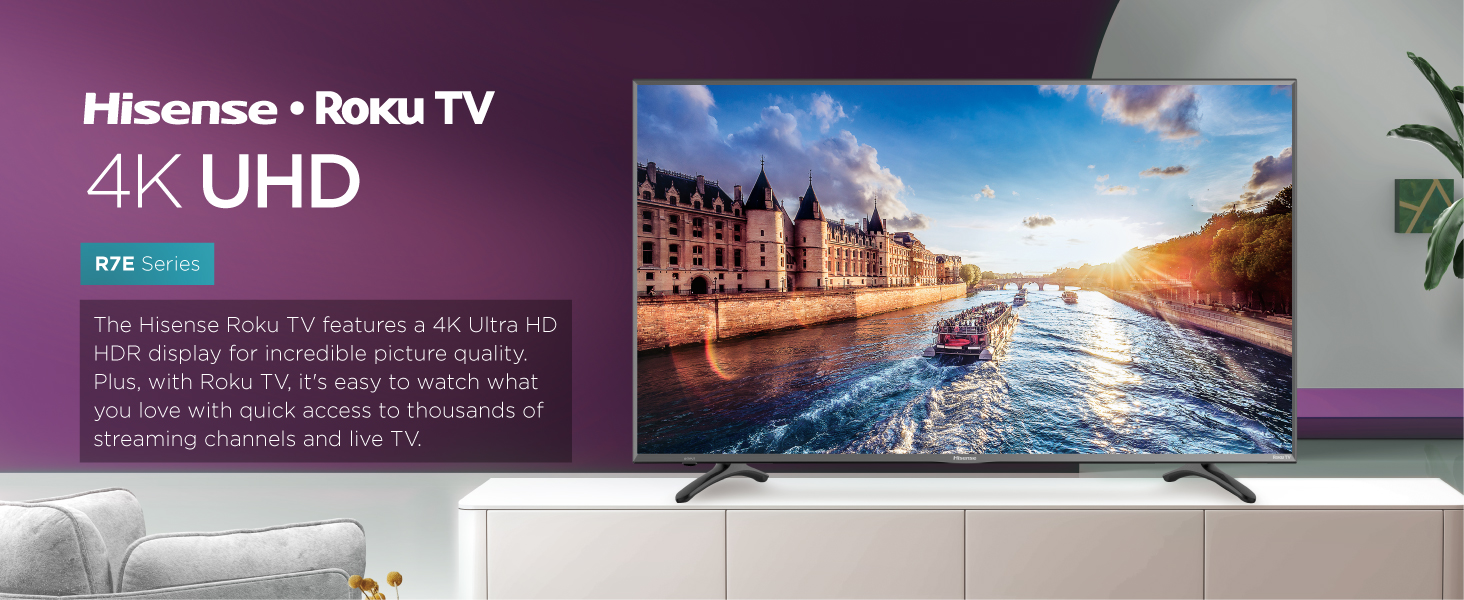
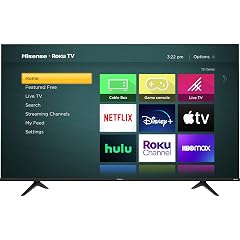
Now, I must admit, I'd never heard of Hisense before finding this TV. Maybe because brands like Samsung, LG, TLC, and Vizio have dominated the market when it comes to HD and Smart TVs. Despite that, this TV is downright AMAZING. Now, don't worry, I'll give a full breakdown on the pros and cons of this particular TV but for the most part, this TV is 110% worth the asking price. Note: Some Walmarts have this model or extremely similar TVs (TLC 40" 4K Smart TV) for a cheaper price. In-depth Review: Picture Quality: 5/5 -The picture quality is PERFECT. I didn't think it would be so good especially since it was from a rather obscure brand of TV's I'd never heard of. But, lo and behold, the quality was "picture-perfect". Brightness/Contrast: 3.5/5 -Though the picture is great, the default and preset brightness/contrast setting(s) are quite poor. I use this TV for Cable TV, Netflix, and Gaming and when it comes to watching movies or videos on YouTube, the brightness is fine. When it comes to gaming, however, the flaws in the contrast/brightness become very apparent. I tried several games and my old TV just for comparison and my smaller 1080p TV was better when it came to brightness and contrast. This could easily be tweaked in the settings but it's still not the best. The TV has several preset options for brightness: Normal, bright, brighter, dark, and darker. There are also custom sliders in Advanced picture settings. Going through these and making a few changes can solve this option but it takes time and patience. Features: 4/5 -The amount of features on this TV are pretty standard when it comes to apps and settings. I did hear that some Smart TVs have extra functions but those functions don't work, such as downloading new apps. You don't have to worry about that with this TV. I've also heard that some Smart TVs won't allow you to download the YouTube app or just doesn't offer it. This TV does, so don't worry. Sound: 5/5 -The sound is, in my opinion, one of the best features of this TV. Yes, even more than the 4K. The sounds are all always so crisp and clear and the bass is just right on music. What's so great about this TV is that it pretty much acts as it's own high quality speaker. You can play music, movies, and other media on this TV and not worry about dialogue being muffled out. You also don't get any of that awful booming noise that sounds like your speaker is going to explode when playing loud music. Everything is just perfect. Overall: 4.4/5 -A good buy for the price. My only advice would be to check in-stores for a better deal before going through with buying this TV. Read more
I absolutely love this TV. Full disclosure; I initially found it at Walmart. I'm a gamer and my TV from the late 90s/Early 2000s was fantastic for my classic consoles, and was fine for tv watching. However, I recently got a Switch and needed an upgrade. Before choosing this TV I had assumed I would go with a Samsung, as I had always loved their products. When I went to go see TVs in person, I was actually far more impressed with the picture quality of this Hisense model! I saved for a while and when it came time, Amazon had the best price(I paid $286). Upon delivery it weighed about what a large bucket of cat litter weighs. Out of box set up was fairly easy(be cautious, the legs aren't the best). When I went to plug it in I was immediately disappointed as it had a crack in it. Discussed it with family members who urged me to send it back and have it replaced. Ultimately give 4.8 stars. Great quality, great price, sad delivery. Read more
While I initially thought 43" was a bit wider than I wanted, I bought this one because it offered 4K with HDR and ARC, which I thought would be a nice upgrade for not that much more money. I can happily say, I love this TV! The picture is crystal clear when playing higher resolution films, the colors and tint are entirely customizable, the ARC feature is a nice touch so that you can control your TV volume from the stereo by plugging in a ARC HDMI cable into the ARC port on the TV and the other end into the stereo. I used to have a "smart" HDTV, but Roku is soooo much better! It is like having cable without having to pay for it, but also having the option to buy a service with a range or channels (via one of the apps) or buying individual cable channels to watch, so it accommodates your interests in both ways. There are a few preset color/tint profiles like "Sports", "Movies," etc for you to start with, and customize, so you can just switch profile when switching venue, like when you play a dvd vs watching sports. One thing to keep in mind is that if you are playing old movies (for example) on this, then you will not really see the quality resolution as much, because it doesn't improve what isn't there. Another note, you really need high speed internet, like Cable or Fiber Optic to be able to stream in 4K. The HDR feature adds deeper/truer colors/tints to the screen image and really makes movies look more real, and not so dark or blue as often comes across on televisions. All I can say, is I would by anther Roku again, perhaps even this brand. This has been a great viewing experience! Thank you so much for making it affordable! The TV has a USB port which can be used to either boost reception for an anttena for more remote areas or to plug in a jump drive to use in various ways. One way the USB port can be used is to enable an ability to pause or replay local tv. To activate this, you just press oause while watching tv and a menu pops up called 'Live TV Pause' and it walks you through how to set it up. Alternatively, if you saw something on the local TV that was in progress and you wanted to watch it from the beginning, you just press star button on the remote and the Roku will list all of the channel apps you have that have it available and whether or not they are free. Just select the channel you want, and it immediately begins to play from the beginning. Another aspect I found intesresting is that when I was binge watching a tv series and letting one episode autoplay after another, the TV actually paused and printed on the screen "Are you still there?" I guess to make sure I hadn't fallen asleep or walked away. With a Roku, you have access to hundreds of apps to download, some free, some not. Some of these apps include: Prime Video (you have to be a Amazon Prime member), Vudu or Movies Anywhere (free access to ultraviolet movies you own on the cloud), Hoopla (free with a library account), Netflix (small monthly fee), popcornflix (free), Tubi (free), Crackle (free)" Redbox (movie rentals), Google Play Movies and TV (rent or buy movies), PBS (free), The CW (free), CW Seed (free), the Roku Channel (free), local news channels (typically free). Weather channels (typically free), sports channels typically not free), Philo (free), Fawesome (free), Filmrise (free), CCN (Classic Conedy Network) (free), AFV (America's Funniest Home Videos) (free), premium cable like STARZ or HBO (for a low monthly fee), Hulu (for a monthly fee), Sling (Rent and on demand TV from popular channels), YouTube TV (live TV with DVR storage for a monthly fee), learning apps (like TED, the Great Courses, Lynda.com, and apps to learn languages, investing, or science), history apps (like All Roads Lead to Rome, Wow I Never Knew That!), You Tube (free), Amazon Music (free music streaming app requires Amazon account, can stream Prime Music free or buy songs or play songs you own), Spotify (free music streaming), Crunchyroll (monthly fee for Anime), yoga, exercise, nutition and health apps, classic film apps (black and white), etc. Basically, there are a good variety of apps to cover things you might be interested in. The TV was delivered fairly quickly and was undamaged. The package was surprisingly light, for it's wide bulk, and as with all new flat screen TVs, you have to be delicate with it when removing it from the box, placing it face down, and attaching its feet to avoid damaging the tube part of the screen. With large TVs like this one, it is recommended that you have two people to remove the TV from the box for setup. Read more