

TP-Link

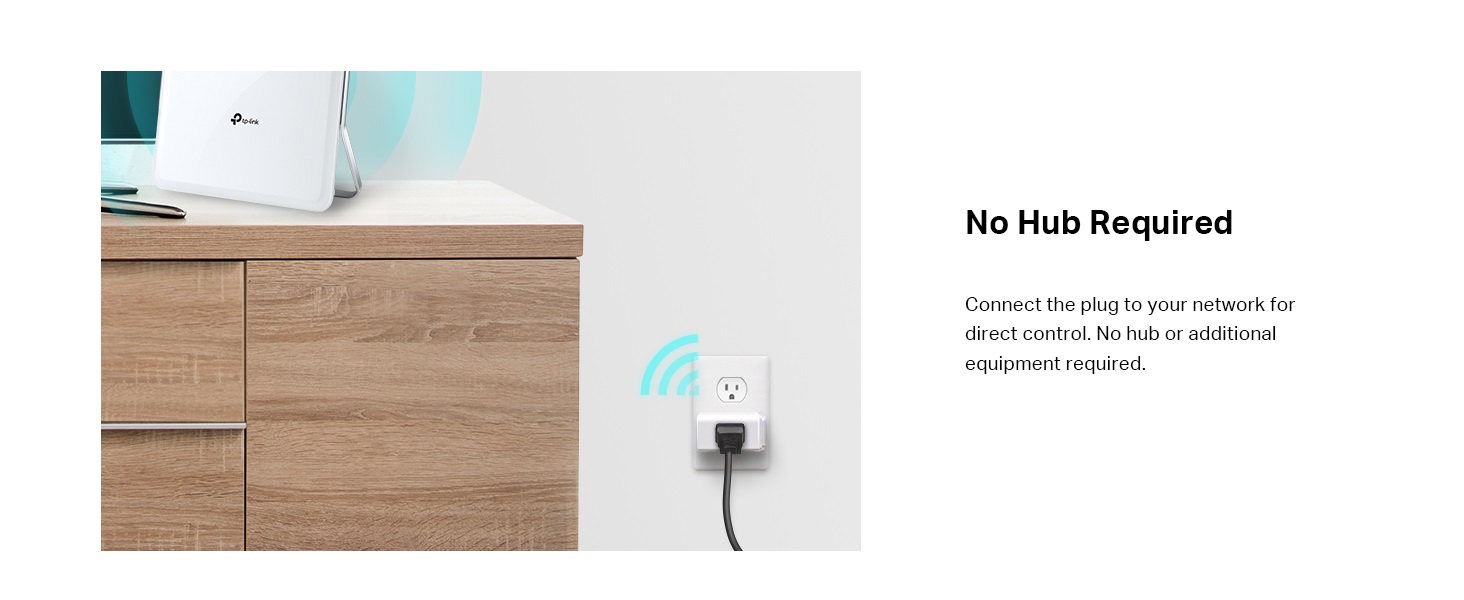
Kasa Smart Plug Classic 15A Smart Home Wi-Fi Outlet Works with Alexa Google Home No Hub Required UL

423+ bought in the past month

$8.48

About this item

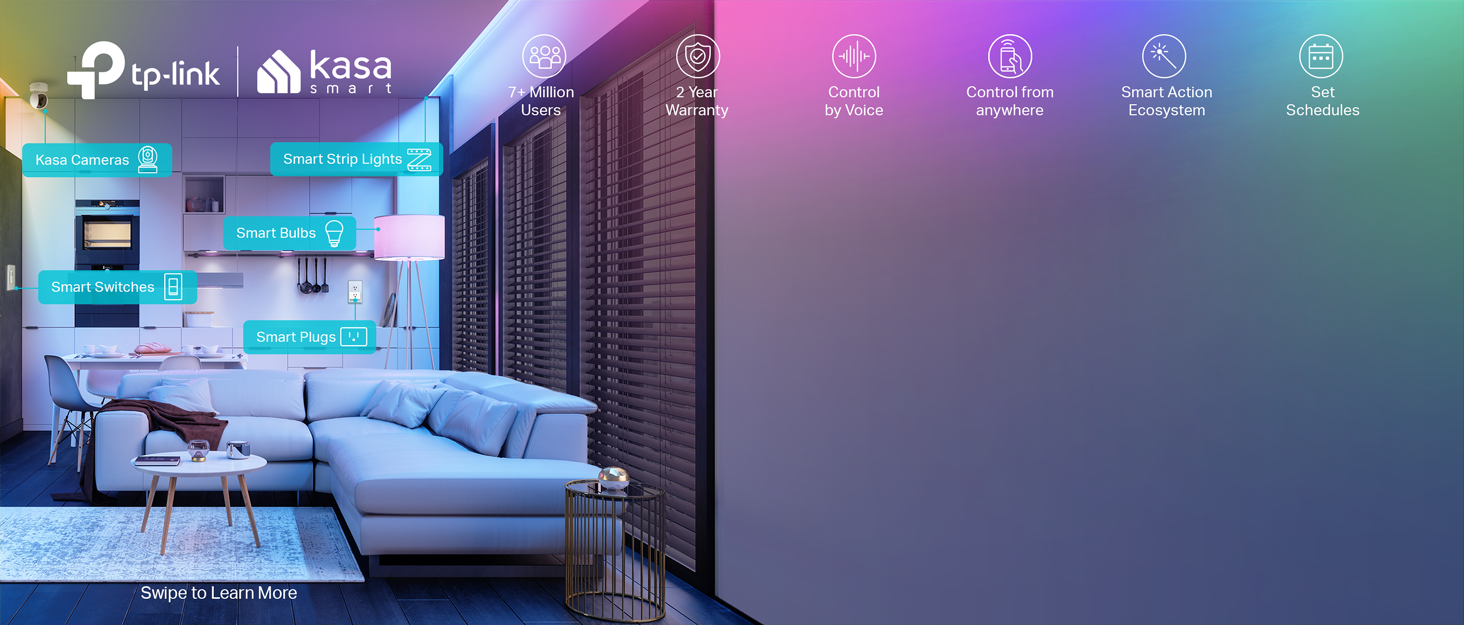
  • CONTROL FROM ANYWHERE - Turn electronics on or off from anywhere with your smartphone using the Kasa app (Compatible w/ Android & iOS)
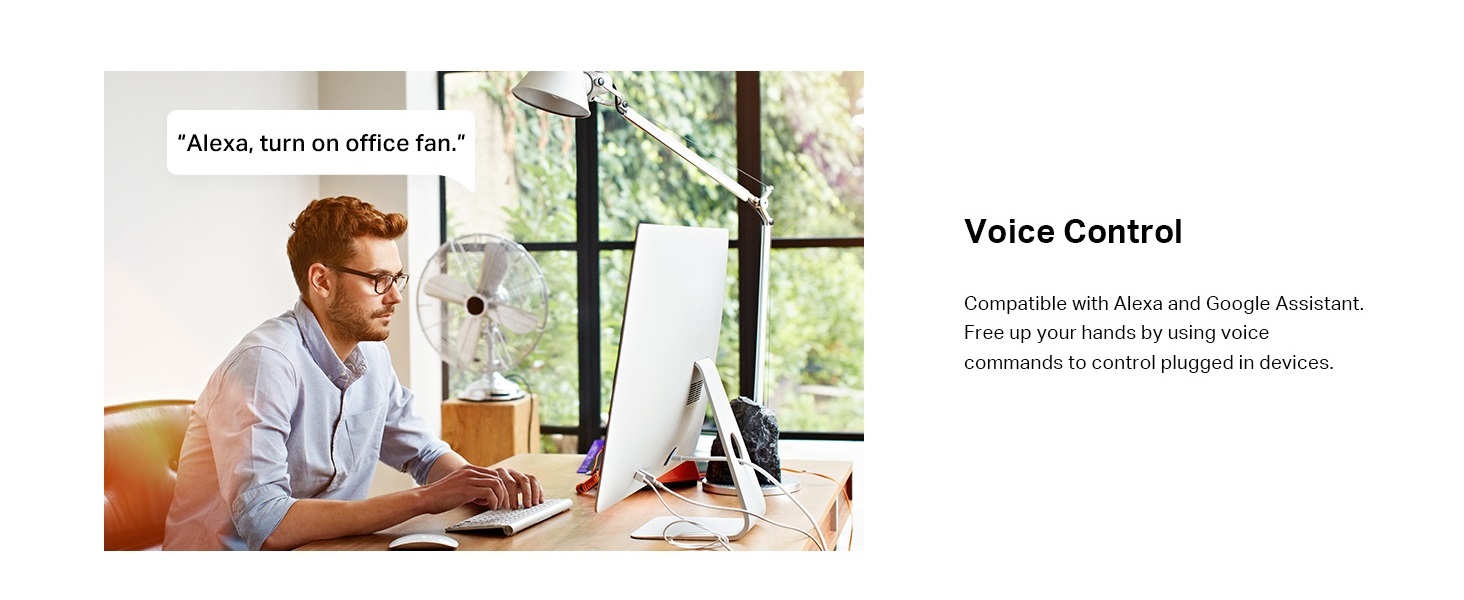
  • VOICE CONTROL - Works with Amazon Alexa, Google Assistant and Microsoft Cortana supported devices for a hands-free experience
  • COMPACT DESIGN - Won't block the other wall outlet allowing two Smart Plugs to be installed side-by-side
  • KASA SCENES & SCHEDULES - Schedule the Smart Plug to automatically switch on and off when away or set a Scene for controlling many devices with a single button
  • NOTE: Requires a secured 2.4 GHz Wi-Fi network connection
$8.48

Currently unavailable


Currently unavailable

Secure Checkout
Free Returns
30-Day Guarantee
Secure checkoutAll transactions are SSL-encrypted. Your payment info is never stored.
Free returnsReturn or replace within 30 days
Fast deliveryOrders ship within 1 business day and arrive in 4–8 days.
Buyer protectionIf your order arrives damaged or doesn't show up, we'll make it right.
24/7 supportOur team is here to help. Reach us anytime by email or chat.
Ships fromOur Warehouse
Returns
Easy Returns30-day return window
PaymentsSecure transaction

Technical specifications

manufacturerTP-Link
part_numberHS105
item_weight3.52 ounces
product_dimensions1.5 x 1.6 x 2.6 inches
item_model_numberHS105
is_discontinued_by_manufacturerNo
size1-Pack
colorwhite
style1-Pack
materialPlastic
voltage120 Volts
item_package_quantity1
mounting_typePlug-In Mount
switch_styleTemperature Switch
certificationUl (Underwriters Laboratories) Certified
included_componentsSmart Wi-Fi Plug Mini HS105, Quick Start Guide
batteries_includedNo
batteries_requiredNo
warranty_description2 Years
best_sellers_rank#337,347 in Tools & Home Improvement ( See Top 100 in Tools & Home Improvement ) #490 in Electrical Outlet Switches
date_first_availableAugust 9, 2016

From the brand

Product detailProduct detailProduct detailProduct detailProduct detailProduct detailProduct detailProduct detail
Product detailProduct detailProduct detailProduct detail

Product videos

Product video 1

Customer reviews

4.513,502 ratings

Customers say

Customers find the smart plug works great with Alexa and is easy to set up with Echo devices. Customers disagree on whether the device powers devices on and off reliably.

★★★★★

Instructional Review: Tiny and magnificent. You'll LOVE IT!!!

Jorge JuarezApril 1, 2017

After researching automated light switches and outlets to control my lights, I picked TP-Link because they do not require a separate hub to work. Out of the box, install or plug-in, load the Kasa app and create an account, discover using the Kasa app (connect the device to your WiFi at home) and you're ready to go. I absolutely LOVE the light switches and the outlet plugs. The online TP-LINK installation videos are awesome; short and concise with clear instructions. These Smart devices work perfectly every time using the Kasa app, Alexa and now the Google Assistant. When the power went out once, the devices automatically reconnected and worked flawlessly. BEST PURCHASE EVER!!! I bought the Amazon Echo Dot - 4 times - and controlled my lights from anywhere in the house simply by speaking to Alexa. Then, as of 3/25/17, Google Assistant got in the action. So now I can also tell my phone "Ok Goggle, turn on the Basement" and the two Smart Plugs (one mini and one original-sized) turn on together since I made a "basement" group to include them both. If you're buying these Smart Plugs or Smart Switches for the first time, the below info will be helpful to know to avoid asking yourself "why is it not working for me the way people say they do?" 1. You need to install the Kasa app and create a user account to operate your devices using your phone/tablet. The Smart devices must be able to connect via the WiFi in your house to be operated remotely (by you not manually touching the device). Although you can still operate the devices manually, you bought these to operate them remotely. The Kasa app let's you name each Smart device (IMPORTANT: NAME EACH DEVICE AND GROUP AS YOU WANT TO CALL IT OUT USING ALEXA OR GOOGLE ASSISTANT) and create "Scenes" to group multiple Smart devices to turn on/off at the same time. Tapping on the device name in the Kasa app opens the options to set schedules, timers and more. 2. Got an Amazon Echo? Install the Alexa app on your phone/tablet, add the Kasa Skill, link the Kasa Skill to your Kasa account (from point #1 above), discover devices, then create Groups - similar to the Scenes in Kasa - and select which devices to include in the group for Alexa to know what you meant to turn on/off at the same time. If you DON'T create groups in the Alexa Skill: A) Simply ask Alexa to turn on/off the individual Smart device name, and... B) Alexa will NOT know which multiple Smart devices to turn on/off at the same time - even though you created a Scene (group) in the Kasa app, key phrase here... "in the Kasa app". After you create a group name and include Smart devices in the Alexa Skill, you'll feel like one of The Jetsons, a Star Trek crew member or a millionaire, with the power to command lights on and off using you voice: "Alexa, turn on the Living Room". 3. Got an Android smartphone/tablet with Android version 6.0 or higher? Google began sending upgrades to those devices to install the Android Assistant - the same Artificial Intelligence (AI) used with the Google Home device (the device that competes with Amazon Echo). Here's the deal, similar to the Alexa Skill, you NEED to enable and setup the Android Assistant using the similar steps I described in topic #2 above: Link it to your Kasa account, create Group names and add Smart devices to the group, etc. To set up your Android Assistant to operate your TP-LINK Smart devices, start by saying "Ok Google, turn on my LIGHTS" - the AI is smart and will prompt you with a bubble for you to setup Google Home interfaces. It's da bomb! Hopefully this will help you enjoy your TP-LINK Smart devices as much as I do. If you're thinking "I'm still not sure if I should get these or another brand..." GET THESE!!! You will not regret it. They work great! Also, when I had questions, their customer support was very responsive. The love is definitely there. My goal is to get my entire house upgraded to use only TP-LINK light switches. In time, as the budget allows, it will happen. Read more

Review image 1
★★★★★

Great device, latest firmware fixes frequent wifi disconnect

Scott WMay 9, 2017

*** UPDATE 12/2017 *** The iOS app now finds and applies firmware updates for all devices. Updating review to 5-stars! *** UPDATE 5-24-2017 *** Firmware 1.2.1 appears to have solved the problem of dropping wifi connection. Prior to 1.2.1, the longest my HS105's would stay connected to wifi was 8 hours before they dropped/reconnected. With 1.2.1, my HS105's have now been continually connected for over 96 hours. I am leaving my 3-star rating for now, because... The KASA app doesn't detect/upgrade the new firmware. To update to 1.2.1, you need a Windows PC and should search the web for "tp-link faq-949". That will give you a page where you can download a firmware update utility. The utility is very crude, and always says "update failed!" even though it successfully updates the HS105. If tp-link gets the KASA app fixed so that it can update HS105 to 1.2.1, or starts shipping with 1.2.1 installed, I will bring this rating up to 5 stars. *** ORIGINAL REVIEW *** I had a hard time deciding how to rate this... Functionally, it has worked perfectly -- I am using it with both the iOS app and Alexa, and it has never failed to operate as it should, turning on/off as commanded. So from a purely functional standpoint, in my particular environment, it rates 5 stars. But there is "something wrong" with the device firmware; it randomly drops and reconnects from wifi. At least with my particular router, this doesn't present a problem, and in fact the only way I know it is disconnecting/reconnecting is by looking at the router statistics. The connection may last for an hour, two hours, even eight hours -- then it disconnects. With my router, it reconnects and continues just fine -- but from a lot of the bad reviews here, I suspect the reconnect doesn't work with all routers. Signal strength is excellent, so it isn't a signal problem. In fact, I have a tp-link HS200 (wall switch), and it stays connected indefinitely. This is in the same location, with the same signal strength. The HS200 stays connected forever, but the HS105's (I have three of them) all disconnect/reconnect randomly after 0-8 hours of operation. I have updated the HS105 to the latest firmware, 1.1.3, but this makes no difference. So from a functional standpoint, with my router (Asus AC88U), I'd give this 4-5 stars. Easy to set up, works well with the TP-Link iOS app and with Alexa. But there is something wrong.... And depending on your router, the frequent disconnect/reconnect may be invisible to you (as it is to me), or it may require manual intervention. Hopefully this is something TP-Link will fix with a future firmware release. Read more

Recently Viewed