


A Fine Keyboard Option
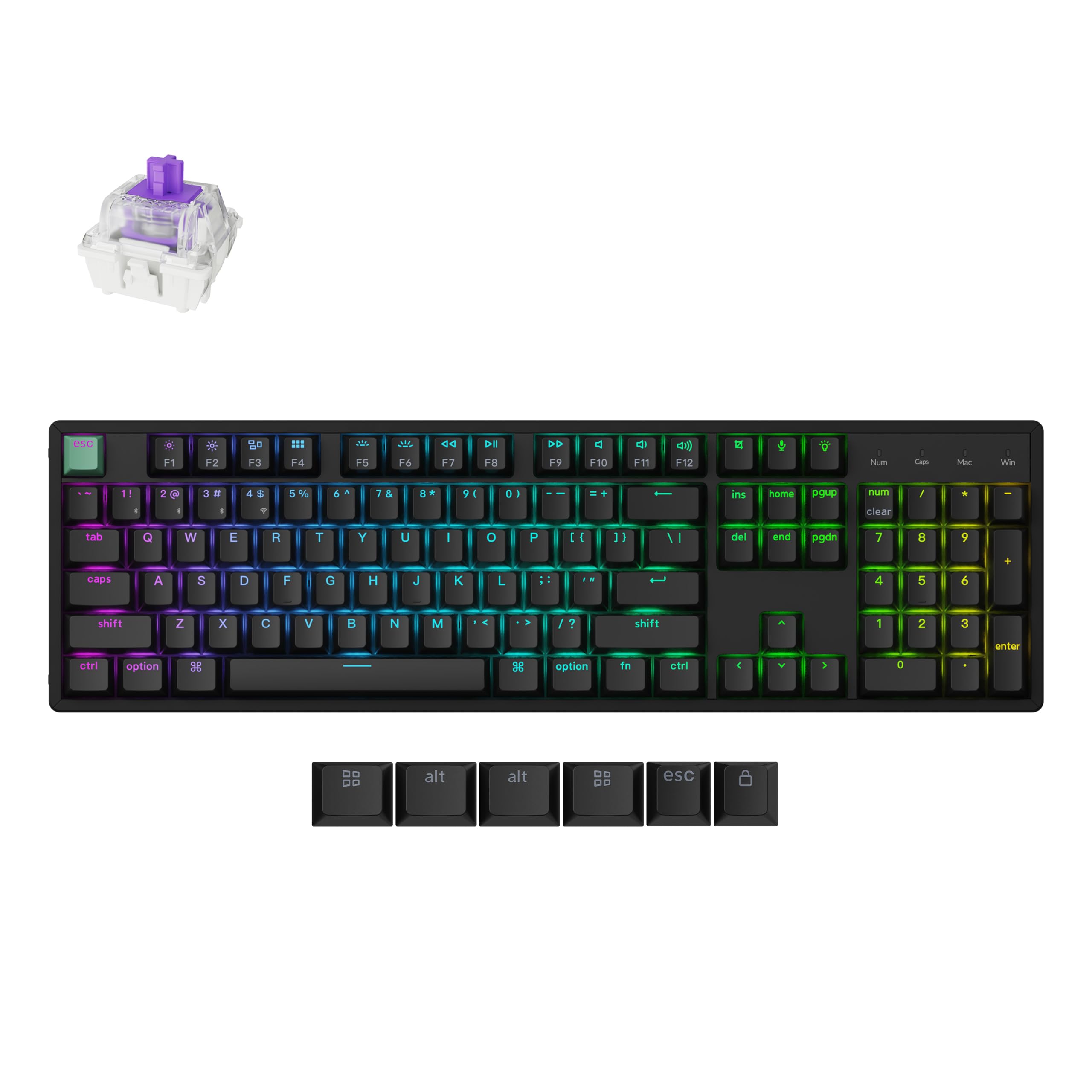
Very very happy. Wanted a wireless keyboard that felt like a quality build without destroying my entire bank account and this thing delivered. Build: very happy, the wood doesn’t feel like it’ll break off and the casing itself has a nice solid feel. Typing and using it, everything feels secure and stable. I take this thing to and from work every day, it’s my daily use and gaming keyboard at this point. Switches: I’ve never used these magnetic switches before but wow I may have found a new favorite. I’d always favored more textile keys but wanted something that was smoother and quieter for work and gaming when my gf was around. This keyboard crushed it on sound, but I didn’t expect the feel of typing to just be so damn smooth. I let a few others around the office test it and it was agreed that it was noticeably more pleasurable to type on this board, to the point where you may find yourself happily slapping away for the fun of it. Caps: It comes with some standard basic caps that are quite comfortable to use if nothing else. It definitely has a bit of an old school keyboard feel with the default keys. I ended up replacing them with some cherry mx lotr caps from drop.com and they fit wonderfully without sacrificing any of the silky smoothness I now associate with this board. Utility: I work on a windows pc at my desk and have a MacBook that I take with me everywhere. Generally the windows is my day to day work my laptop has my management material on it. This keyboard is a dream for anyone looking to use both seamlessly. The left side of the board has a wonderful switch that changes from Mac input to pc (I put half Mac keys half pc on my bottom row originally) as well as another that lets you go from wireless 2.4ghz to wired to Bluetooth. Not only that, you can use function 1,2, or 3 to switch between Bluetooth devices. My biggest concern was delay in use when quickly switching mid conversation. Thankfully, by the time you reset your hand from switching it’s ready to type, no weird delay or fiddling. You could seamlessly switch through an entire control center with this thing. Also, the dongle they give you for the wireless connection is beautiful, it’s usb c to wireless connector that makes it very convenient (and cool surprised this isn’t more common). Extras: The keyboard has three set buttons. The one is for lighting and effects allowing you to quickly switch through, one is a snipping tool button (very useful at my work), and the last is I believe a Cortana or ai button? Honestly that one doesn’t work so well. That being said…. The ability to customize the keyboard’s specific presses is honestly almost overwhelming for someone unused to it. You can set it to cancel one button when you hit another (intended I think for gaming hitting d and s to go back and forth, or similar), as well as a host of other things. It’s all fairly easy to customize and set up through their digital app. Biggest negative: The app they have is entirely web based and central which is pretty neat to not have to download software. That being said I did notice my keyboard not behaving perfectly (some weird connection issues) after editing some things through it. I haven’t experimented too too much since then so it may have been me. A fellow enthusiast who is inexperienced in these things may also have issues. Read more


