


Best keyboard I've ever used. Best balance of quality and price. Best for Linux users.
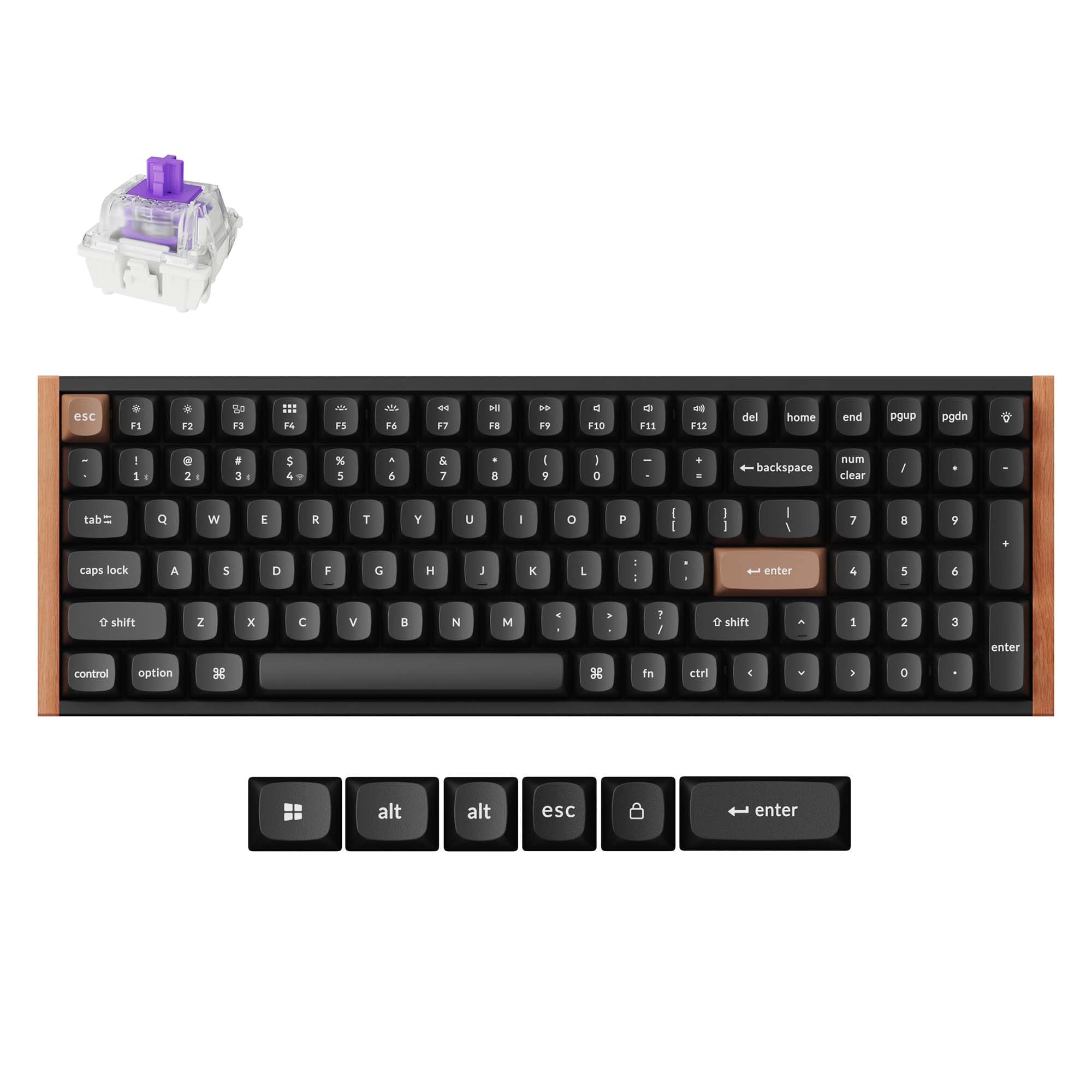
This is my first mechanical keyboard purchase. Previous to this I was using a Logitech G213 keyboard and G403 (v1) mouse combo I bought from Costco years ago. Well, this is one of those things where you don't know what you're missing until you try it. I can't fully express with words how much better this K4 HE keyboard is for typing compared to the mushy membrane type keyboards, but I'll try. I am typing faster and cleaner with fewer typos because I'm not trying to smash a key until it stops and bottoms out. You immediately see and feel the quality difference. This keyboard is heavy and solid. There is no need to buy the all metal Q series in my opinion. The K series is a mix of metal and plastic. Really, this is already a weapon if needed with its weight and solid feel. You get all the new HE abilities and new tech with this for a great price. I saw the new K2 HE at Sam's Club, and thought it looked great, but I don't personally like the wood and brown ENTER and ESC keys (I know I can replace). Also, I really need a ten key. This ruled out the 80%, 75%, 65%, and 60% keyboards. The K4 HE is perfect because it is vastly more compact, and I still have all the function keys with a tenkey for programming and entering numeric data. I specifically love the professional, minimal look of this keyboard over other "spaceship" looking gaming keyboards. Other top mechanical keyboards I was looking at were either too colorful, anime themed, or cheesy looking. I searched over many brands. This seemed to be the best balance of quality and price. Brands like Wooting and Drunk Dear also had keyboards I liked visually, but they are more expensive and usually out of stock since they produce them in batches. They also seemed to focus on the 60% keyboards, which are basically for gaming. I would hate to use those as a daily driver. I love that I can connect three different ways to my computer or device. Use the dongle to get 2.4GHz. Connect via Bluetooth if I want. Finally, I can use the USB cable for a direct connection. However, I would use the 2.4 GHz so you aren't keeping the battery fully charged. It's meant to be used and will last longer if you actually use it. Remember, lithium batteries are happiest between 20-80% charge. Battery life is easy to check. You just do fn + B, and it will give you the level on the number keys. For instance, it will light from 1 to 8 indicating you have somewhere between 80-89% charge. A Quick Heads-Up for Fellow Linux Users. I use Linux Mint, and I didn't want a keyboard that required Logitech G Hub, Razor Synapse, or some other Windows only software. If you are on Linux, you want a QMK keyboard so you can use the open source Via and Vial software if needed in the future. Obviously, you can and should just use the Keychron web app that Keychron provides. Supposedly, it's just a Via fork to use until these newer HE keyboards get integrated into Via and Vial. Also if you're on Linux, be aware of a one-time, 2-minute setup you'll need to do. To use the official Keychron web app (for updating firmware or remapping keys), you must first create a udev rule. By default, Linux is very secure and blocks web pages from directly accessing your hardware. The keyboard isn't broken; your operating system is just doing its job. You need to create a simple text file (a udev rule) that acts as a "permission slip," telling Linux to trust this keyboard and allow the web app to connect to it. It's a simple copy-and-paste job into your terminal. Just do a quick web search for "Keychron Linux udev rule," and you'll find a guide. Once you do this, the customization and firmware updates work perfectly. Read more


