

Good price and usefulness
Grabbed it for my son. He uses it as a mini monitor beside his big one so he can monitor his discord and other streaming stuff while Playing on the big monitor. He loves it. Read more

JSHIX
$155.75
Have a question about this product?


Product video 1
Rated 4.2/5 across 8 reviews — well received overall.
Customer summary is not available yet.
Grabbed it for my son. He uses it as a mini monitor beside his big one so he can monitor his discord and other streaming stuff while Playing on the big monitor. He loves it. Read more
The media could not be loaded. Really cheap monitor, but that doesn't make it a bad choice, the high refresh rate and the maximum resolution of 1920x1080 make it a safe bet Read more

Works as described, incredible value for the price Read more
The monitor was wonderful for just the first 3 days... it got a screen burn in immediately the 3rd day and screen started to flicker even though cables, power source and input source was changed. Read more
This is a great screen that you can add to your workflow. ITs portable and comes with its own screen protector. I have seen these LCD screens for a while and seen the need to use them for adding an extra screen to my workflow. I do the presentation for a church and while working on them Its been difficult to see the out put of my work till Got this screen . The software I use takes over one screen and My second monitor I use had to stay open so I could do my work. So this one jumped in and helps me see what is getting put out on the sanctuary screens. BIG help.. When you first boot it up it comes on at 30% brightness. For me that is too low luckily this does have access to the menu and that is via a dial switch on the left of the screen . It is kinda sharp but it is usable. Once you click it you will be greeted on the right hand side of the screen you will get a brightness control if you do then hold up on the dial switch and get it to the needed brightness. Of the menu will come up and you will have to select brightness from the menus. I have used this with an iPad Pro 2018 and I can only get screen mirroring but the newer models with the M1 and M2 are supposed to have second screen capability and this would be perfect for that. I really want to get a new iPad for that reason :) Be nice to edit on 2 screens with an iPad. What was neat though is I was able to put USB-C power into the monitor and then a Thundebolt 3 cable from the monitor to the iPad and get the mirrored screen. Really neat. You might need to adjust the color for your needs if your using Photoshop or other programs and the menu has access for that. I like that the screen protector when stowed away it works like a kick stand. Very convenient. I added a very large tablet holder and light stand to get this in my work flow and they are not sold with this screen. This will go great with the MacBook Pro Im getting in the very near future.. I have not gotten the Speakers to work yet as my computer is too old (2015) to push the audio out. Its a nice portable screen Pros: Portable USB-C or device powered Buit in Screen cover/Kickstand Easy to navigate menus Cons: Screen starts at 30% brightness and has to be reset each time its stared Read more

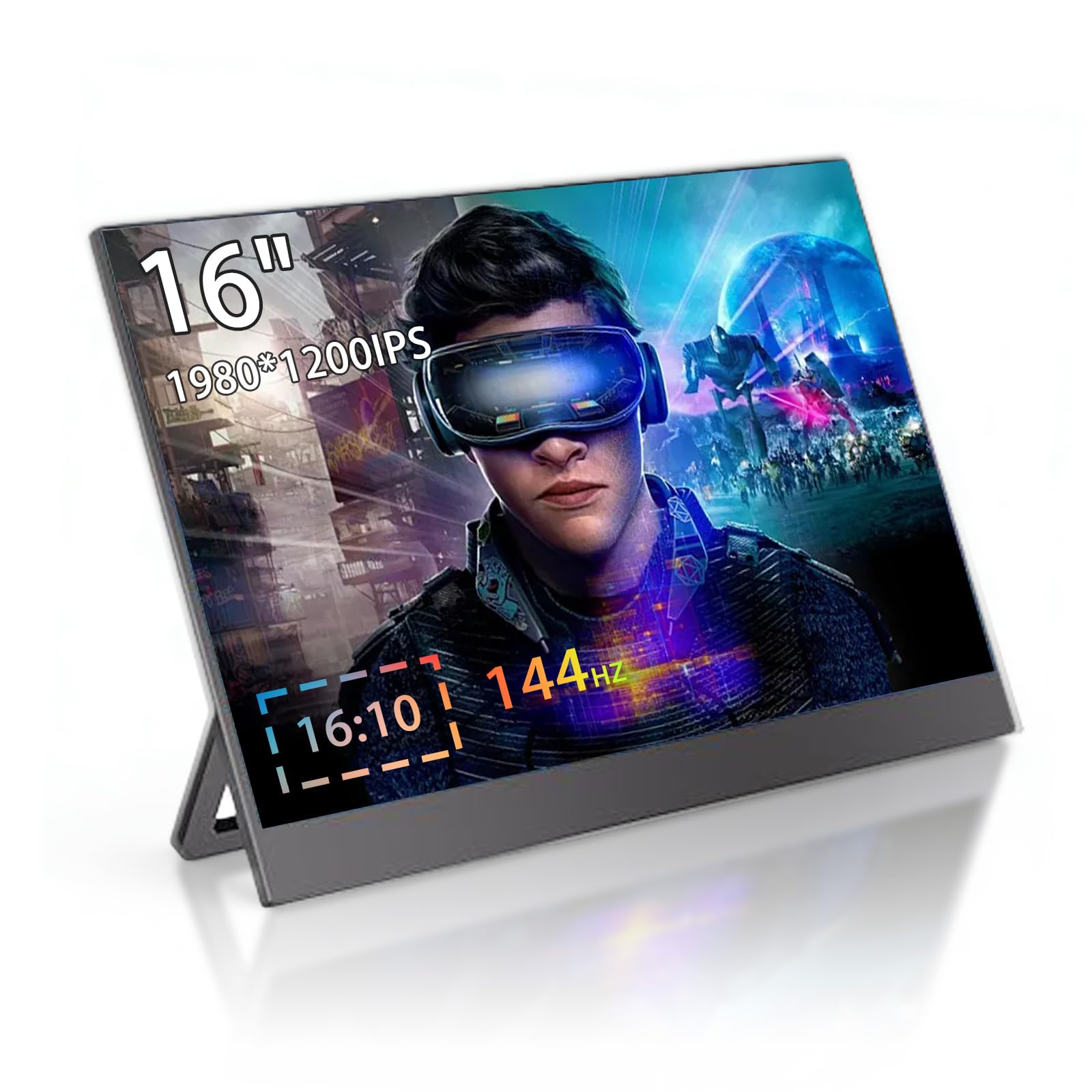
Pro’s: ~Very Thin and light ~Simple connections ~All cable connects included ~Free Sync & HDR compatible ~Plug and Play Con’s: ~Menu button very hard and painful to push ~Magnetic stand is not very strong and can slide off pretty easily The JSHIX portable monitor is a thin 1080P monitor with a plastic style magnetized cover that flips 360 degrees around the monitor to create a stand. It includes features such as Free Sync and HDR if your source computer is compatible with those feathers. The monitor has all the regular customizations that a traditional monitor would have. It powers on with a USB-A to USB-C cable and an AC power block that were both included. Also included is a USB-C to USB-C cable used to connect to a computer and a mini HDMI to a traditional HDMI if connecting the monitor to a media device. The monitor is plug and play, which means no extra software is required. Simply plug your computer or media device into the associated cable, plug in the power, and the monitor will work. The picture quality of the monitor is quite good for the portability. The screen measures 15.6 inches across diagonally. It has a quarter inch bezel on the sides and top and an inch bezel on the bottom. The entire monitor including the cover/stand weighs 2 lbs, 4 oz. There are also two stereo speakers on the back which are functional but nothing special. The menu controls are on the left-hand side, which include an up-and-down toggle switch, and a back button. Also on the left-hand side there is a 3.5mm headphone jack. On the right hand side of the monitor is the mini HDMI port, USB-C port for your computer, and the USB-C port for the power. I found navigating the menu screens to be quite difficult and painful using the menu toggle switch. In order to access the menu and enter any of the sub menus you have to push in on the menu switch. There is a little point on the menu switch that is quite sharp and gouges my finger. I also find that the magnet strength that holds the outside cover/stand is a little weak, so when flipping the stand over, sometimes the magnet cover/stand slides off. Overall I am very happy with the JSHIX portable monitor. For the price of $300 at the time of writing this review, the monitor is quite pricy. But for the purpose of portability, you will not find many other options for a lower price. If you are looking for an additional monitor for a home desk set up, you can get way more product for the money elsewhere. But if you are looking for a screen that you can take with you on the go, the JSHIX monitor is a great option. Read more


Bought when on deal. And screen is great. As it comes with all you need to run it. Only downside is touchscreen only works with type c not the mini hdmi Read more
Pros: - Easy to set up with little fuss - High refresh rate at a low cost - Very compact, the cover/stand is easily removable to make it even thinner and lighter Cons: - Display flickers disconcertingly on startup for several seconds. Not every time, but the majority of time. This does not happen with any other monitors and does not bode especially well for QC or longevity, but may just be an issue on my particular model. *Edit: after another week of use, the flickering has mostly resolved itself.* - Colors are not great, they're a little on the muted end even compared against other low cost monitors. It still looks and works alright, but below average. - I could not get it to run at 144 hz, as claimed. The maximum I could reach was 120. The difference between 120 and 144 isn't all that substantial in practice, but doesn't line up with the claims. Read more

ZZA 24 Inch FHD 1080P 200Hz 144Hz Curved Gaming Monitor 1ms MPRT VA Panel 2800R Curvature AMD FreeSync

Portable Monitor for Laptop 16 1 Inch Full HD 1080P Dual Computer Monitor USB C HDMI with Speakers

AI Smart Glasses 8MP Camera Support ChatGPT 1080P Video Recording Sunglasses For Real-Time Translation 1200P Stabilization Bluetooth 5

AI Smart Glasses with 8MP 4K Camera Glasses 2026 1200P Video Recording Glasses for Women Men 139 Languages

15 6 144Hz 1ms Portable Gaming Monitor 1080P FHD Kickstand Portable Monitor with HDR Matte LCD Display External

Laptop Screen Extender 14 FHD 1080P IPS Dual Screen Attachment Screen Extended Extra Screen Portable Monitor for Laptops

Laptop Screen Extender 14 FHD 1080P IPS Laptop Monitor Extender with USB C HDMI Port Plug and Play

Mac mini M4 Dock Aluminum Mac mini Stand and HDMI Hub for Mac mini M4 and M4 Pro
We use optional analytics and advertising cookies to understand how visitors use Ventari, measure ads, and improve the experience. You can accept all optional cookies, allow analytics only, or decline them. See our Cookie Policy.