Seagate

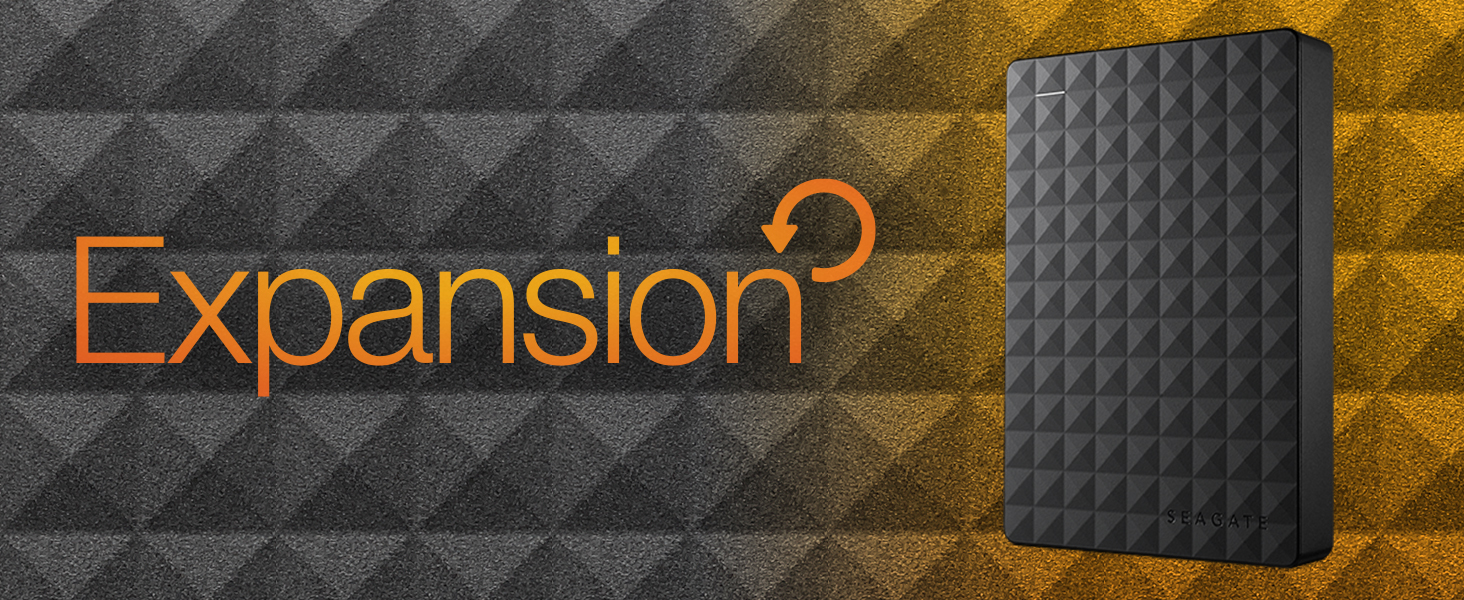
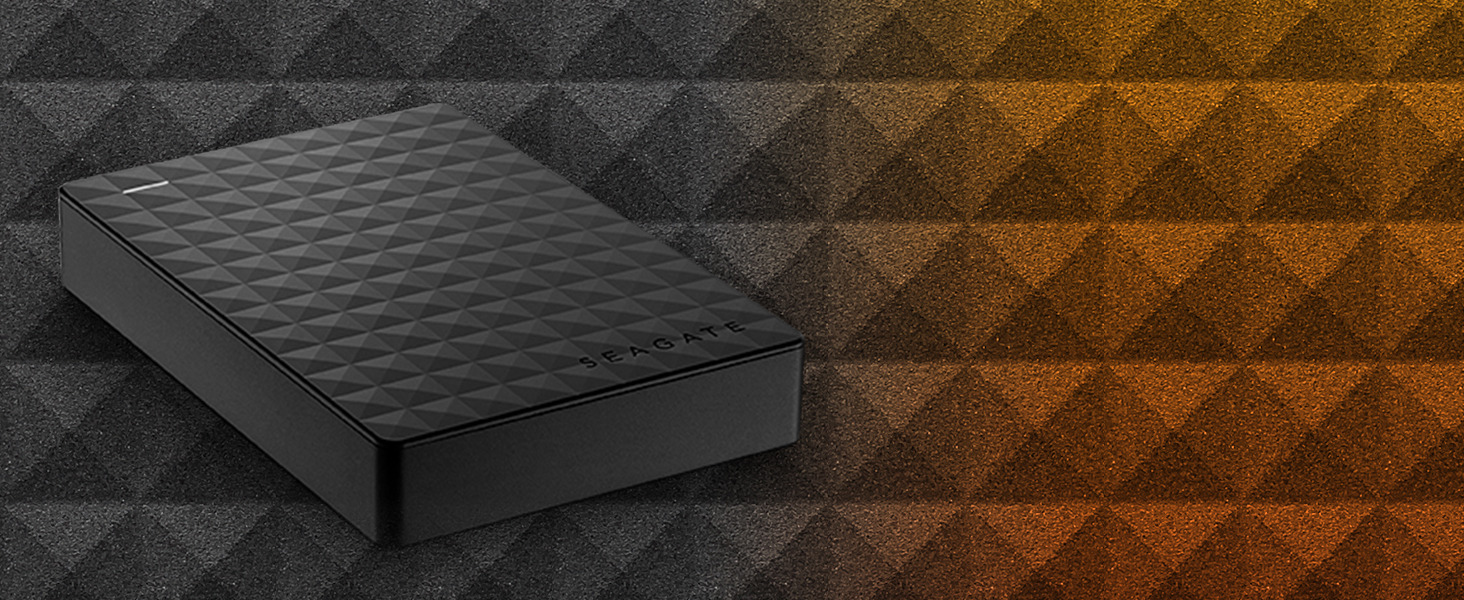
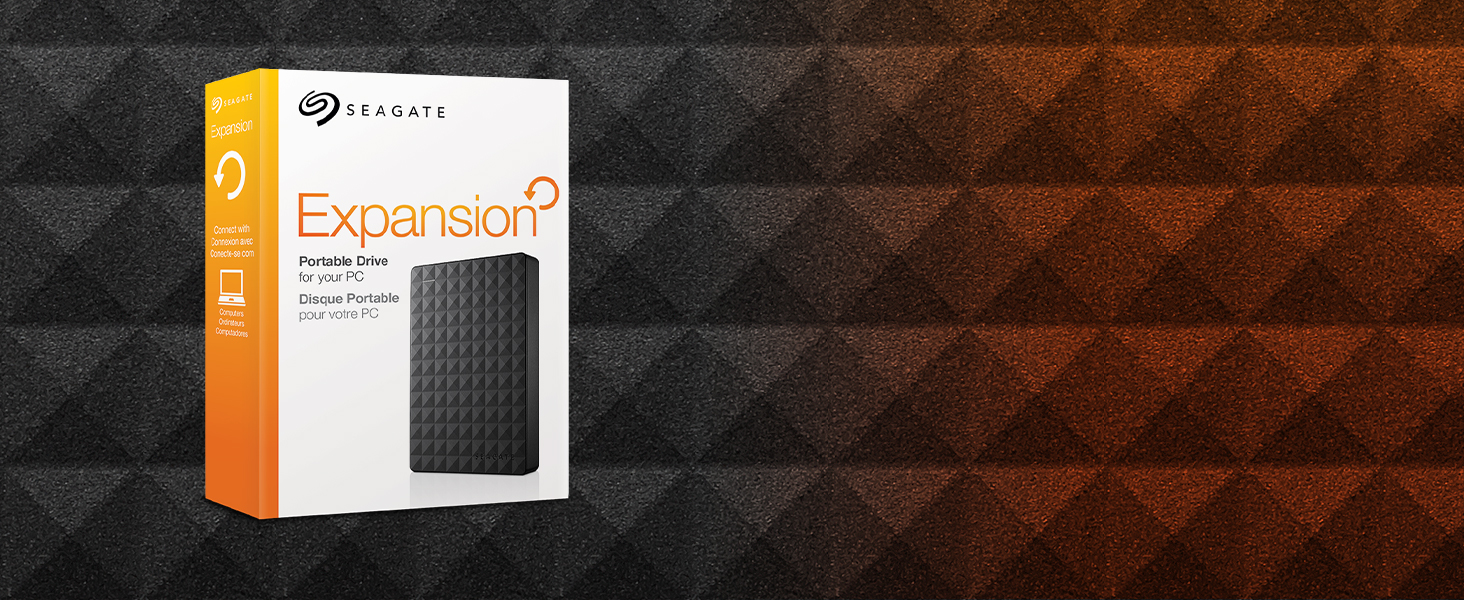
Seagate Expansion Portable 4TB External Hard Drive Desktop HDD USB 3 0 for PC Laptop STEA4000400

131+ bought in the past month

$169.99

About this item

  • Easily store and access 4TB of content on the go with Seagate Expansion Portable hard drive
  • This external hard drive for Windows computers makes backup a snap—just drag-and-drop!
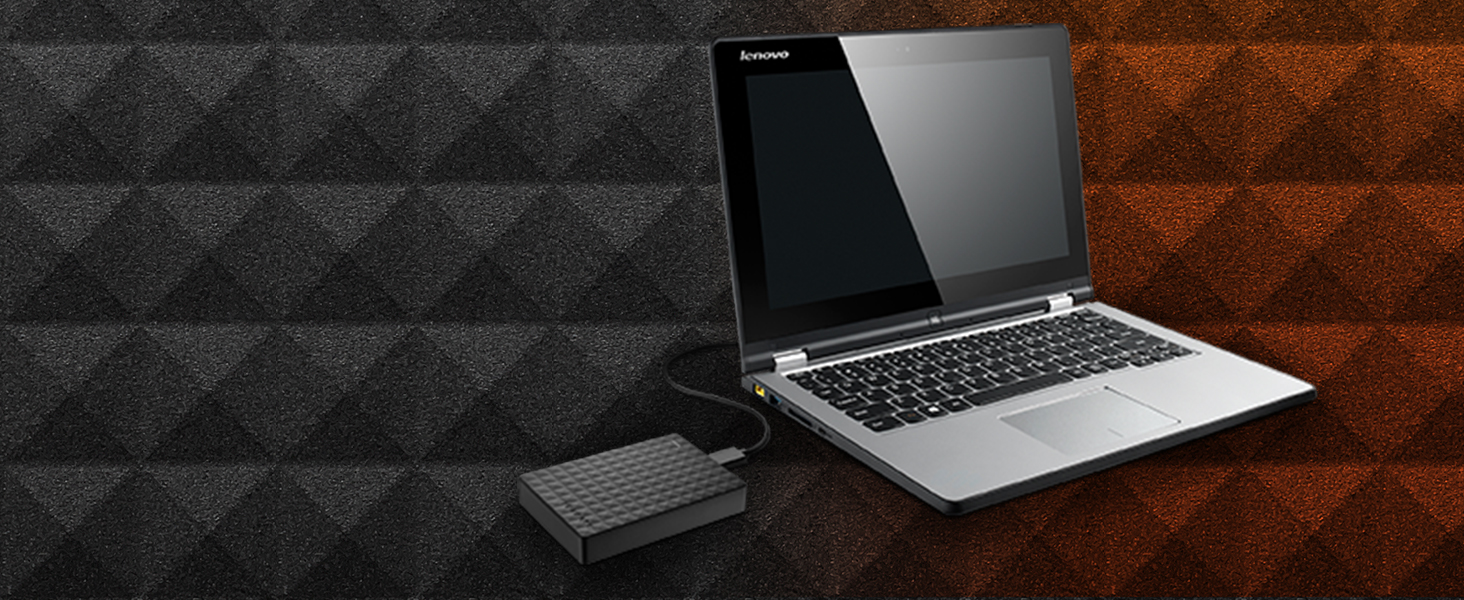
  • To get set up, connect the portable hard drive to your Windows computer for automatic recognition—no software required
  • This USB drive provides plug-and-play simplicity with the included 18-inch USB 3.0 cable
  • Enjoy long-term peace of mind with the included one-year limited warranty
  • The available storage capacity may vary.
$169.99

In Stock

DeliveryEstimated 3–5 business days · Final delivery speed and cost are confirmed at checkout
Easy Returns · 30-day window
This order is a gift

In Stock

Secure Checkout
Free Returns
30-Day Guarantee
Secure checkoutAll transactions are SSL-encrypted. Your payment info is never stored.
Free returnsReturn or replace within 30 days
Fast deliveryOrders ship within 1 business day and arrive in 4–8 days.
Buyer protectionIf your order arrives damaged or doesn't show up, we'll make it right.
24/7 supportOur team is here to help. Reach us anytime by email or chat.
Ships fromOur Warehouse
Sold byMemory-Warehouse
Returns
Easy Returns30-day return window
PaymentsSecure transaction
Currently unavailable
Easy Returns · 30-day window

Product details

Digital Storage Capacity4 TB
Hard Disk InterfaceUSB 3.0
Connectivity TechnologyUSB
BrandSeagate
Special FeatureAlcohol-Free
Hard Disk Form Factor2.5 Inches
Hard Disk DescriptionMechanical Hard Disk
Compatible DevicesPC
Installation TypePlug In
ColorBlack

Technical specifications

ram4 TB
hard_drive4 TB Mechanical Hard Disk
number_of_usb_30_ports1
best_sellers_rank#180 in External Hard Drives

From the brand

Product detailProduct detailProduct detailProduct detail
Product detailProduct detail

Product videos

Product video 1

Customer reviews

4.6129,570 ratings

Customers say

Customers find the external hard drive works perfectly with PS4 and is easy to use, taking just 10 seconds to set up. Customers consider it good value for money and praise its storage capacity, particularly for Xbox One storage.

★★★★★

Yes even you can upgrade your PS4 HDD, no experience necessary!!

RineenerdadJune 23, 2016

I had read on a couple of forums that this HDD is one of the most economical ways to upgrade space on the PS4. I purchased 2 of them, one to use in the PS4 and one for the backup and to load movies on for the car trips so this will be a review as well as a little step by step for those of you looking to use this unit for the same thing. DISCLAIMER: I have never opened a computer on purpose and am not trained in any way on how to do what I did, but it was super easy following the steps laid out by Sony. In order to use this drive for the PS4 backup I used my laptop to format the drive to FAT32. The default format is ntsf and will not work for the PS4 backup. Plus there is some install files that are not needed for this use. I then used this drive to back up the nearly 500GB of apps and player data following Sony's guide for this which is here: [...] It took about 3 hours using this drive because of the write speed. A solid state drive would have been faster and probably twice as expensive. Then I formatted the other drive keeping the ntsf format but ridding the drive of the unnecessary files. Removing the drive from the case is fairly simple using the smallest screw driver I had in my set from about a half inch away from a corner sliding it along the seam towards the corner until one of the clips pop. The lid then comes off easily under fingernail power. NOTE: this will void the warranty so make sure you have formatted and tested the drive prior to breaking the case seal. Be careful not to crack the case, we are going to use it later. The drive is held in the case by 4 rubber screw covers that keep it snug. Turn it over and with a gentle tap it falls loose. Take the covers off the screws and remove the screws. There is a foil cover protecting the usb adapter which you should remove carefully and set aside with the screws and rubber covers (I'll explain why in a bit). The adapter comes of easily with a little wiggle. Installing the drive is super easy thanks to Sony having the foresight to know 500GB just wouldn't be enough memory. Follow these simple directions to install the drive: [...] Make sure to download the reboot update file to a thumb drive prior to restarting your PS4. You will also need your PS4 controller cable to use the controller until the initialization is completed. DO NOT SIGN INTO PLAYSTATION NETWORK UNTIL YOU RESTORE YOUR PS4 FROM THE BACKUP DRIVE. It takes as much time to restore as it did to backup so be ready to do something else for a bit depending on how much data you have... oh wait, I have an idea, lets use the old PS4 drive to make another 500GB external drive! Put the drive back together using the removed USB adapter, screws, rubber covers, and aluminum sticker shield. DO NOT START THE FORMAT PROCESS UNTIL YOUR PS4 IS INITIALIZED, RESTORED, SIGNED INTO PSN AND YOU HAVE CHECKED FOR ALL OF YOUR DATA, APPS AND GAMES. YOU MAY REGRET NOT LISTENING TO THIS ADVICE IF THE DRIVE IS CORRUPTED. Unfortunately you are not able to initialize the PS4 drive the same way you can the other HDD. You have to manually delete each partition and format from Computer Management. I found the step by step on this here :[...] The hardest part was finding where to go to find the drive because the author of this post missed a step on how to get there. What I did was went to CONTROL PANEL> SYSTEM AND SECURITY> ADMINISTRATIVE TOOLS> COMPUTER MANAGEMENT and found the drive the same way you would on file explorer. The rest of the instructions are fairly straight forward. Now having used the PS4 for about a week I can tell you that it works great, has plenty of storage room, and is quiet during operation. I did a lot of research on solid state drives prior to picking this drive instead because for me the speed gained was not worth the extra money watching the side by side reviews like this one : [...] I feel like I made the best choice for my budget, experience, and needs. I have since also installed the second drive into the other PS4 we have and used the 500GB drive I made from the first PS4 upgrade for the backup. Read more

★★★★★

Quality No Frills Storage Expansion Drive, Fast USB 3.0 Connection

VitaliyJanuary 23, 2018

The 2TB Seagate Expansion Portable USB 3.0 hard drive is excellent expansion storage choice in an attractive package. This basic drive has a lot in common with other USB 3.0 compact drives including a similar price. This is the current model of the older and well received Seagate Expansion STBX2000401 still available on Amazon. I have used a number of Seagate and Western Digital external USB 3.0 hard drives. Over time the newer drives tends to operate a bit faster than my older ones. That is my sense with this Seagate 2TB USB 3.0 drive when used with USB 3.0. This drive has been used in a Windows environment and it plays very nice. Some older Seagate drives did NOT play nice on Linux systems unless the drive's sleep mode was disabled with the Seagate tools. If you plan to use the drive on Linux you may need to change the settings using Seagate tools on a Windows computer before use on Linux or sleep mode might cause loss of access until it is re-plugged. In my casual testing (copying a 9GB folder of updates, iso files, and many mixed large and small files) performance is on a par with other recent Seagate and WD drives I have for my own business and for clients. At this point I think the USB 3.0 external drive market is pretty much a commodity space. The drive fits easily in a pocket and as typical it uses a single cable for power and data making connections simple. The drive is compatible with USB 2.0, albeit at slower USB 2.0 speeds. The form factor for the drive is similar to the WD MyPassport Ultra and thicker than the WD My Passport Slim which are both more expensive. We are not talking about any big difference in size. The drive comes packaged with the drive itself, a shortish USB 3.0 cable, a quick start guide, and 1 year warranty. No fancy premium software is included. Just the basics. The Seagate Expansion 2TB is an economical commodity storage expansion. It clearly hits the target for the commodity USB storage market. Because it works quite well for a good price I'm giving this drive 5 stars. UPDATE Nov 6, 2017: In the just about 2 and a half years since getting this drive it still to works fine. First in it's role as a backup drive. Next as a carry along scratch drive in my kit for visiting clients. It has worked dependably as I was expecting for whenever purpose I've needed it. No problems. Since this drive was released as a top performer at the price in March 2015 this model has done. Now there are newer drives I would pick today. I see very few 2017 model drives from Seagate (or their subsidiary LaCie). I've had very good luck with recent WD My Passport drives though they seem to have uglyfied their cases... I think that while dated this Seagate Expansion drive has served me well and continues to do so. I still feel it deserves 5 stars.. Hope this helps someone. Read more

★★★★★

9 years of constant use. Quality product.

BrandonOctober 2, 2025

I purchased this drive in December of 2016 and we are now into October of 2025. I've put this tough little guy through it's paces that's for sure. I just recently started having issues with my drive not connecting to my Xbox. So after a good 9 years of abuse I'd say I got my money's worth. Just xbox games they can be redownloaded but my save files are important so Im buying a new one. Thanks for all these years of reliable data storage and transfers. Read more

Review image 1
Recently Viewed