Jon Bascos—June 8, 2016
I love this thing! I use it on my Mid-2012 MacBook Pro and it works like a charm! I mainly use it to store my photos as a backup, but I also store raw footage from my Vlogs. I like that it is USB 3! I'm able to transfer files from my computer to the hard drive really quickly. It isn't an SSD drive, but it's still pretty darn fast. It is built tough and has taken a beating but keeps on ticking! I've had this hard drive for over a year and it works just as good as it did the first day I got it. You will not be disappointed in this hard drive. The only complaint I have is with the cable connector. It will come out of the drive rather easily. It isn't a problem for me as I always keep it flat on the table so it won't move, but it's not that secure of a connection at the hard drive. Now since I'm on a MacBook at the drive come out of the box formatted in NTSF (readable by Microsoft computers), you will have to go to your disk manager and format the hard drive to what your Mac would be able to read. I have 2 partitions on my hard drive (Mac OS and FAT 32). My MacBook would ask if I wanted to use the hard drive as a Time Capsule but I haven't done so yet. Overall, I am really satisfied with the hard drive. It's small which makes it convenient to travel with. You will enjoy it as much as I have. Read more
CGR—October 9, 2017
PERFECT! I was looking for a MAC time machine backup drive and noticed the external drives labeled as MAC were $10 - $15 more. I then read the Q&A on this drive and someone gave the most perfect instructions: "right out of the box it's not Mac ready, but the solution is real easy. You go to Utilities and open up Disk Utility. With the drive plugged in, select it and go to the Erase tab and there should be a drop down menu with Format. Select Mac OS and click erase and after that's done, the drive should be formatted for Mac and you can save to your heart's content." I might only add where to find Disk Utility in case you didn't know ... in finder go to the applications folder and in that folder is utilities and in that folder is disk utility. I did just as the person in Q&A said and the second it was done reformatting a box came up asking if I wanted to use this drive as a time machine backup drive. I said yes, and within 107 seconds I was done. Color me impressed! We got the 1tb drive because we have a 1tb 21.5" iMac from Nov 2013. I hope this helps someone. I will update this review later as to longevity of the drive. UPDATE: May 6, 2018 7 months later and this little backup drive does what it should do. We have never needed to utilize the files it stores, but it is nice to know the files are there. I periodically check to make sure my Mac is recording on this drive and it functions perfectly as a time machine drive. Read more
doogjy—April 16, 2016
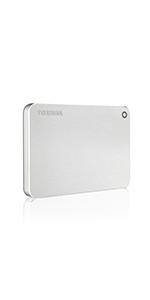
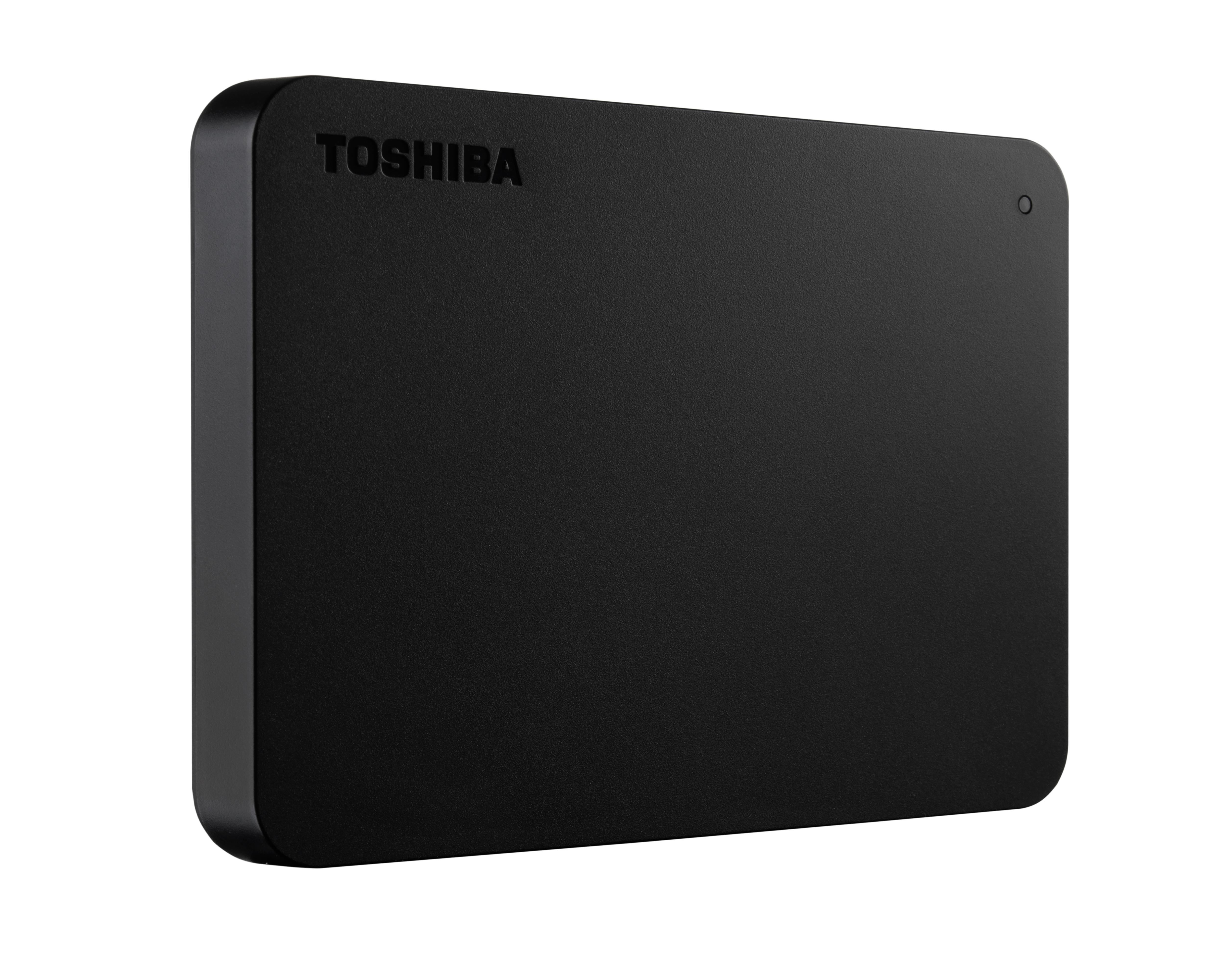
This is a great portable hard drive from a Toshiba, who in my experience have always produced some of the highest quality electronics. If I am in the market for any new devices, I will always check to see if there are options provided by Toshiba. The hard drive is about the size of a small slice of toast and about an equivalent thickness. The exterior is made of a hard plastic shell and there is one blue activity light above the USB plug that will be lit when running and blink when transferring data. The drive does not require any external power source and will start up as soon as it is plugged into a USB port. The provided cable runs at USB 3.0 speeds and is approximately 12 in long. The drive vibrates very gently, which is to be expected since this is still a physical HD - you would never notice it with the drive on your desk, I only happened to feel it while the drive was resting on my knee while I used it with my laptop. There are also four soft plastic feet on the bottom of the device to prevent slippage. As other reviewers have noted, the drive will shut itself off after a period of inactivity, which is great for the longevity of the device and I have not experienced any slowdown whatsoever when spinning it back up. The capacity out of the box for the HD is approximately 936 GB. The only point to note would be that this is drive is billed - correctly, in my opinion - as an external HD rather than a portable HD. Some other drives are designed to be taken around with the user and have additional design features that protect the drive from drops and jolts which are not provided in this product. You can still certainly take this device on the road, but use extra caution because I am unsure if this drive would survive and still function after a drop from hand level onto a hard surface. For the price and features, I am happy to keep it on my desk and be able to take it on the go in a pinch! Read more
ShaddoeJJESP—January 4, 2018
So far, it's good. Kind of slow at moving files, but decent at least. I ordered the 1TB version, and haven't had any problems. I've had it for about three days now. I will update my review over time. So far I transferred 260+GB to the drive, and have about 762GB remaining storage. I do recommend this drive, if you have memories you'd like to keep safe. Ive read other reviews saying it stops working after a while. But that depends on how careful you are with it. Make sure your computer or other device is turned completely off, then remove it. Its not a good idea to remove it if your device is on. That's what makes it corrupt. It doesn't allow you to eject or manual remove it. So make sure your device is off. Thanks for reading. (Update: April 3rd, 2018.) Nearly 3 months, and still works amazing. No crashes, no deletion of files. I definitely still recommend it. Keep it stored safely. Make sure all technology devices are powered down completely before removing it. Thanks for reading. Update: May 22nd, 2020 It has now been two complete years, I still have this TB drive, and it still performs perfectly. I still recommend this. Read more