







What you want if you can't get the Predator
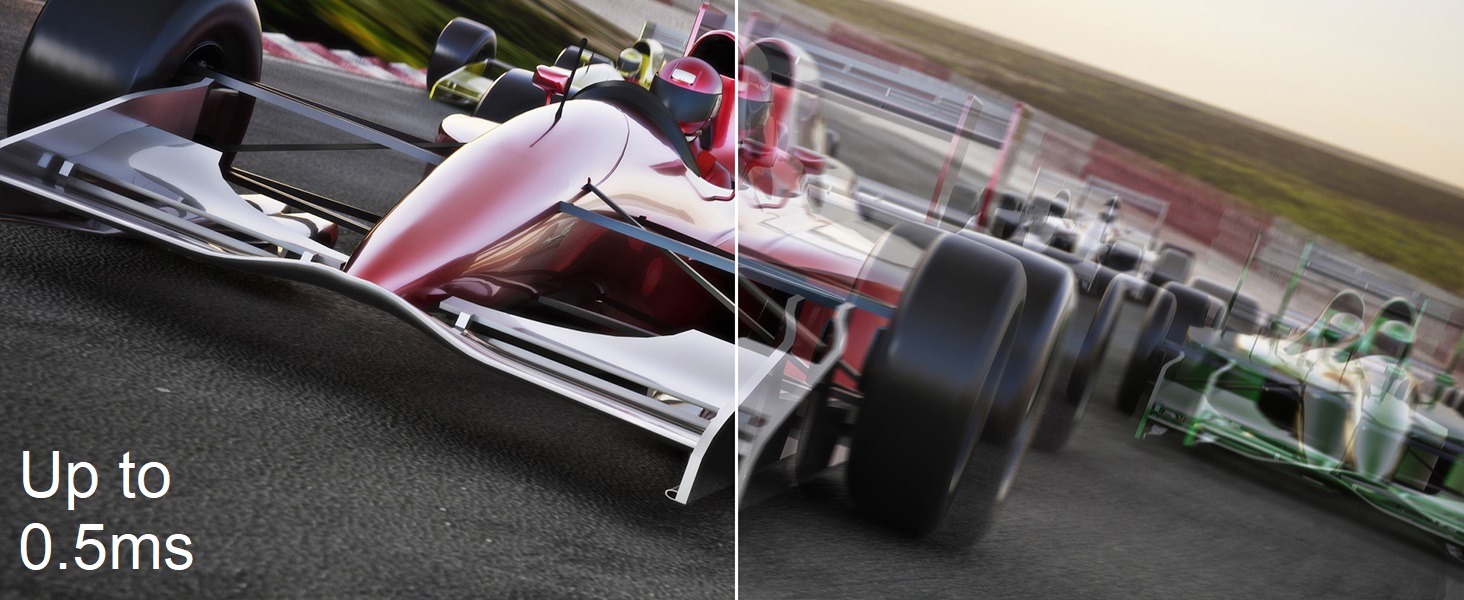
TL,DR; Fantastic Panel. Really "checks all the boxes" for 1440p 240hz AND IPS with good colors. OSD is lacking and not as polished, but it's no frills high-end spec monitor. Getting the monitor: The Predator XB273U GX is nearly impossible to actually find and get, so I decided to plunge into this Nitro variant, which from what I can tell is the same panel, just different branding/stand and without G-sync (which, for $750+, is slightly insulting? I don't even use it, I hate the delay, but still...) Compared to G9 I'm coming from the G9. Yeah, you may think "Oh, what a downgrade!". But, the G9 had issues... just look at /r/ultrawidemasterrace , it's insane. Mine was no different, it had that vertical artifact, and the black uniformity was... very underwhealming. That asside, that thing was amazing, but I will admit 32:9 is not for the faint of heart. Unless you're rocking linux or a third-party window management (less than ideal), Windows and games are just awful at supporting the ratio (unless you LOVE doom eternal, and play nothing but that all day). Also, even though I eventually got used to it, the curve will mess with your head. Especially with RTS and FPS games, at least for me. I digress, enough about the G9. Pros This panel is what I've been wanting. If you like the idea of the G7, but hate the idea of a curved monitor, this is what you want to get. It's even IPS! It's light weight (I guess anything is coming from the behemoth of the G9). No dead pixels or artifacts. No major uniformity (Not an OLED, but it's really solid) Came with color calibrated. Sure, pinch of salt if it's "actually" calibrated, but it looked legitimate to my caveman eyes. No noticable ghosting. Pixel response time is better than G9 from my bare eyes. I didn't do any slo-mo, but it looks better. Cons I learned what Image retention is. This definitely has it. It doesn't burn-in for a lasting amount of time, but when I was using it, I thought my windows were transparent for a little while there. I use this for work/coding, so if you leave up a screen with white or color'd text on it for a few hours, it may be there for a couple minutes after wards. No effect on gaming for me, though. OSD is pretty garbage. It gives you what you need, but it's pretty glitchy and buggy, like changing color modes will reset all other settings...etc. Not very intuitive, but whatever. Once you get it dialed in, you don't deal with it much. Contrast (at least with what I have set) isn't the best. I maybe need to toy with black levels and brightness, color profiles...etc, but from my initial toying around, I couldn't get it the way I wanted. I think this is on me, but still, it's not an OLED by any means. Things I didn't test HDR. HDR on windows is garbage, I just don't bother with it. Free-sync. I don't like the delay, I don't bother with it. I use frame rate caps or lower settings to get that 240hz. Expert Color calibration. I don't have the tools, I just know it's LIGHTYEARS better than my old TN monitors. Feels on-Par with the G9, which is a VA panel, but without the god-awful black uniformity of the G9. I hope this helps at least a little. I'm getting used to it, but I figure since there's not much info on these monitors yet, I'd drop my own impressions of it so far. Let me know if you have any other questions! Read more


