

Very nice so far, way better than an OEM controller to me (Outstanding Support, Review Updated)
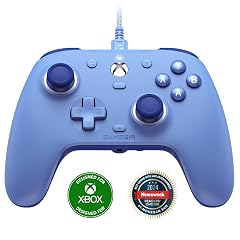
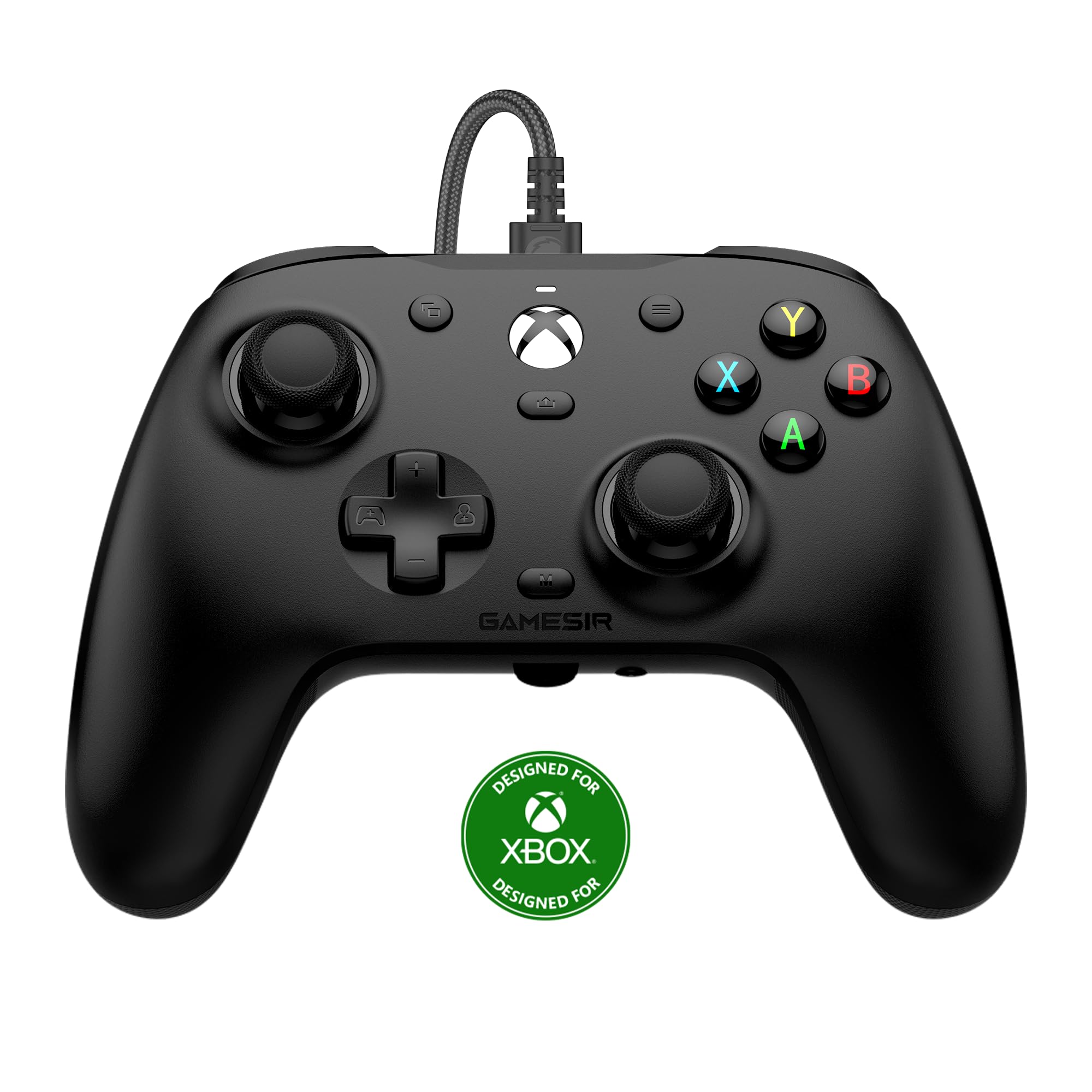
Update: August 19th, 2025: Back in June I started experiencing occasional double-click issues with the A button. At the time I didn't know if it was me or the game I was playing. It was a menu specific issue in just one game and I wasn't able to notice the issue in any other game. I worked around the issue in that game until well into July, but this controller went on sale so I ordered another one. I finally got around to testing the new controller on August 10th and the double-click issue could not be reproduced with the new controller so I contacted support. After sending them a video showing the issue they promptly responded asking where to send the replacement controller. I responded on the 12th and on the 13th they let me know they had requested the seller send me the replacement. That replacement controller was delivered on the 18th! Wow, this is probably the best support experience I've ever had! Due to this I'm upgrading my rating to 5 stars. Note: Any product you purchase might fail before it's time. The support you receive when that happens separates the good companies from the bad. This is a good company in my book! ---Original Review Below--- I have been using this controller on my Windows 11 PC to play Steam games for almost two weeks now and so far I'm satisfied. To me it works very well, has the extra paddles that are a lifesaver, and comes at a somewhat reasonable price. Pros: Hall Effect sticks - Basically the parts that are used to determine where the sticks are located use magnets instead of physical contact so they shouldn't wear out as quickly. The reason I ordered this controller is because I wore out my last controller's left stick in just two years. I hope this one lasts longer. Clickity Click Buttons - These buttons use actual switches instead of membranes to give you a tactile feedback similar to a mechanical keyboard. This gives them a solid feel instead of the mushy feeling of a membrane switch. Paddles that can be mapped - The back paddles are the real deal and make me very happy. So many games require you to press either Left Stick (LS) or Right Stick (RS) repeatedly for things like running or zooming in and it makes my hands hurt. The ability to add a mapping to one of these paddles as an alternate is huge! Quick Change Profiles - Should you need a profile for something special in game you can switch between profiles instantly. Are the paddle mappings getting activated when you don't want them to? Just switch to the default profile until you need them, then switch it back as needed. It's pretty seamless. Cons: Size/shape - For some reason the size and shape of this controller feels off. This causes me some issues when switching back and forth between this controller and the OEM. To me this controller feels a bit small and I don't even have large hands, but I did get used to it in time. Button Placement - The Menu and View buttons are too high up on the controller and cause fumbling when trying to locate them in game. On the OEM controller I can reach these buttons without moving my thumbs up from their natural position, but they are above the tips of my thumbs on this controller so I have to reposition to reach them. Once you get used to them and try playing with an OEM controller you have the issues in the other direction. For the next iteration they should consider only moving these buttons up about 1 or 2 millimeters from the OEM at most, but only if required. Otherwise, make it as close to the OEM as possible to avoid this issue. Cable Port - The Cable port is designed such that the USB cable end gets recessed into the front of the controller. While this limits the amount of connector protruding from the front of your controller and helps to prevent breakage, it also limits interchangeability of cables. The cable that came with my Xbox Series X plugged right in, but the one that came with my Xbox Wireless Controller + Wireless Adapter for Windows 10 did not. Don't break that cable, else finding a replacement might prove troubling. Overall, I feel like this is a very good controller so far and I haven't found any reliability or function issues yet. I also downloaded the App to my Xbox Series X and easily configured the controller before attaching it to my PC. I didn't want to install the App on my PC because I already have too many other things installed and it's getting bloated. Even so, the controller functions perfectly without the App installed and that is a huge plus! *Note: The included Game Pass code is only redeemable if you don't already have Game Pass. I do not appreciate this tactic and strongly feel like I am being cheated when I cannot redeem the code included with a product. I mean, I paid the same price for this controller as someone who didn't already have Game Pass. I am not holding GameSir accountable for this though. It's squarely on Microsoft for limiting this code's use. Read more