





I hope Logitech never stops making this
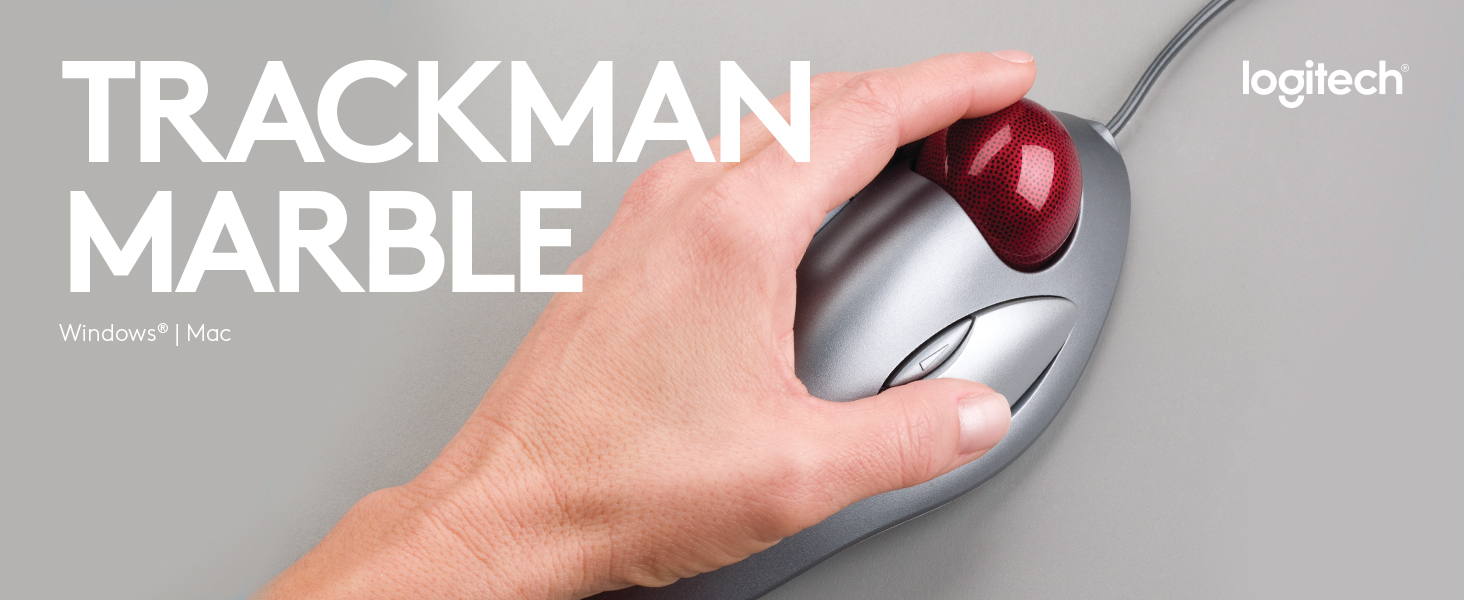
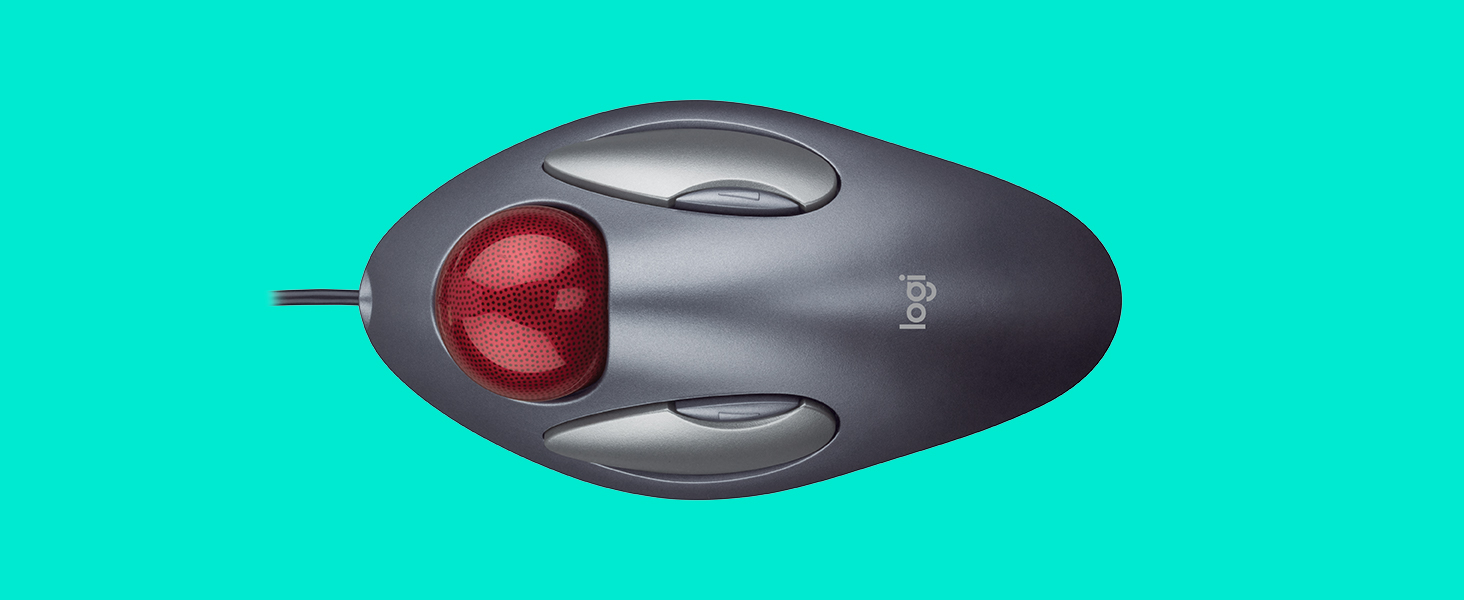
This mouse is a masterpiece. This mouse will be in a museum someday. I hope that Logitech never stops making this mouse. I have used many different types and brands of input devices: mice, trackballs, touch pads, gyroscopic air-mice, wacom tablets, etc... This is the most comfortable mouse for general use. I can use this mouse for 8 - 10 hours straight without any problems. The key to this mouse: You rest your hand on top without squeezing the sides of the mouse. The design of the mouse/trackball facilitates this. Your palm gently rests on top of the grey base which keeps the grey base from moving. With a typical mouse, I will grip or squeeze the sides of the mouse in order to move the mouse and also when clicking down on the mouse. I have found that this gripping/squeezing action is what causes me to get carpal tunnel syndrome. In order to prevent wrist pain, I have to be consciously aware of how I am using a mouse whenever I am using a normal mouse. The Logitech Trackman Marble Mouse does not require this conscious effort or awareness. Pros: Simple to use, plug and play if you don't use the 2 middle buttons You can flick the trackball to quickly and easily move your cursor anywhere on your screen. Much easier to use than a typical mouse or typical (thumb) trackball after you get used to it. It took a couple of weeks to get used to this. Use it for a couple of weeks to give it a fair chance. Requires less desk real estate than a mouse Inexpensive Cons: The left click button wears out after 6 to 12 months depending on usage. My computer is used daily. Infrequent users may have this mouse for years. The small white balls that the red trackball sits on top of eventually get stuck or break. The red ball will no longer move smoothly after this. Again, keep in mind that my computer is used every day. With heavy usage, the grey paint eventually wears off the buttons and base. But maybe this is more of a Pro, because the paint wearing off indicates that the mouse has lasted closer to a year than 6 months (Built-in mouse replacement indicator). Care: Remove the red trackball every so often and clean out the lint from the white roller balls. Remove any dirt, sweat, or oil from the red trackball at this time. Be delicate when putting the red trackball back or you may damage the white roller balls. Keep clean, the 3 rubber pads on the bottom of the mouse. Keeping the rubber pads clean will prevent the mouse from moving on your desk. This will in turn prevent you from constantly having to adjust the position of the mouse on your desk. Read more


