Sparkleiot

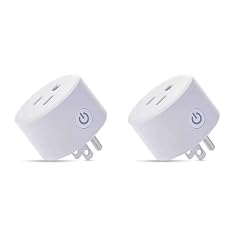
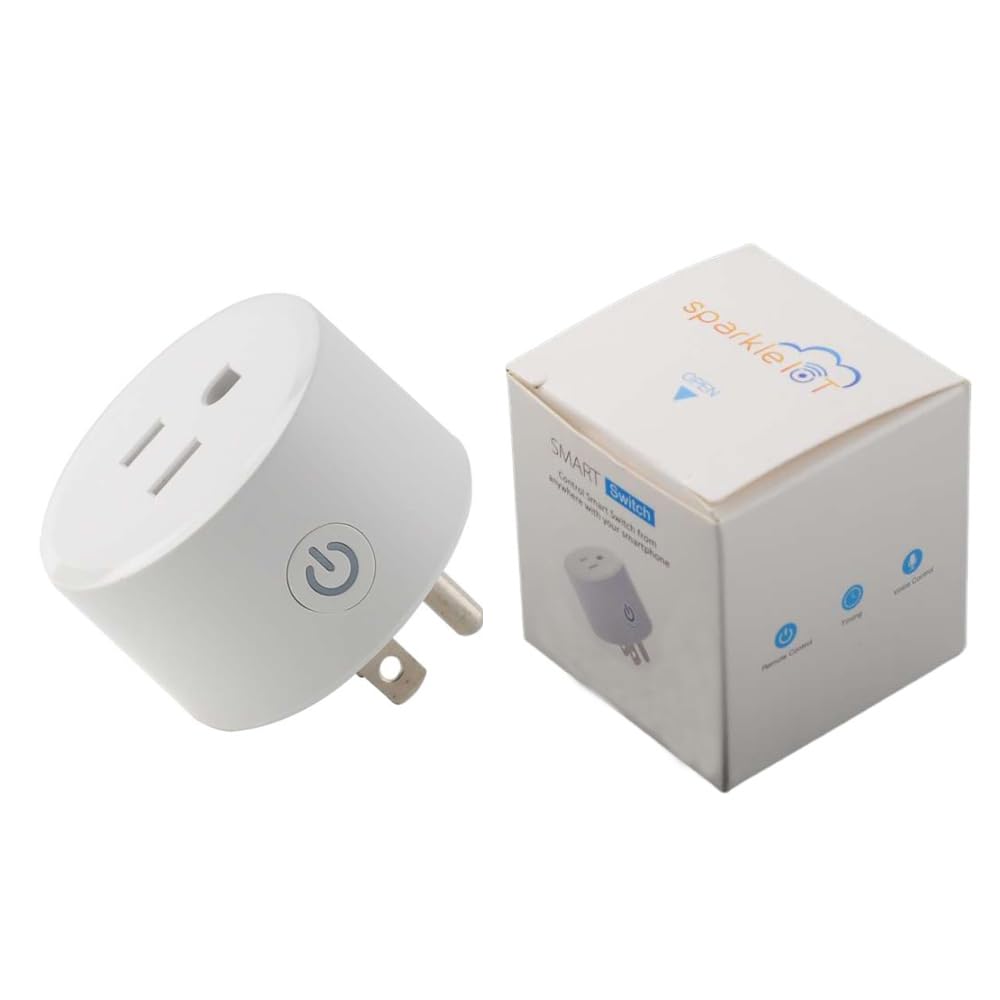
Smart Plug Compatible withHomeKit Electric Outlet Switch Socket Voice Control with Siri Alarm Timing Countdown 2 4G WiFi

4.7

$34.48

About this item

  • [Easy setup] Just open your homeapp and scan the QR to add device. Very simple to set up.
  • [Kindly reminder] Please connect 2.4G WiFi first, and open blue-tooth, and then long press the button over 5s until the indicator light blink fast. Then you can start to scan the QR.
  • [No hub needed] Only supporthomekit and voice control by siri, do not need hub and other app and smart speaker
  • [What will you get] You will receive 1pcs smart plug
  • [How to email us] Please click “Sparkleiot”(you can find "Sold by Sparkleiot" under Buy Now button), in the new page, click “Ask a question” to email us
  • Technical Specifications: Plug type: US plug Input: 110-250V, 50/60Hz, 10A Output: 110-250V, 50/60Hz Max power: 1100W Button: On/Off Button, press and hold for 5 seconds to initiate factory reset process(LED blink fast) Wi-Fi Required: 2.4GHz ONLY. WiFi 802.11 b/g/n 2.4G Compatible withHomekit APPHome Works withiPhone/iPad Voice control with Siri Product size:48*48*52mm Net weight:53g Operating Temperature: 0℃~40℃ (32℉~104℉) Case material: PC+ABS Package: 1pcs smart plug Automation: You can add HomePod、HomePod mini、Apple TV、or iPad as the center of your home. Control Homekit-enabled accessories remotely, grant access to the people you trust, and automate accessories to do what you want, when you want. FAQ Q:How to use it? A:Please connect youriPhone/iPad with 2.4G WiFi network, openiPhone/iPad blue-tooth Long press the button of smart plug over 5S until you see the indicator light blink fast Open HomeAPP, click icon "+" to Add or Scan [Easy setup] Just open your homeapp and scan the QR to add device. Very simple to set up.; [Kindly reminder] Please connect 2.4G WiFi first, and open blue-tooth, and then long press the button over 5s until the indicator light blink fast. Then you can
Specification

Product facts

Key details

Brand
Sparkleiot
Color
White
Manufacturer
Sparkleiot
best_sellers_rank
#953,284 in Tools & Home Improvement ( See Top 100 in Tools & Home Improvement ) #1,090 in Electrical Outlet Switches
date_first_available
October 23, 2021

Dimensions and fit

dimensions
2.28 x 2.17 x 2.13 inches
weight
3.52 ounces
package_dimensions
2.28 x 2.17 x 2.13 inches
item_weight
3.52 ounces

Technical specifications

item_model_number
SK0024
Overview

About this item

  • [Easy setup] Just open your homeapp and scan the QR to add device. Very simple to set up.
  • [Kindly reminder] Please connect 2.4G WiFi first, and open blue-tooth, and then long press the button over 5s until the indicator light blink fast. Then you can start to scan the QR.
  • [No hub needed] Only supporthomekit and voice control by siri, do not need hub and other app and smart speaker
  • [What will you get] You will receive 1pcs smart plug
  • [How to email us] Please click “Sparkleiot”(you can find "Sold by Sparkleiot" under Buy Now button), in the new page, click “Ask a question” to email us
  • Technical Specifications: Plug type: US plug Input: 110-250V, 50/60Hz, 10A Output: 110-250V, 50/60Hz Max power: 1100W Button: On/Off Button, press and hold for 5 seconds to initiate factory reset process(LED blink fast) Wi-Fi Required: 2.4GHz ONLY. WiFi 802.11 b/g/n 2.4G Compatible withHomekit APPHome Works withiPhone/iPad Voice control with Siri Product size:48*48*52mm Net weight:53g Operating Temperature: 0℃~40℃ (32℉~104℉) Case material: PC+ABS Package: 1pcs smart plug Automation: You can add HomePod、HomePod mini、Apple TV、or iPad as the center of your home. Control Homekit-enabled accessories remotely, grant access to the people you trust, and automate accessories to do what you want, when you want. FAQ Q:How to use it? A:Please connect youriPhone/iPad with 2.4G WiFi network, openiPhone/iPad blue-tooth Long press the button of smart plug over 5S until you see the indicator light blink fast Open HomeAPP, click icon "+" to Add or Scan [Easy setup] Just open your homeapp and scan the QR to add device. Very simple to set up.; [Kindly reminder] Please connect 2.4G WiFi first, and open blue-tooth, and then long press the button over 5s until the indicator light blink fast. Then you can
Details

Materials and care

Material
Acrylonitrile Butadiene Styrene (ABS)

Have a question about this product?

Product videos

Product video 1

Customer reviews

Customers say

Customer summary is not available yet.

★★★★★

Handy Accessory!

Works as advertised. Nice interface with iPhone. Read more
Your Crafty Critic
★★★★

Smart plug

This is a wifi smart plug. It looks like any smart plug that I've used. My intention was to plug the sump pump into it. The plug would be turned on and off according to the state of a wifi water detector that I have on the ground next to the pump. Unfortunately I can't use this plug because it doesn't work with the Smartlife app. It's an easy mistake to make because it looks identical to my other smartlife compatible plugs. This Plug uses Apple Homelife app. I suppose I could download the app but I think it's better to just get a smartlife plug. The plug itself seems to be of good quality. One downside is tht the max amp rating is 10 amps, not 15 amps like all the rest of my plugs. That means it can't be used with space heaters or high powered air conditioners. Price seems fine. Read more

John S.

We use optional analytics and advertising cookies to understand how visitors use Ventari, measure ads, and improve the experience. You can accept all optional cookies, allow analytics only, or decline them. See our Cookie Policy.